——————————目录大纲——————————
- 一、说明
- 二、部署
- 三、测试
- 1、QA人员所遵循的三周周期测试法
- 2、回归测试
- 3、上线回归
- 4、问题处理
- 5、其他说明
- 6、测试范例
- 6.1 常用测试页面
- 6.2 常用测试场景
- Flash Header & Footer is loading for all the countries
- Verify the landing page hero Banner
- Verify the Watch Video CTA
- Verify the Read Story CTA
- Verify the Filter component - Filter options
- Verify the Filter component - Search options
- Verify the Filter component - Story cards
- Verify the 'Back to all customer stories’ link
- Verify the filter functionality of how the previously filtered options remain as it is with the 'Back to all customer stories’
- Verify the "At A Glance" section
- Verify the Skeleton Loading for the images until the page loads in success landing page
- Verify the Skeleton Loading for the images until the page loads in success feature page
- Verify the Read Case Study CTA
- Verify the Read Summary CTA
- [Lenovo Success] - Lenovo resoureces case study - 404 redirect to Customer stories Landing page
- Verify the analytics call for "Watch Vedio" CTA
- Verify the analytics call for "Read Story" CTA
- Verify the multi filter functionality in success landing page & Verify the filtering and navigation via at-a-glance is working as expected
- 6.1 常用测试页面
- 1、QA人员所遵循的三周周期测试法
一、说明
本文进行说明AEM系统中测试的流程。
二、部署
1、现有环境
| 环境 | 地址 |
|---|---|
| DEV | https://author-p44761-e196277.adobeaemcloud.com/aem/start.html |
| QA | https://author-p44761-e196278.adobeaemcloud.com/aem/start.html |
| Stage | https://author-p44761-e210971.adobeaemcloud.com/aem/start.html |
| Prod | https://author-p44761-e210970.adobeaemcloud.com/aem/start.html |
2、流程概述
2.1 说明
2.1.1 拉取分支
根据自己的需求号,拉取对应分支,如需求: EAGLE-12165 - Getting issue details... STATUS ,则根据当前的最新sprint分支,如:feature/sprint-65,拉取出分支:feature/EAGLE-12165
2.1.2 合并分支
本地开发完毕后,需要merge to sprint分支(如sprint-66,则merge到这个sprint分支),merge的审核人Assignee为Alisa姐(itcode: chenhh7),然后Alisa姐会往dev进行merge对应sprint的分支后,Adobe Experience Cloud会自动根据Git修改对DEV环境进行部署;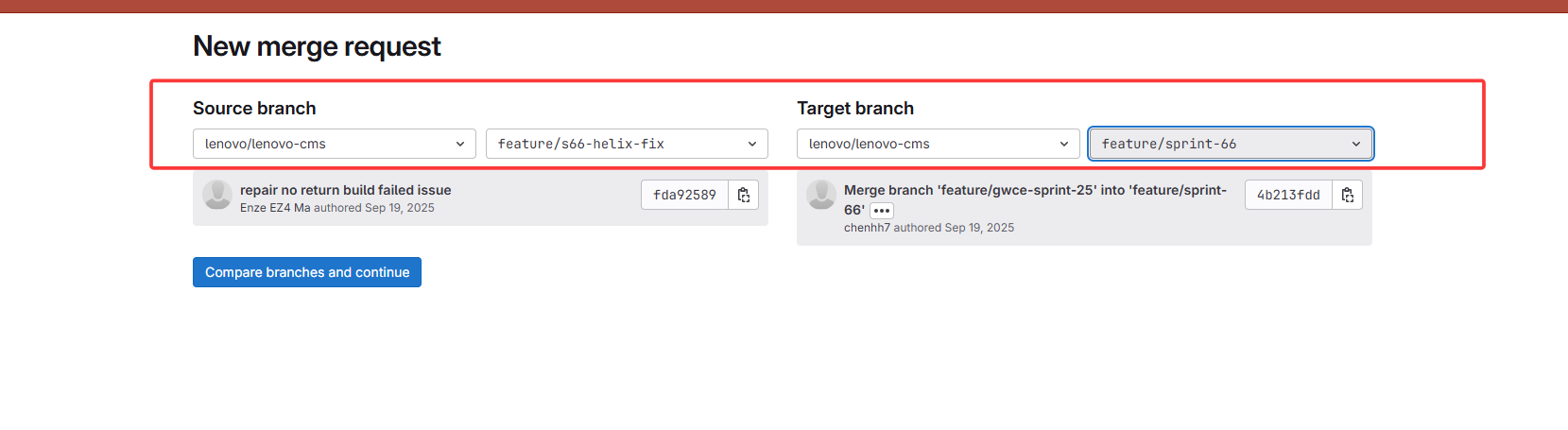
注:后续提测会严格遵循:
develop分支合并至qa进行提测,测试完毕后会将qa合并至master分支进行stage/生产部署。
2.1.3 审核合并
合并请求提交后,Assignee的人会进行合并确认。
2.1.4 部署分支
正常来说,当merge请求被审批通过后,需要手动将分支从lenovo gitlab推送到adobe仓库,推送完毕后会自动进行部署。
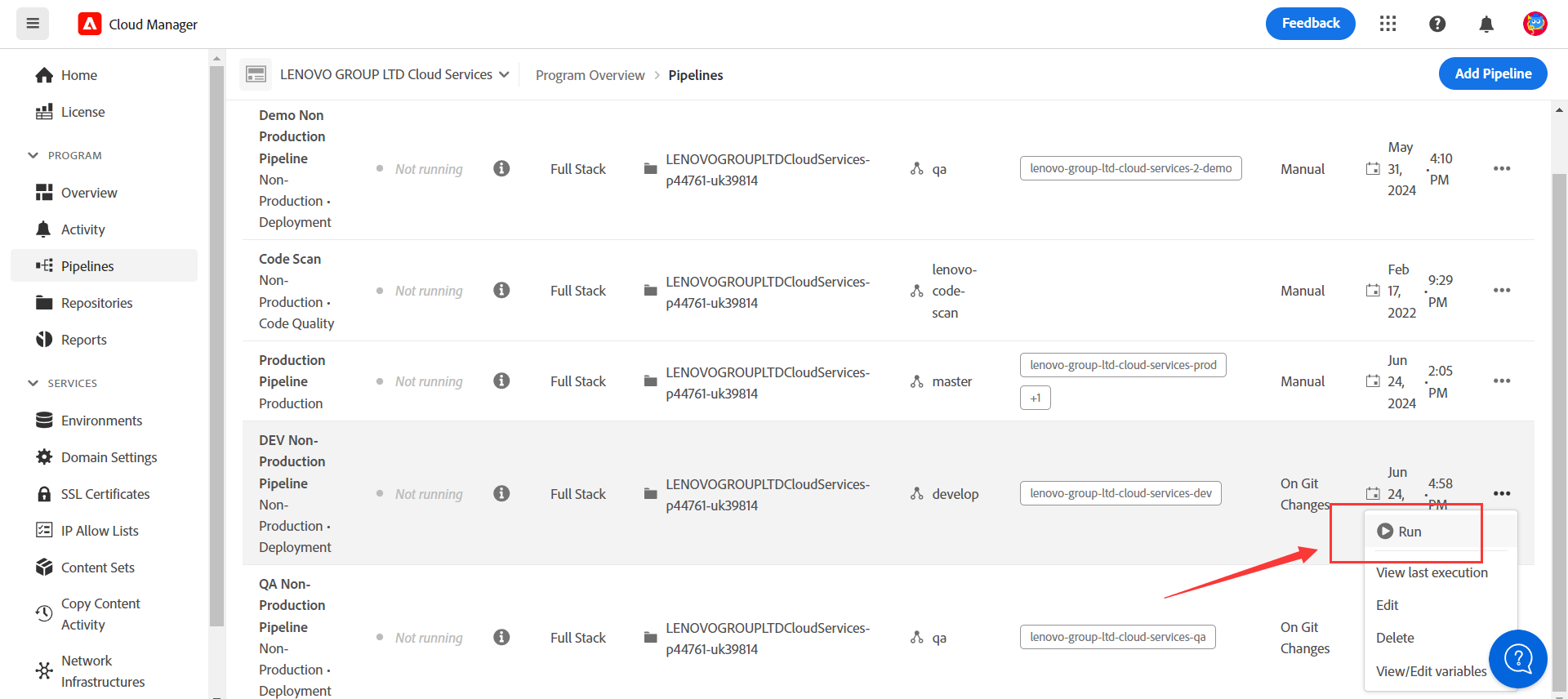
Cloud Manager - Pipelines里面,能够对各个环境进行部署,只要分支合并到了对应环境,那么就可以执行部署:
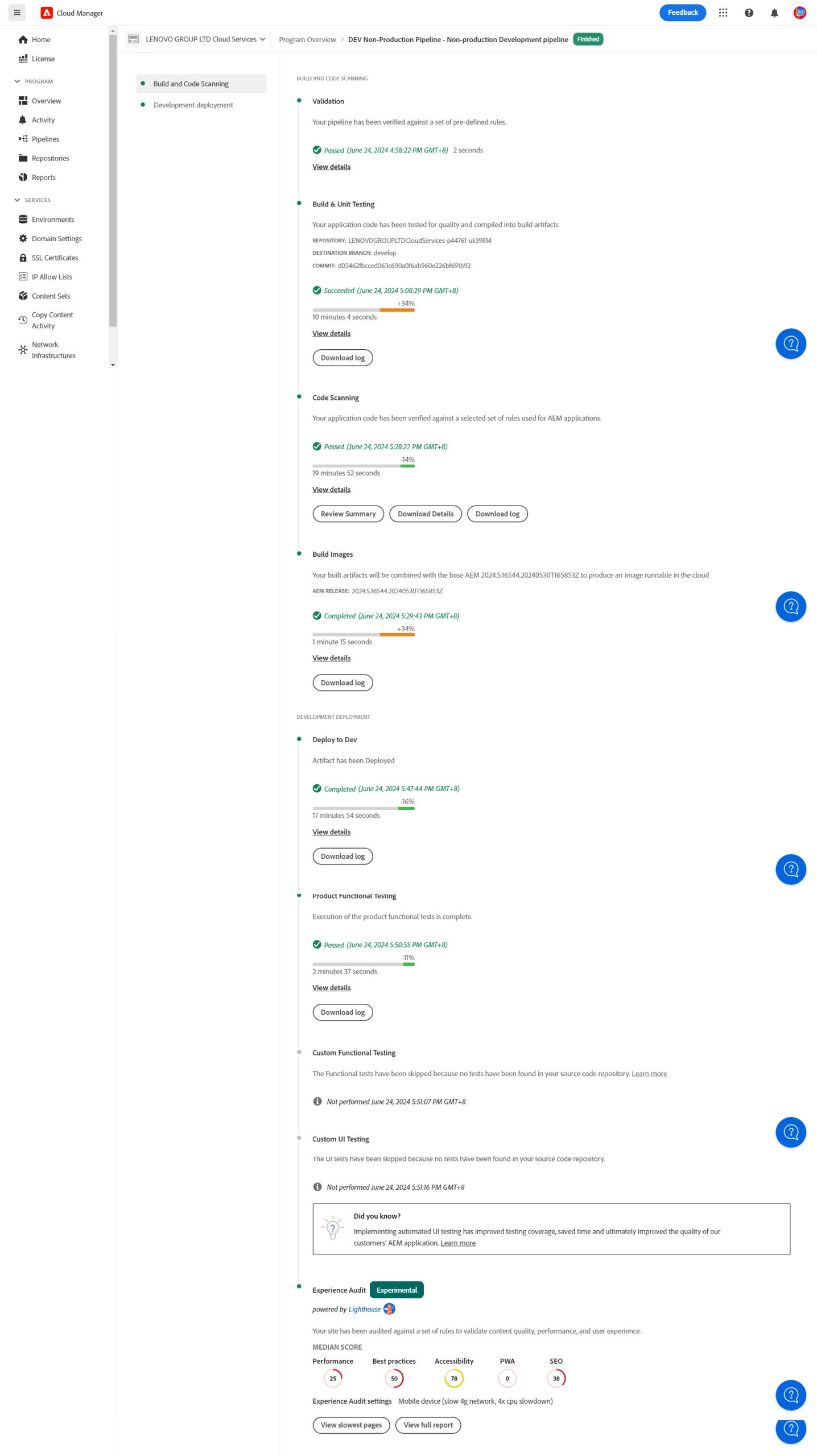
部署过程中会自动进行代码拉取、代码测试单元测试覆盖率、代码健康状况、maven相关打包指令等操作执行,不需要人工干预,部署过程如下图:
部署历史记录可以在【Activity】这里查看:
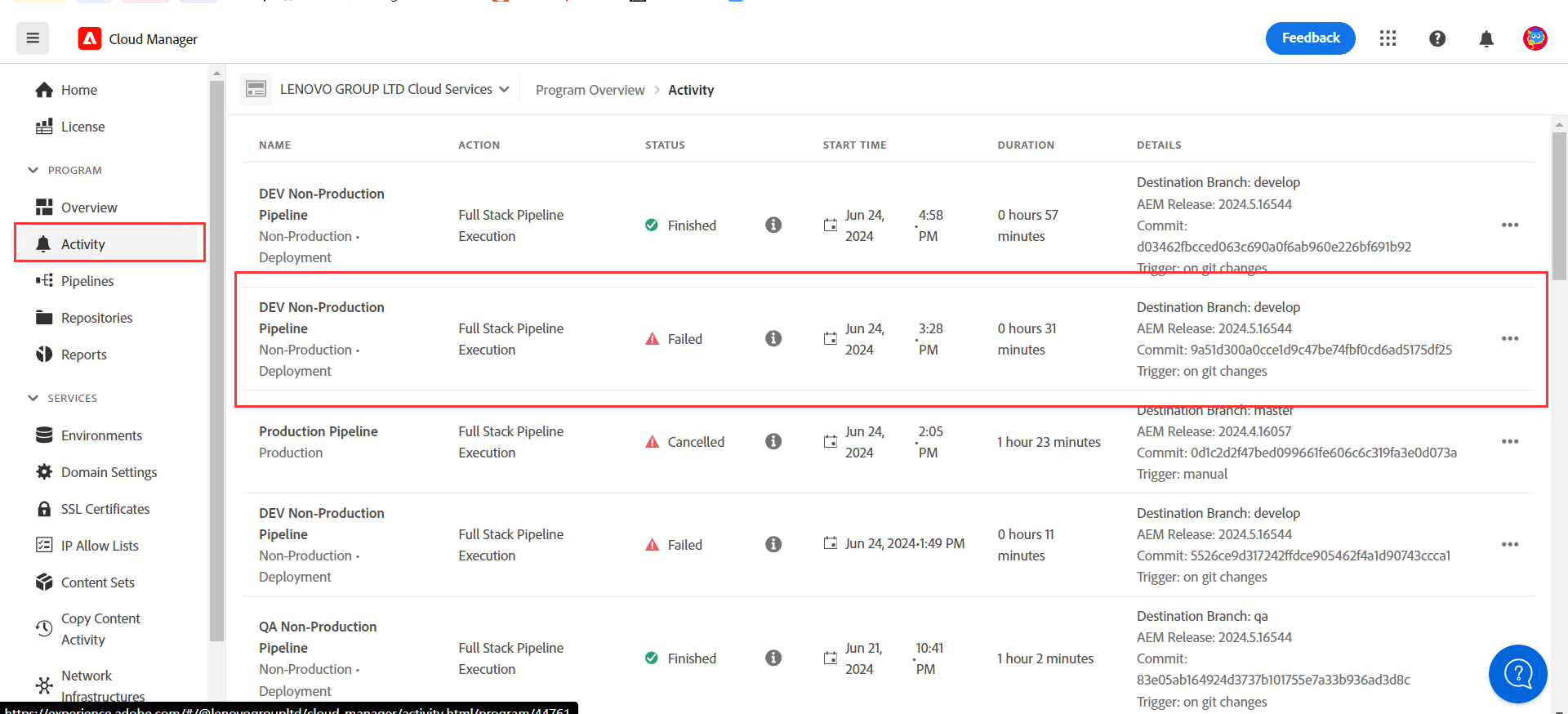
2.2 常见问题
2.2.1 junit test不通过
切记部署前本地一定要进行非跳过测试的部署打包验证,否则会出现导致部署完毕后由于junit test case跑失败导致打包失败的问题,如下图提示所示:
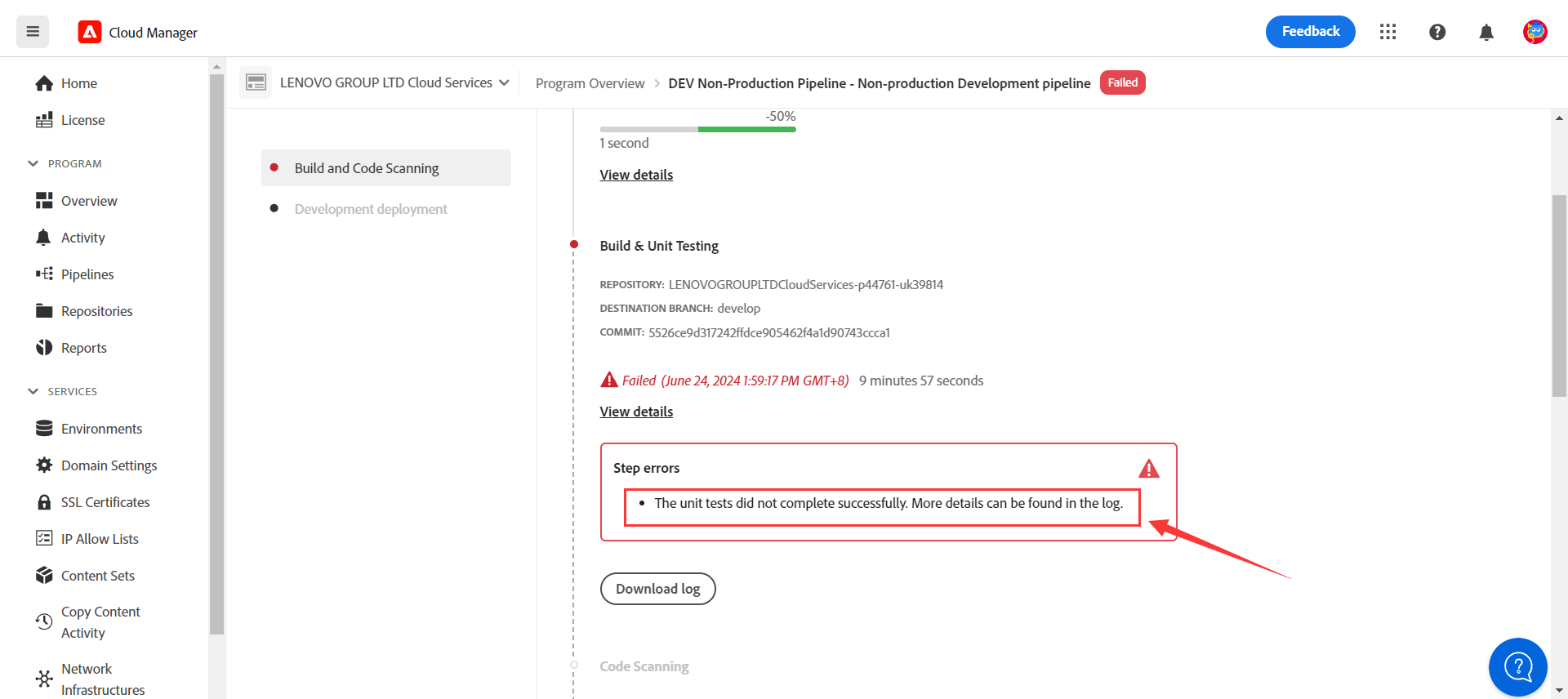
点击【Download log】按钮,可以看到细节,是因为新增加的Model test类存在问题导致:
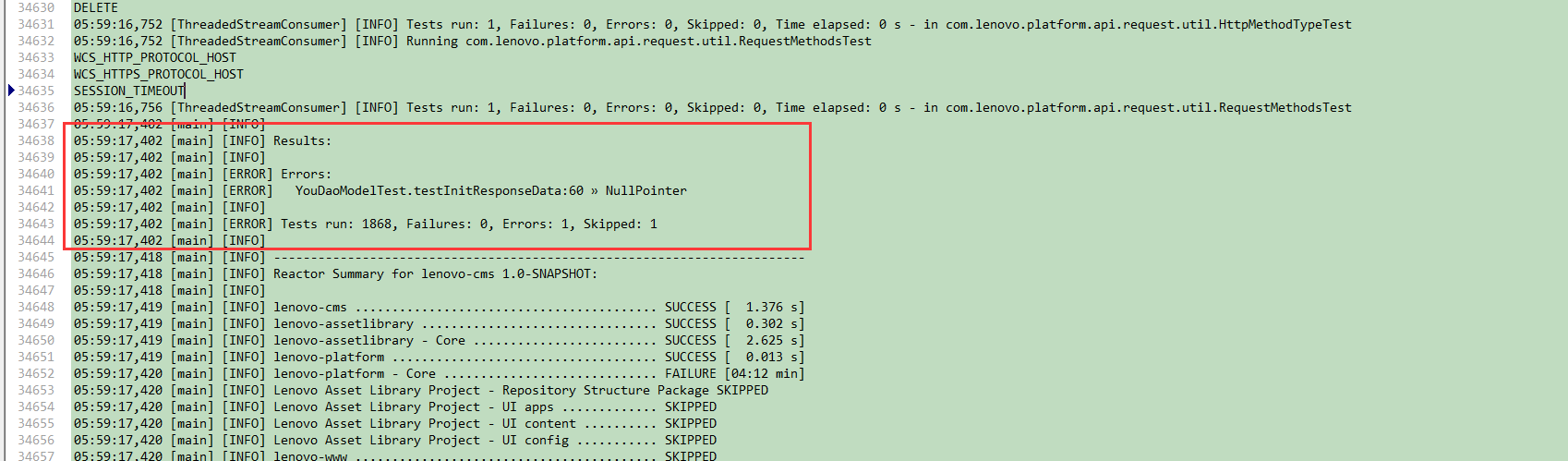
一般这样的情况,可以在提交代码部署前,将本地的core目录代码进行打包(不要跳过测试)的方式进行install一下,比如:
mvn clean install -PautoInstallBundle
这样类似的问题会直接在本地出现,就可以提前处理解决。
2.2.2 代码存在重复或者严重逻辑问题
在环境部署的过程中,会有sonar的代码检查:
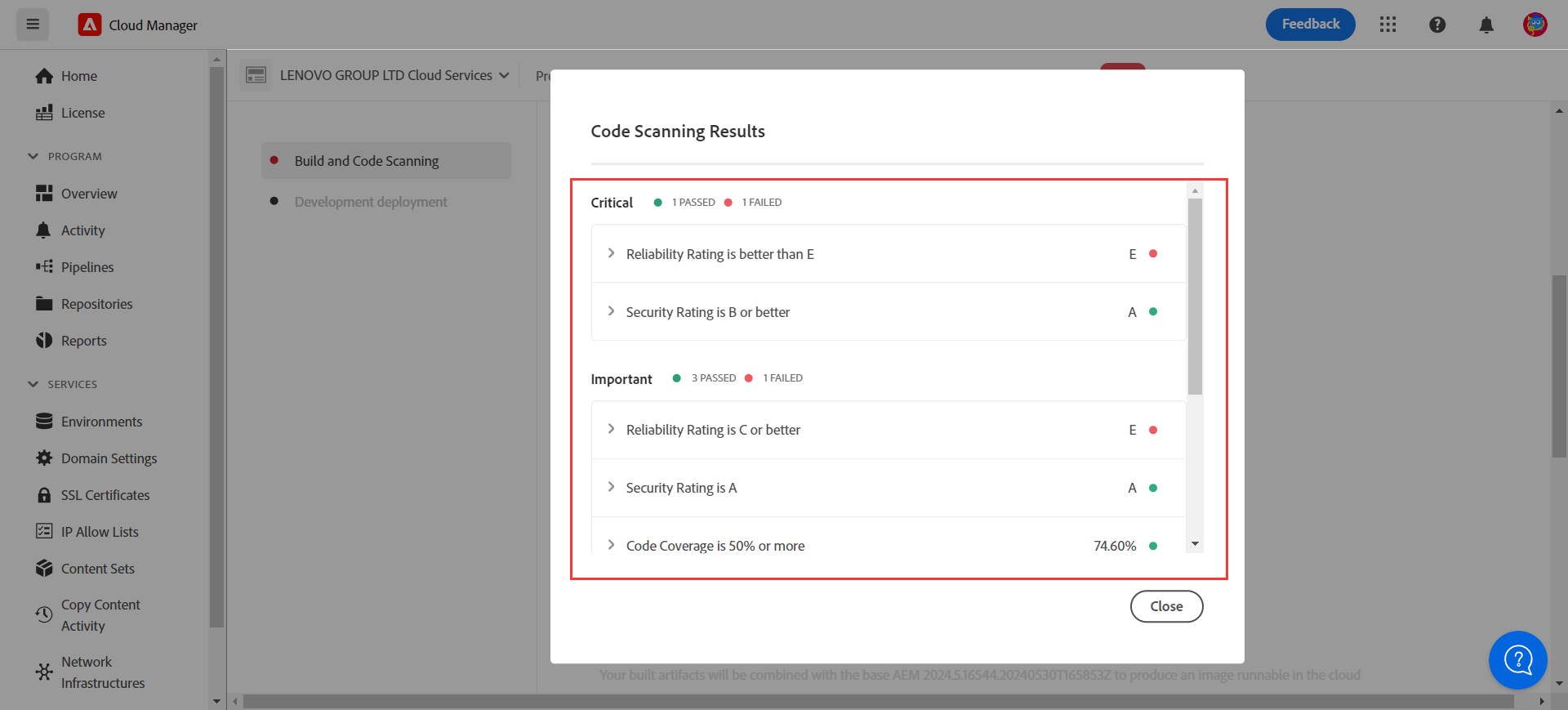
因此需要注意代码的严谨性、重复率,是否有明显逻辑性问题等情况,比如如下这种情况:
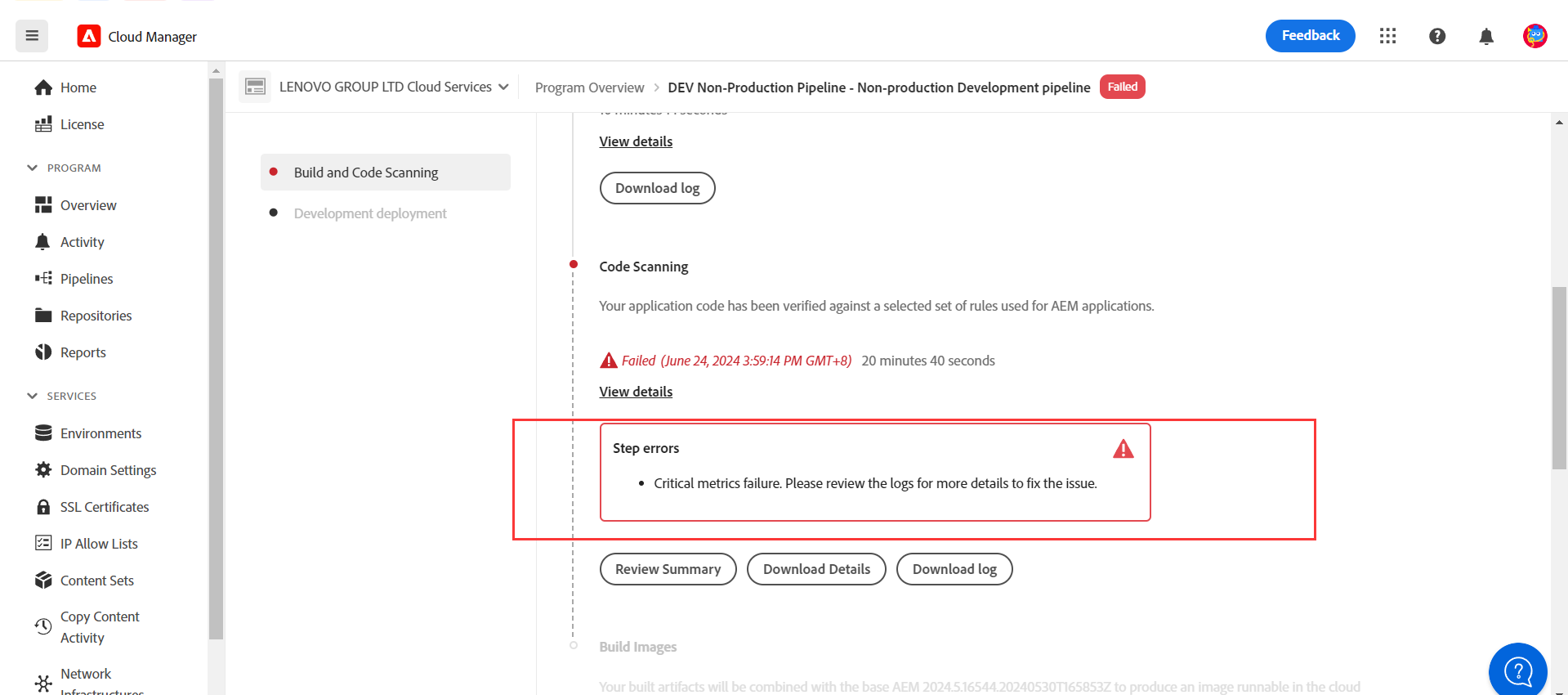
点击【Download Details】可以下载下来细节文档进行排查:
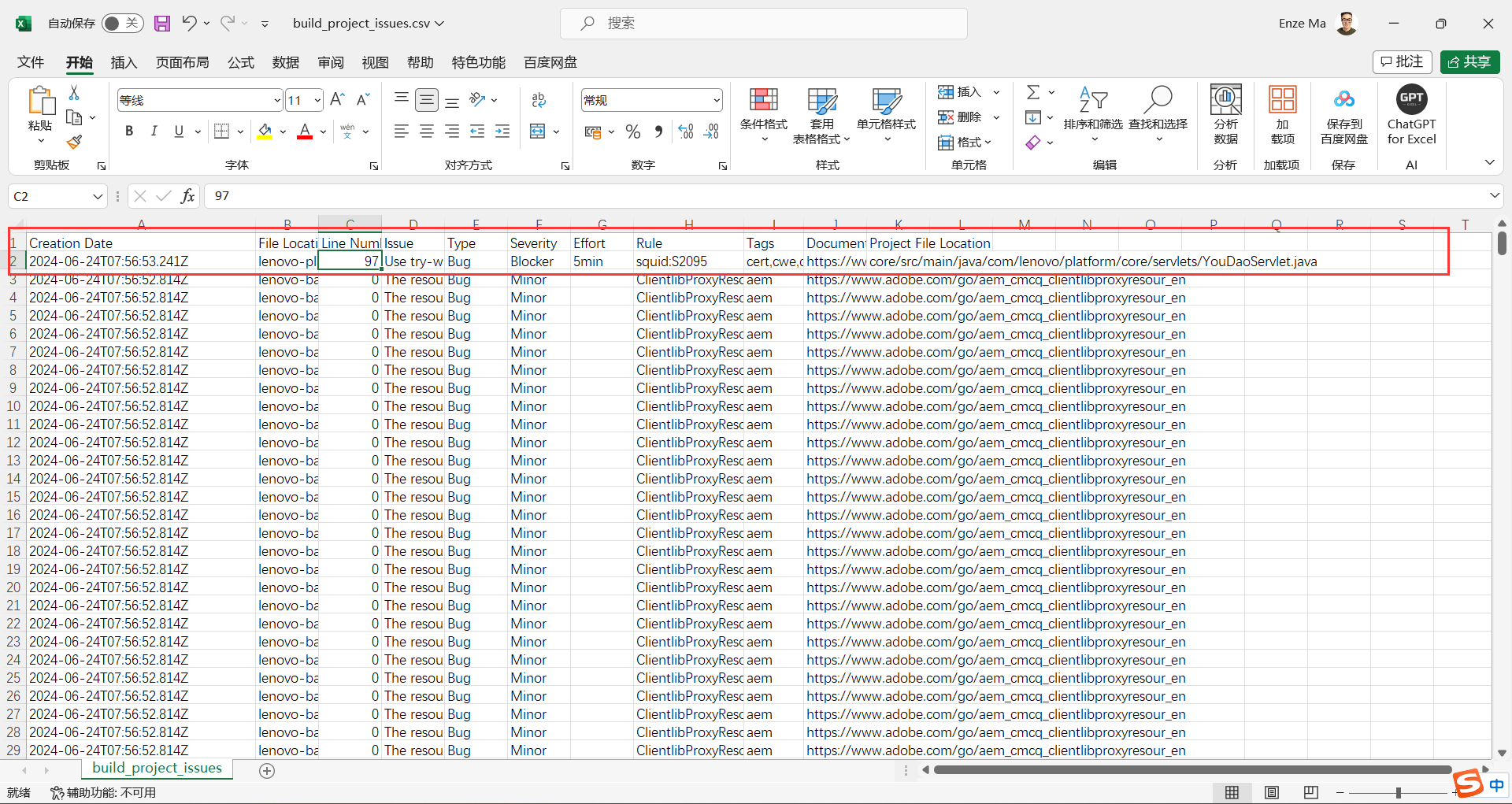
三、测试
1、QA人员所遵循的三周周期测试法
1.1 第一周
第一周编写测试用例,测试用例完成后,会与开发人员一起检查并沟通这些测试用例是否覆盖了所有场景。
1.2 第二周
在第二周,一旦代码被推送到开发环境中,单元测试由开发人员执行。
然后会在开发环境中,根据测试用例进行一轮快速测试,以上是作为从开发环境中开始测试的第一阶段。
1.3 第三周
随着Sprint在第二周到第三周,当代码转移到QA环境时,会在QA环境中进行端到端测试,涵盖所有的测试用例,比如正向和反向的场景。
2、回归测试
在第四周,当代码转移到Stage环境时,会在QA环境中对Sprint的所有Story进行了一轮快速测试。
一旦Story的验证完成,会根据已经准备好的,涉及重要业务基本回滚场景,进行一轮快速的回归测试。
因此,在Sprint的第四周的每个阶段部署之后,会在Stage环境中进行回归测试。
3、上线回归
当在Prod环境部署完毕,会去验证Sprint中涉及的所有Story,对应会根据AEM的关键页面进行完整的复测。
4、问题处理
4.1 是否需要进行hotfix
如果我们在部署后的产品中发现任何问题,首先我们会为此创建一个bug,然后和业务人员讨论了这个漏洞有多严重,如果他们可以等到下个Sprint或者下次更新,那么我们就把它延期处理。
如果是严重的问题,则会进行hotfix去修复,该hotfix会在下次上线前就进行部署
4.2 hotfix流程
- 从stage创建一个hotfix分支
- 修复完毕后部署到stage环境
- 在stage环境进行复测,复测完毕后会合并master分支
- 进行生产部署
此时在对应sprint会存在两个分支,一个来自hotfix,另一个来自Sprint分支,开发人员将不得不从hotfix分支向Sprint分支发起合并请求,以便代码同步。
因此即便hotfix是在中期进行,但是下个版本一旦上线,代码也会部署至Prod
5、其他说明
4.1 类别
目前只涉及功能性测试(人工),不涉及性能测试和自动化测试。
4.2 UAT测试
大部分情况下也是由我们这边完成,但如果业务中有任何特殊情况,或者如果我们的功能是基于用户需求的,我们就会让他们参与UAT流程,如果需要的话,我们同时还会分享修复细节和测试数据。
一般情况下,是在测试后的第四周,在Stage环境中进行UAT测试。
4.2 Jira
里面包含了测试用例、模板和测试说明
EAGLE-12408 - Getting issue details... STATUS
4.3 备份分支
prod restore分支中为备份,会在验证结束后从master转到prod restore
6、测试范例
6.1 常用测试页面
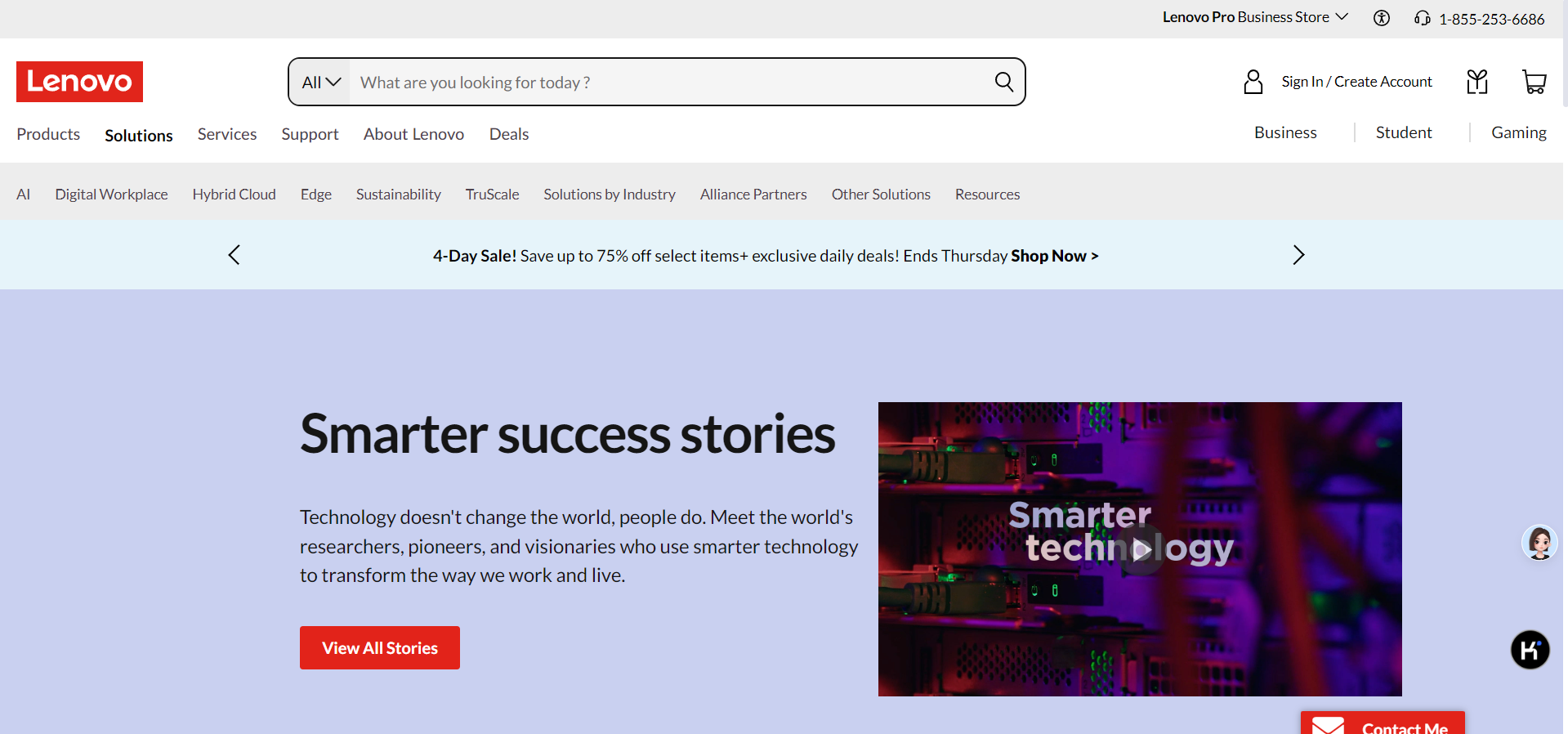
success landing Page
https://www.lenovo.com/us/en/case-studies-customer-success-stories
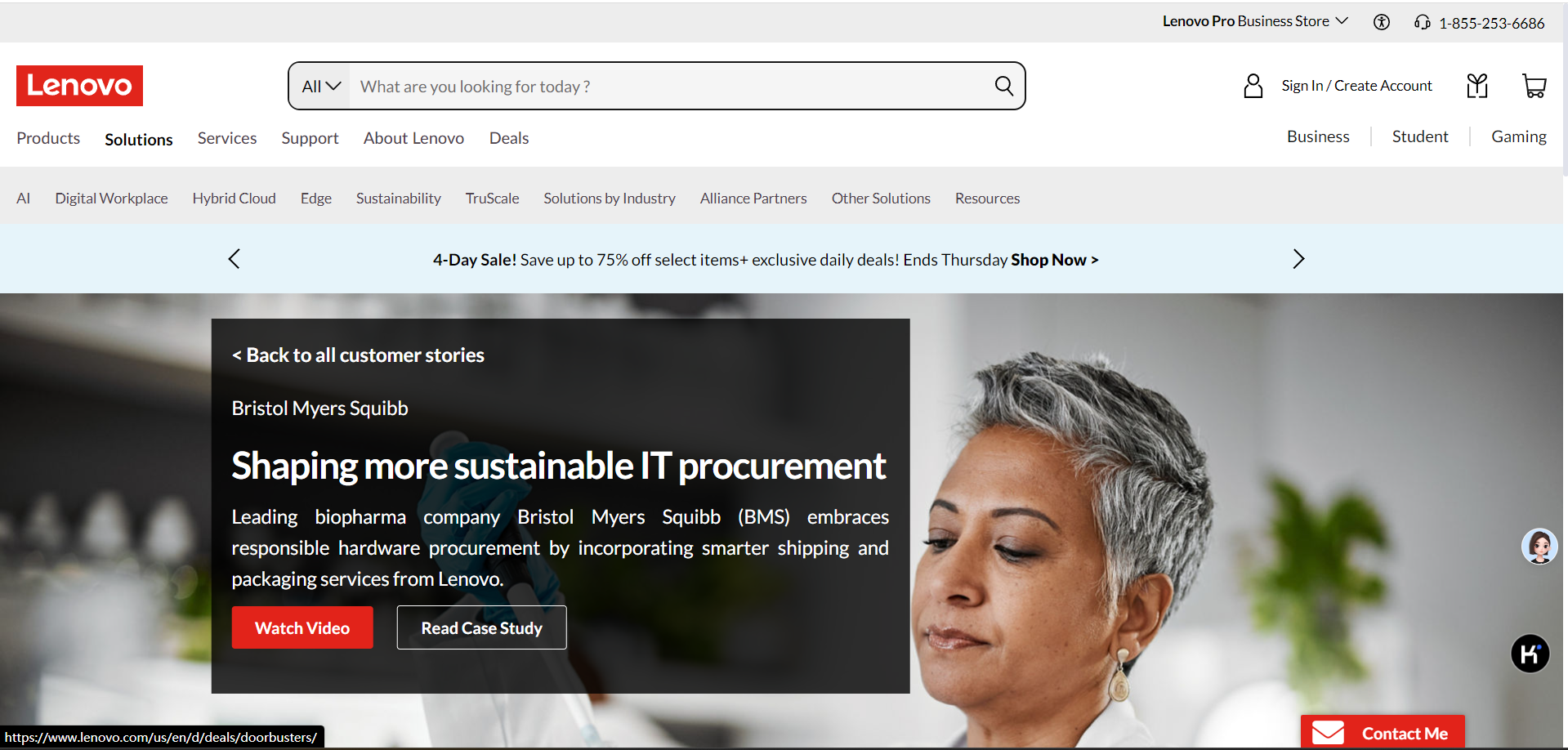
success story detailes Page
https://www.lenovo.com/us/en/case-studies-customer-success-stories/bms
feature story landing Page
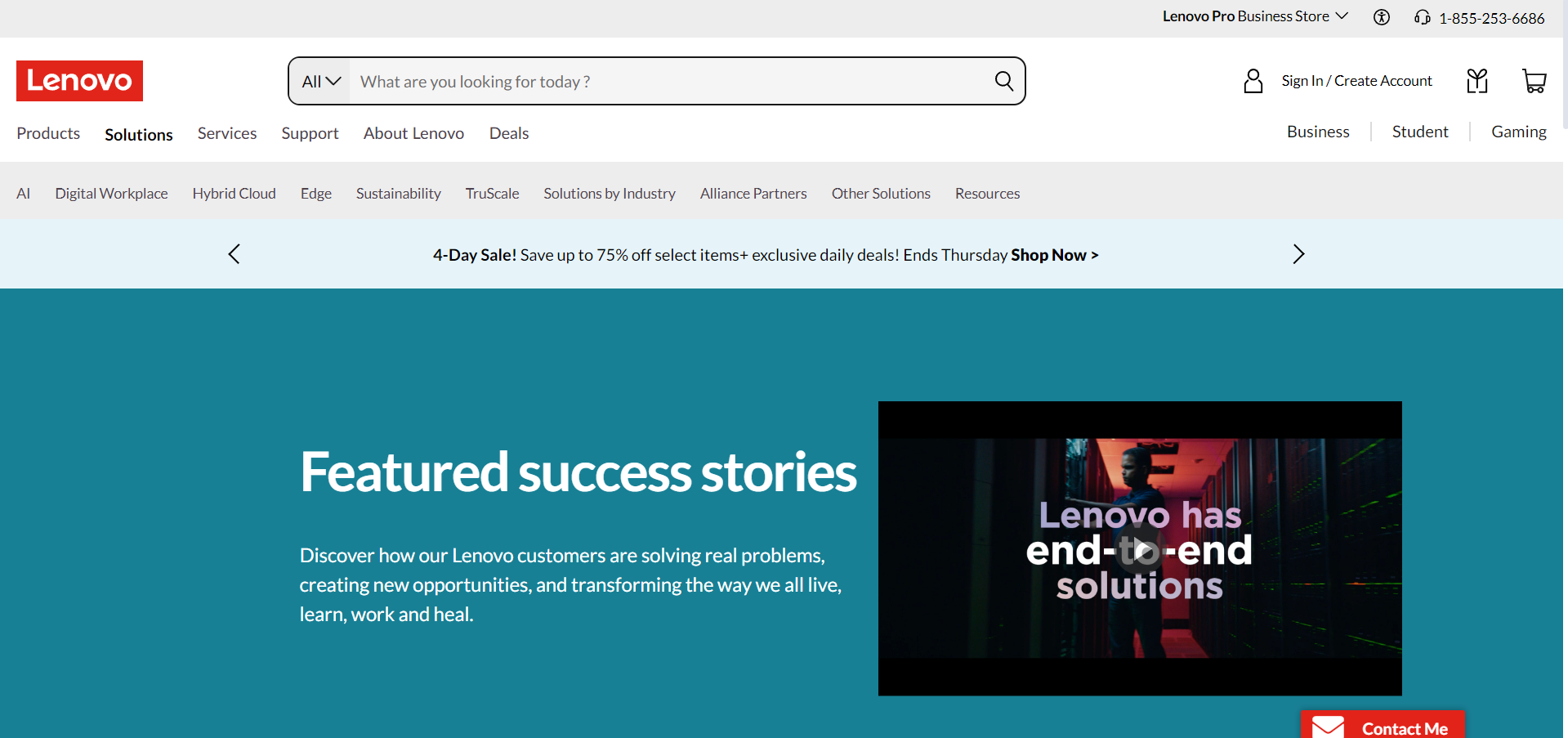
https://www.lenovo.com/us/en/case-studies-customer-success-stories/featured-stories/
feature story detailed Page
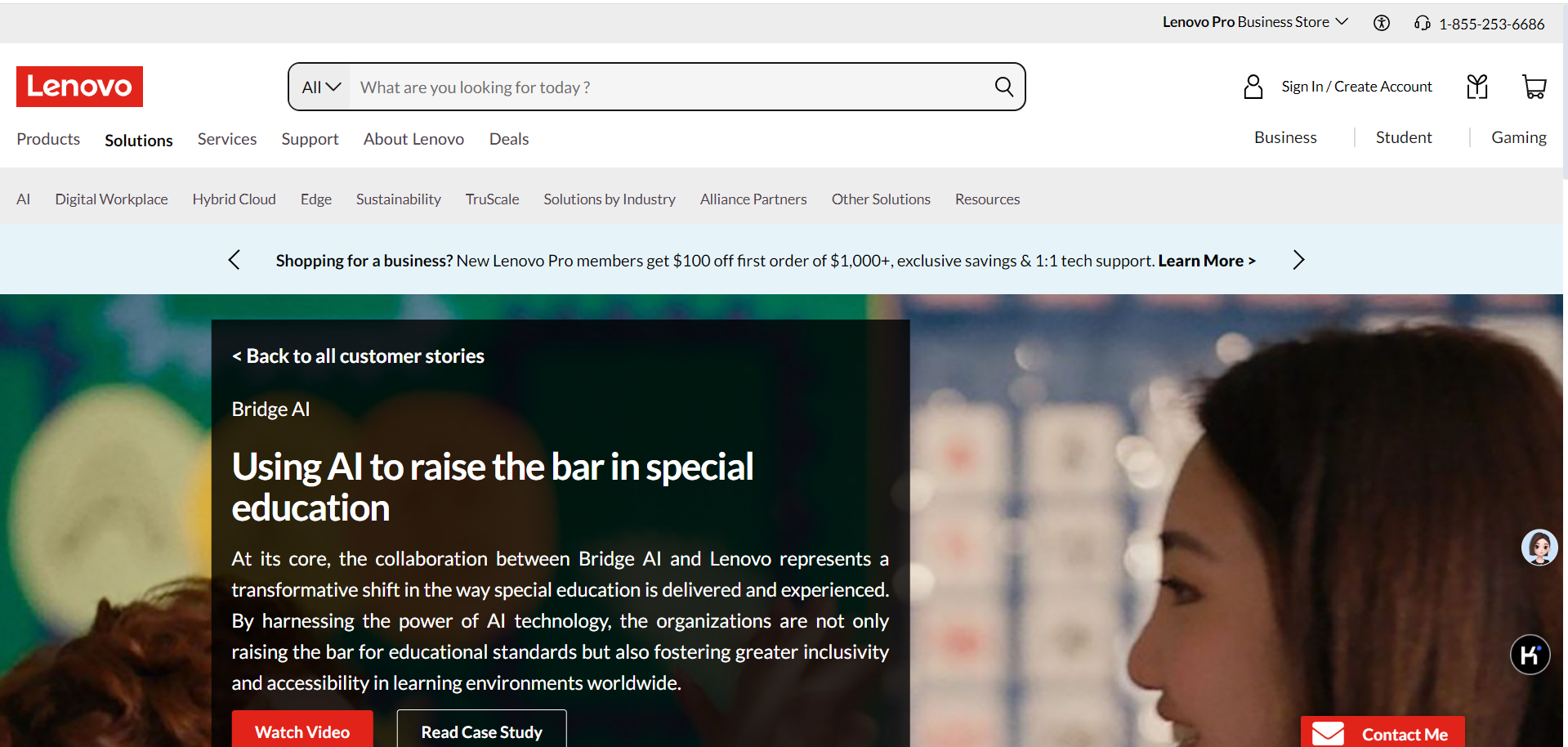
https://www.lenovo.com/us/en/case-studies-customer-success-stories/bridge-ai
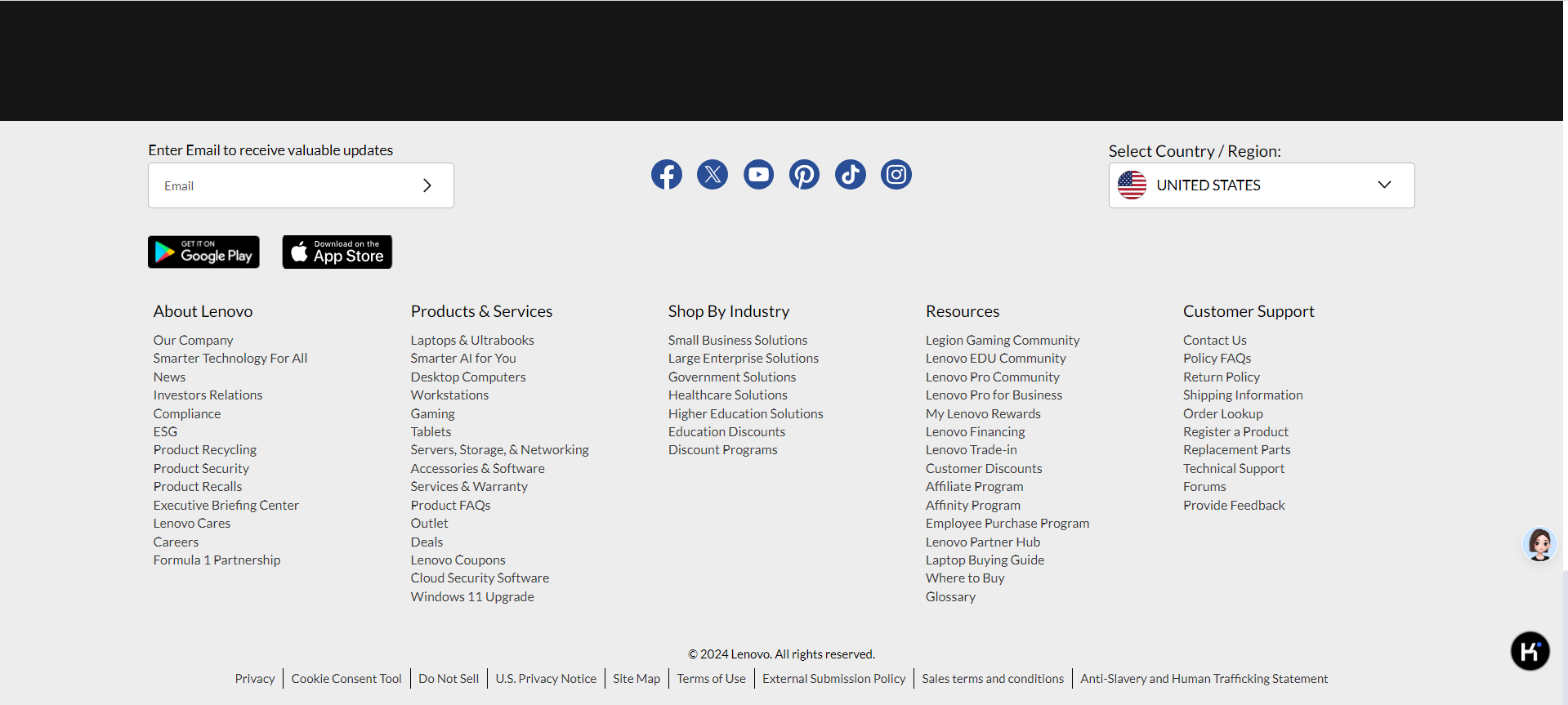
resource landing Page
https://www.lenovo.com/us/en/resources
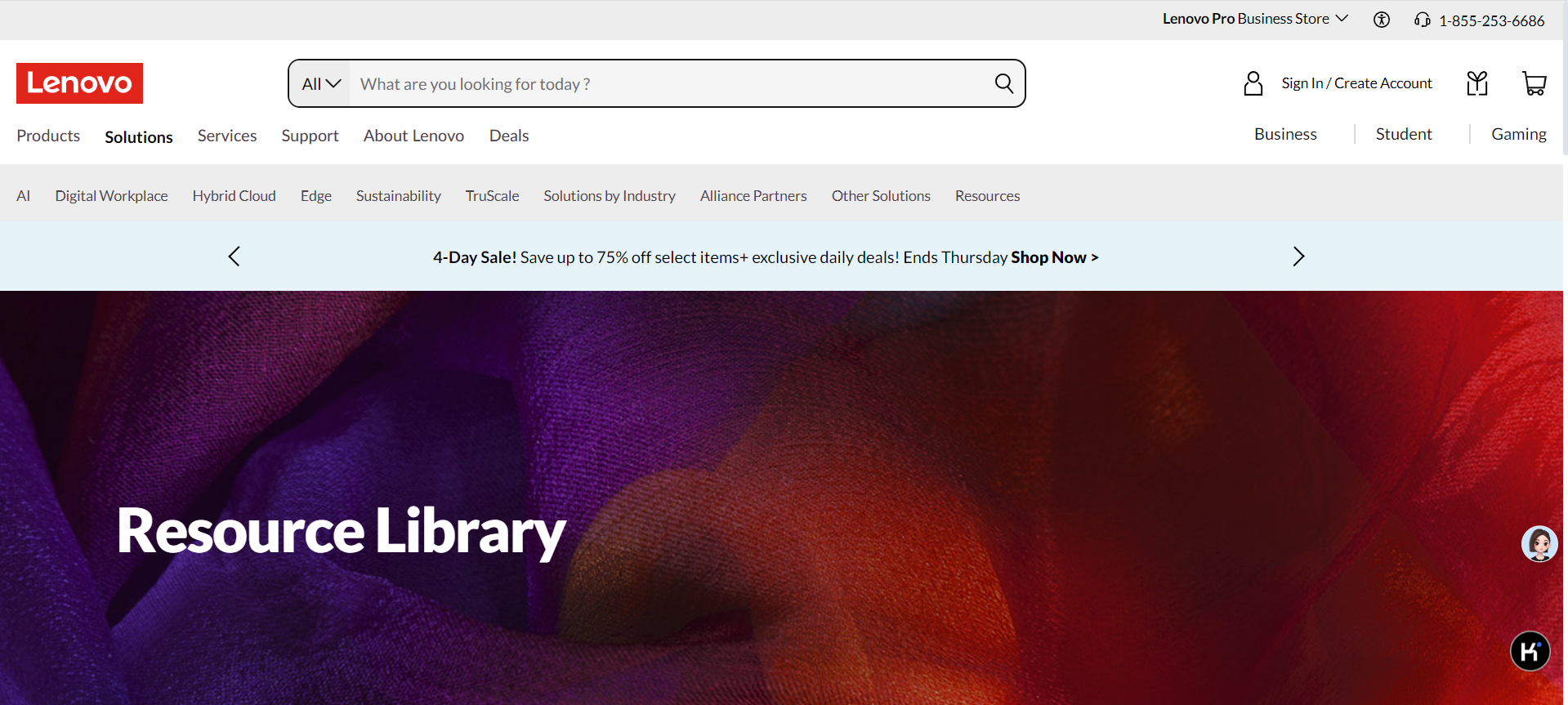
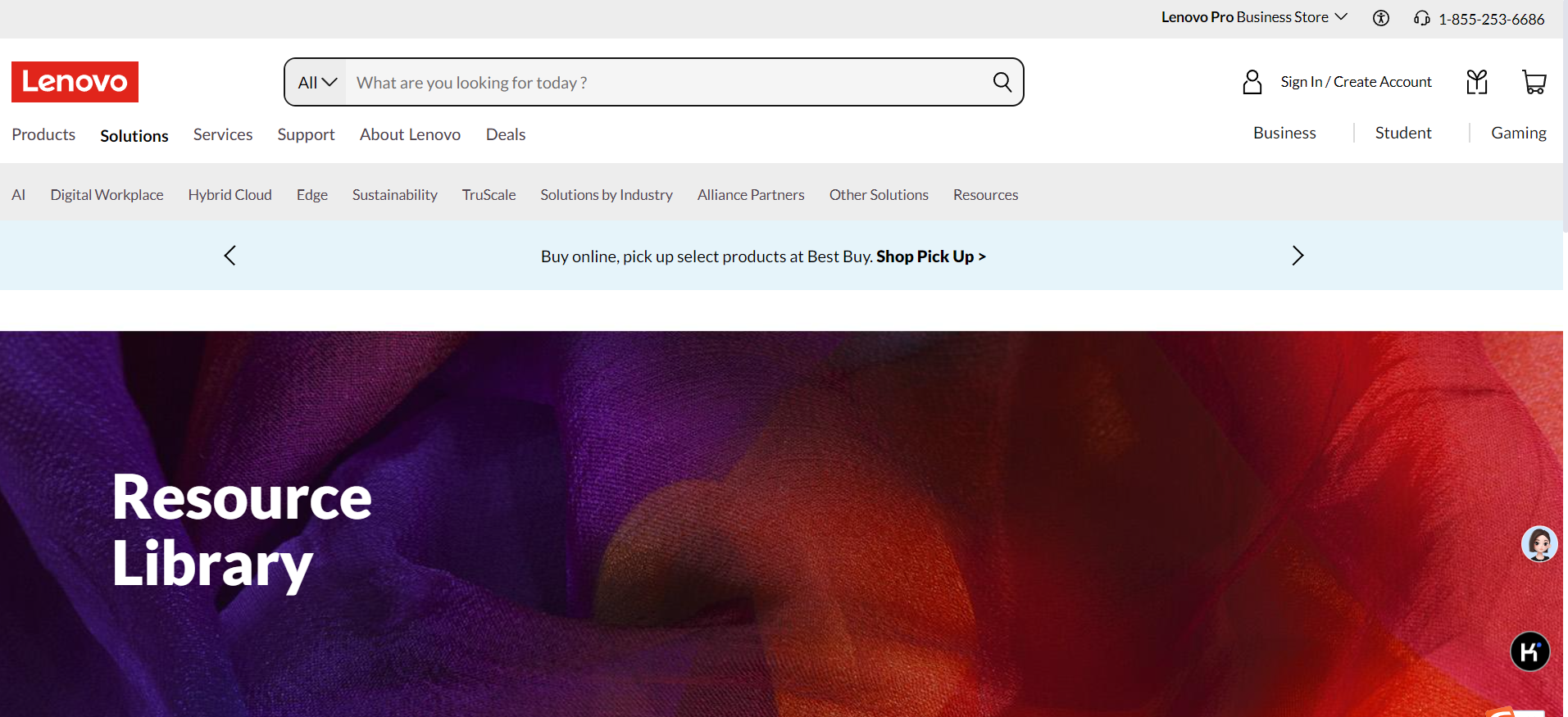
resource detailed Page
https://www.lenovo.com/us/en/resources/data-center-solutions/blogs/how-to-protect-your-company-from-hardware-borne-attacks/
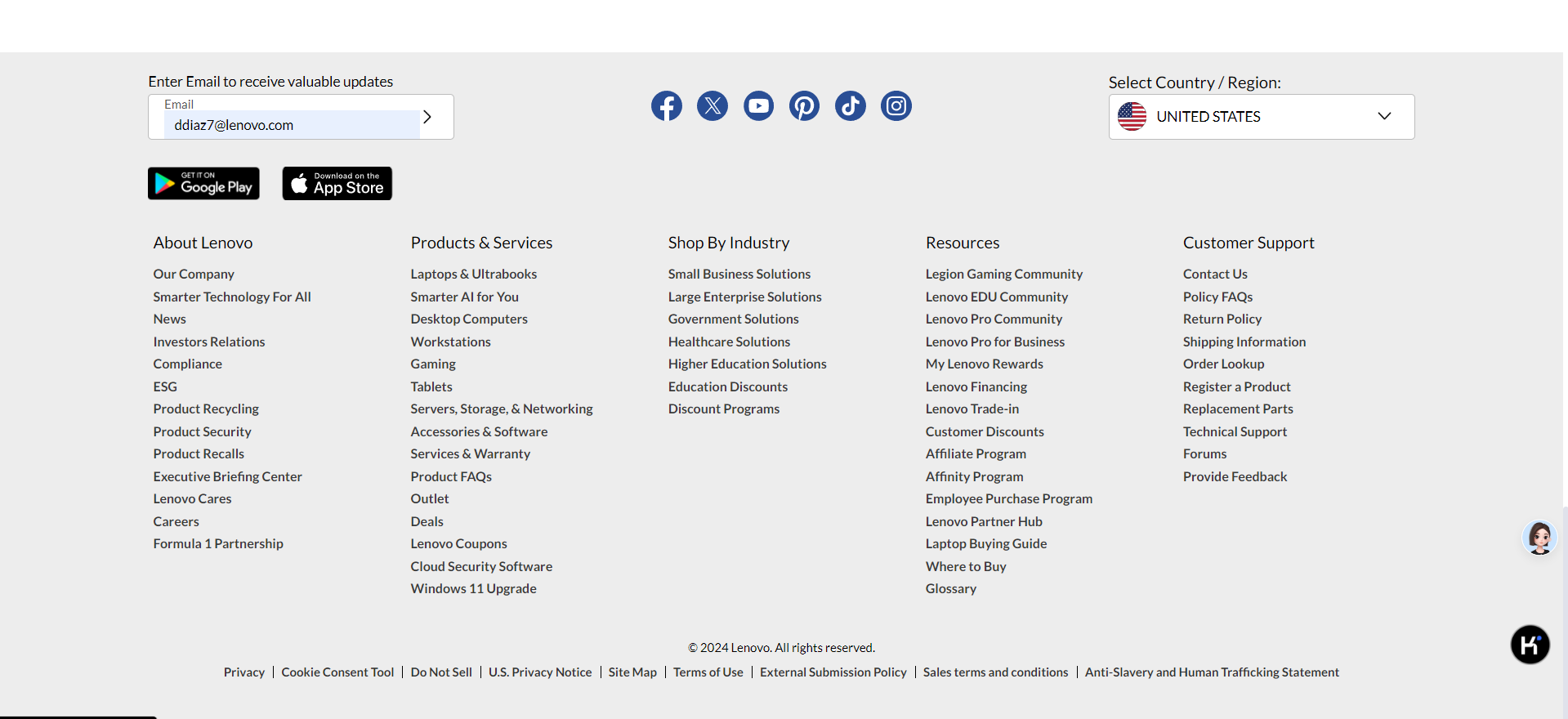
software landing Page
https://www.lenovo.com/us/en/software
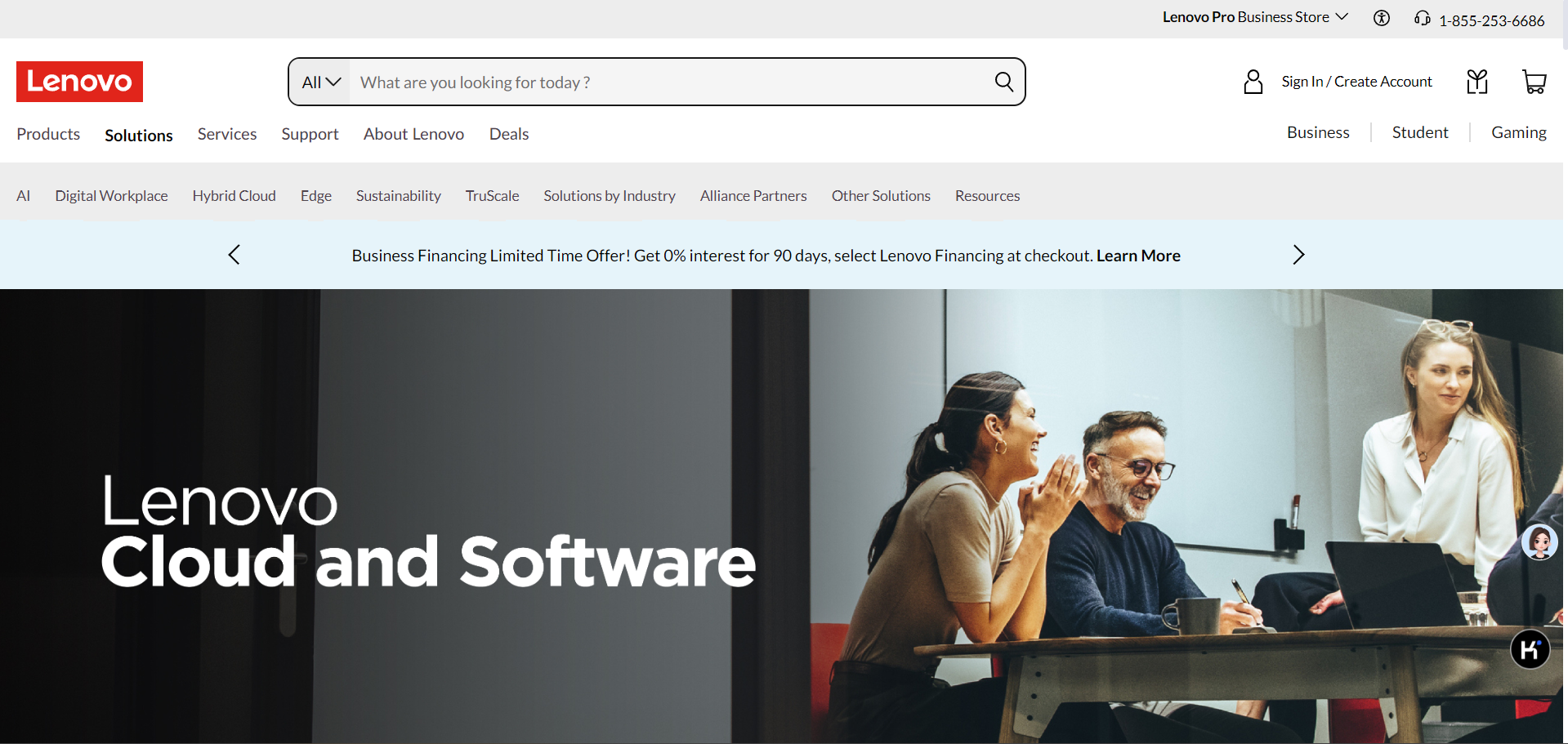
6.2 常用测试场景
Flash Header & Footer is loading for all the countries
expect:Flash header & Footer should be displayed
https://www.lenovo.com/fr/fr/case-studies-customer-success-stories
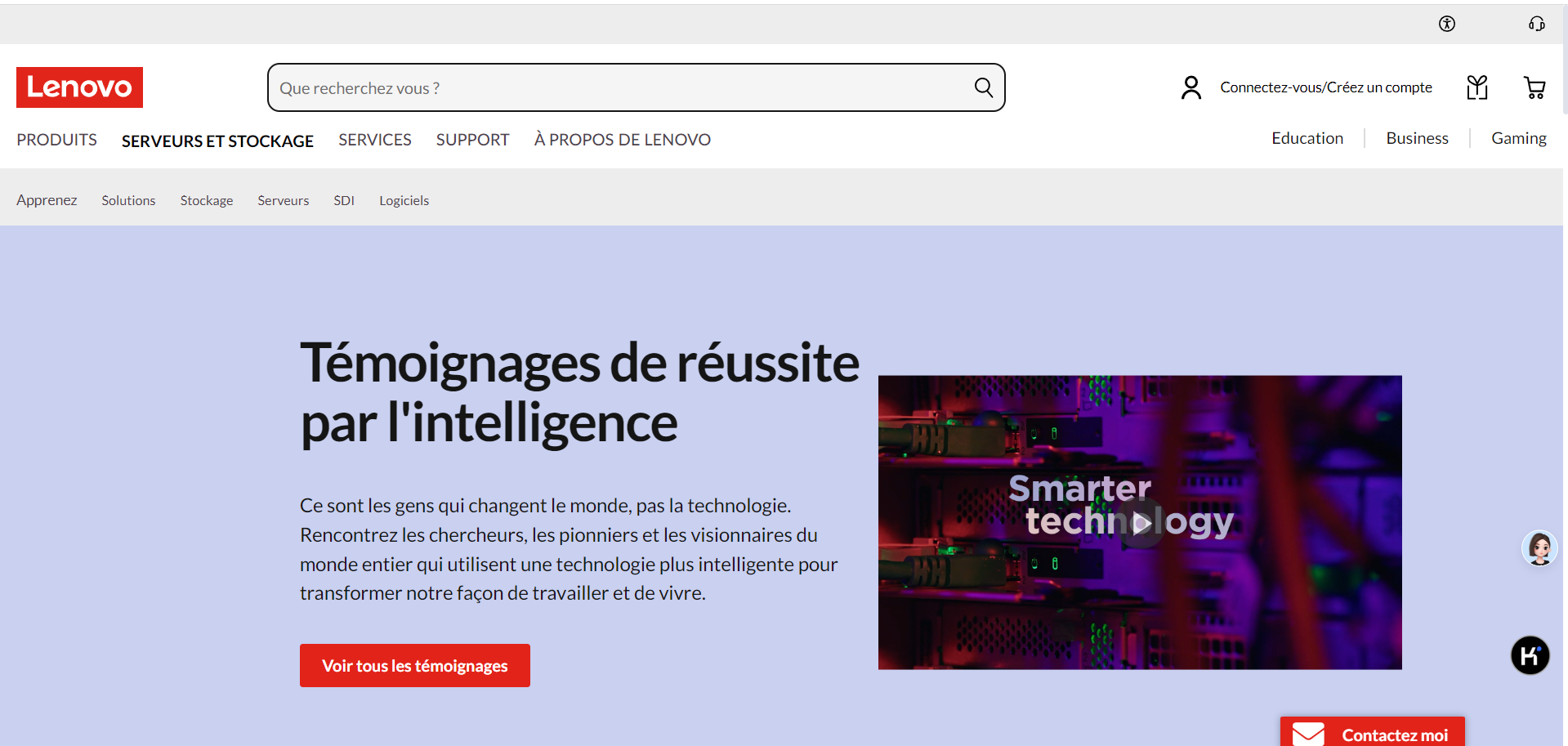
https://www.lenovo.com/de/de/case-studies-customer-success-stories
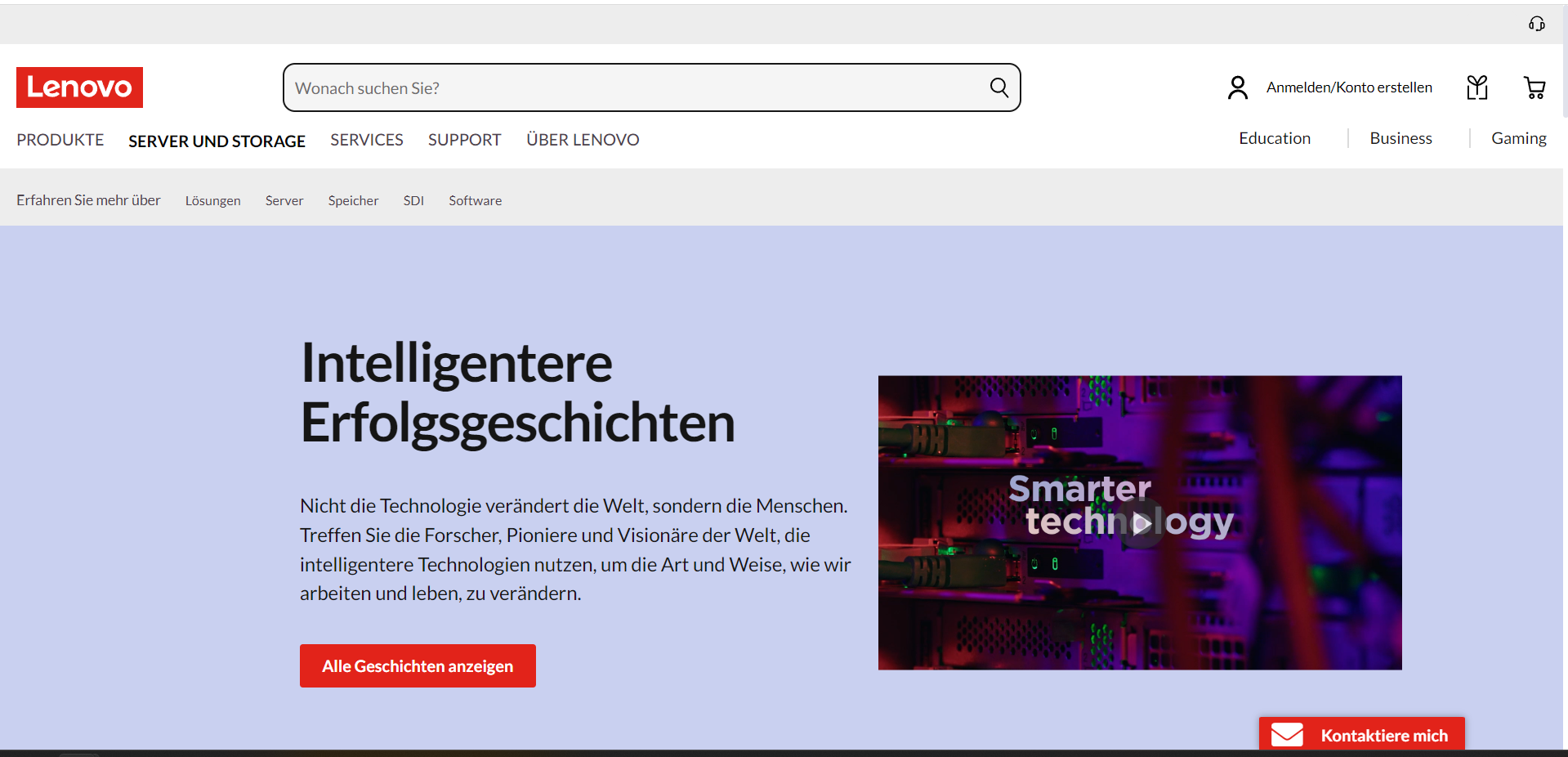
https://www.lenovo.com/in/en/case-studies-customer-success-stories
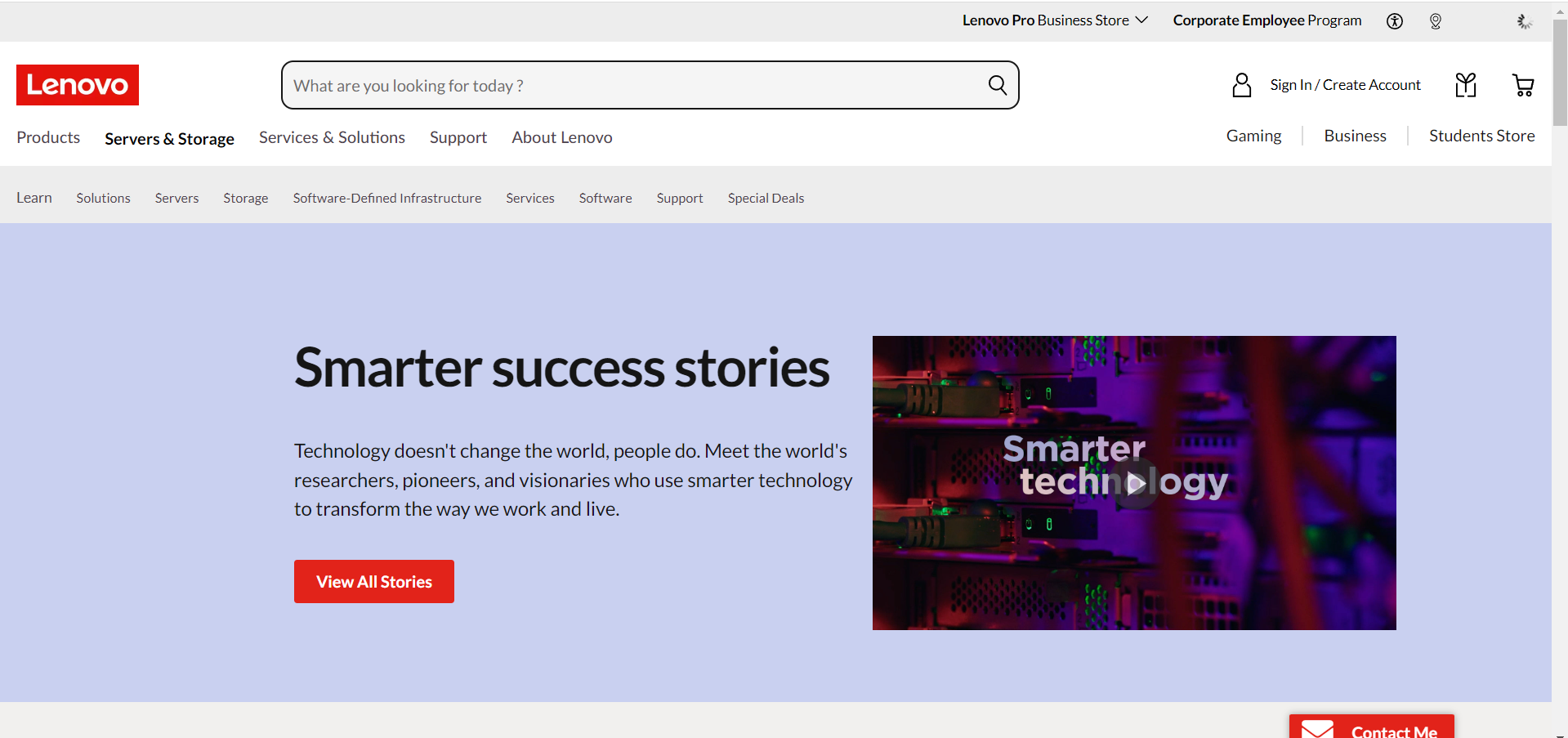
https://www.lenovo.com/it/it/case-studies-customer-success-stories
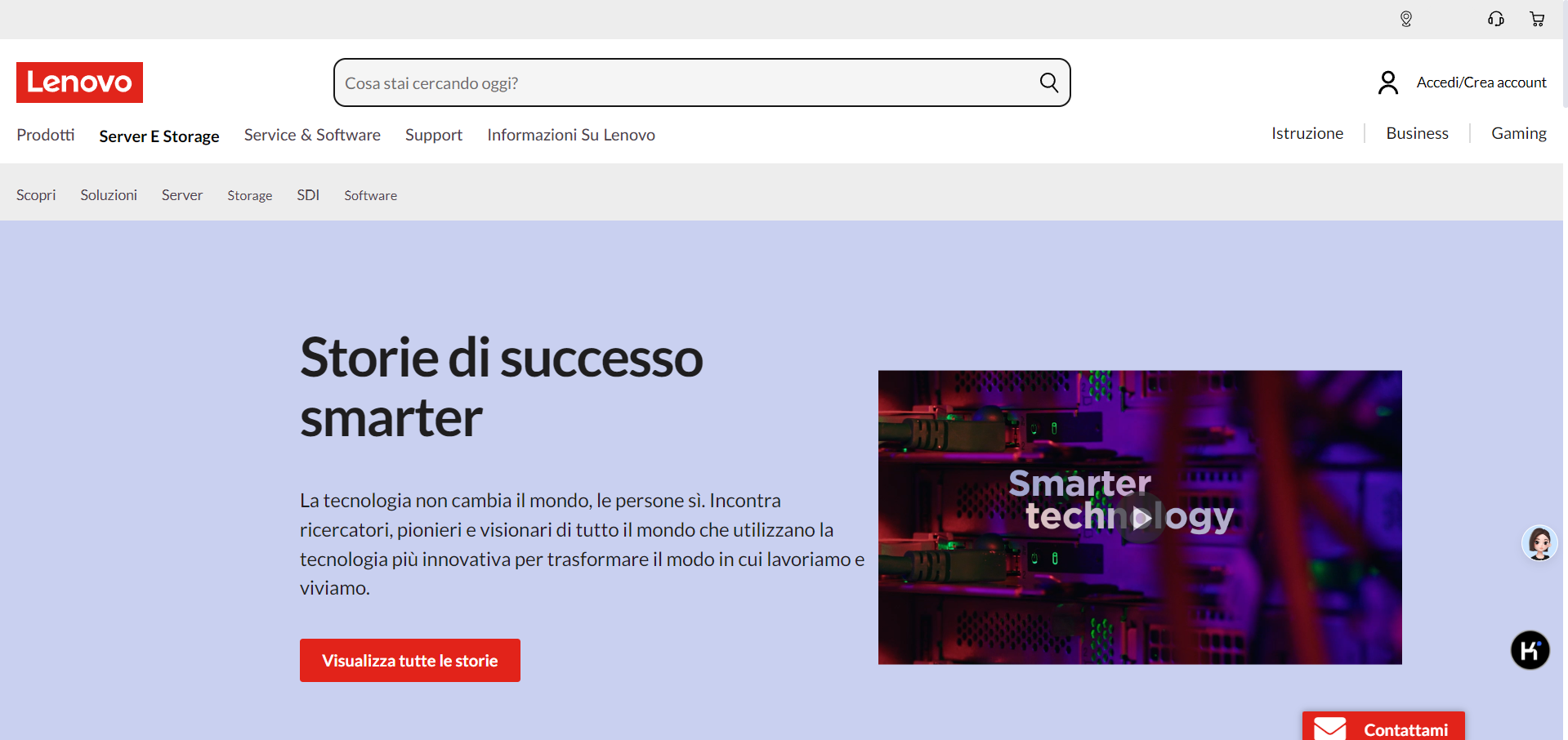
https://www.lenovo.com/kr/ko/case-studies-customer-success-stories
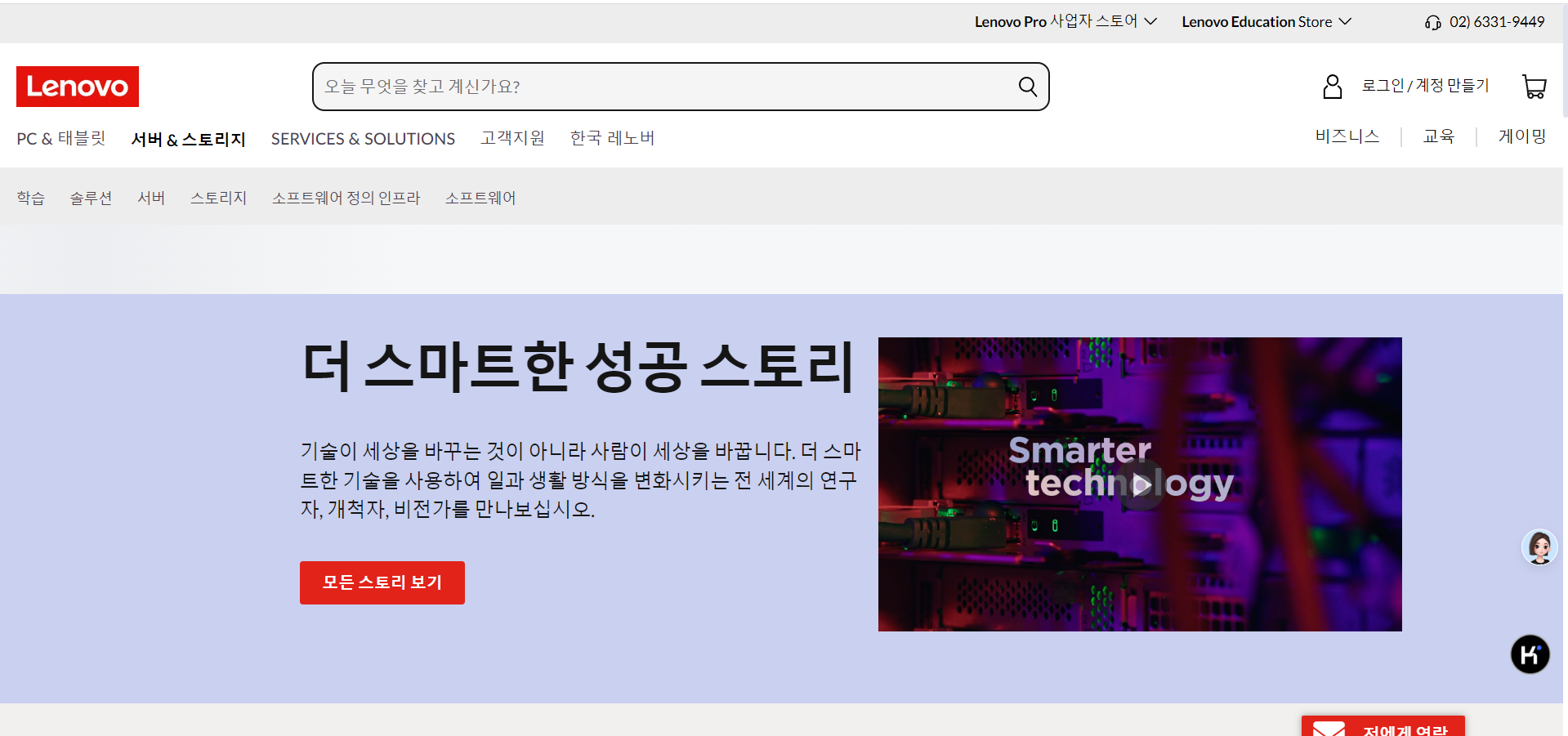
https://www.lenovo.com/mx/es/case-studies-customer-success-stories
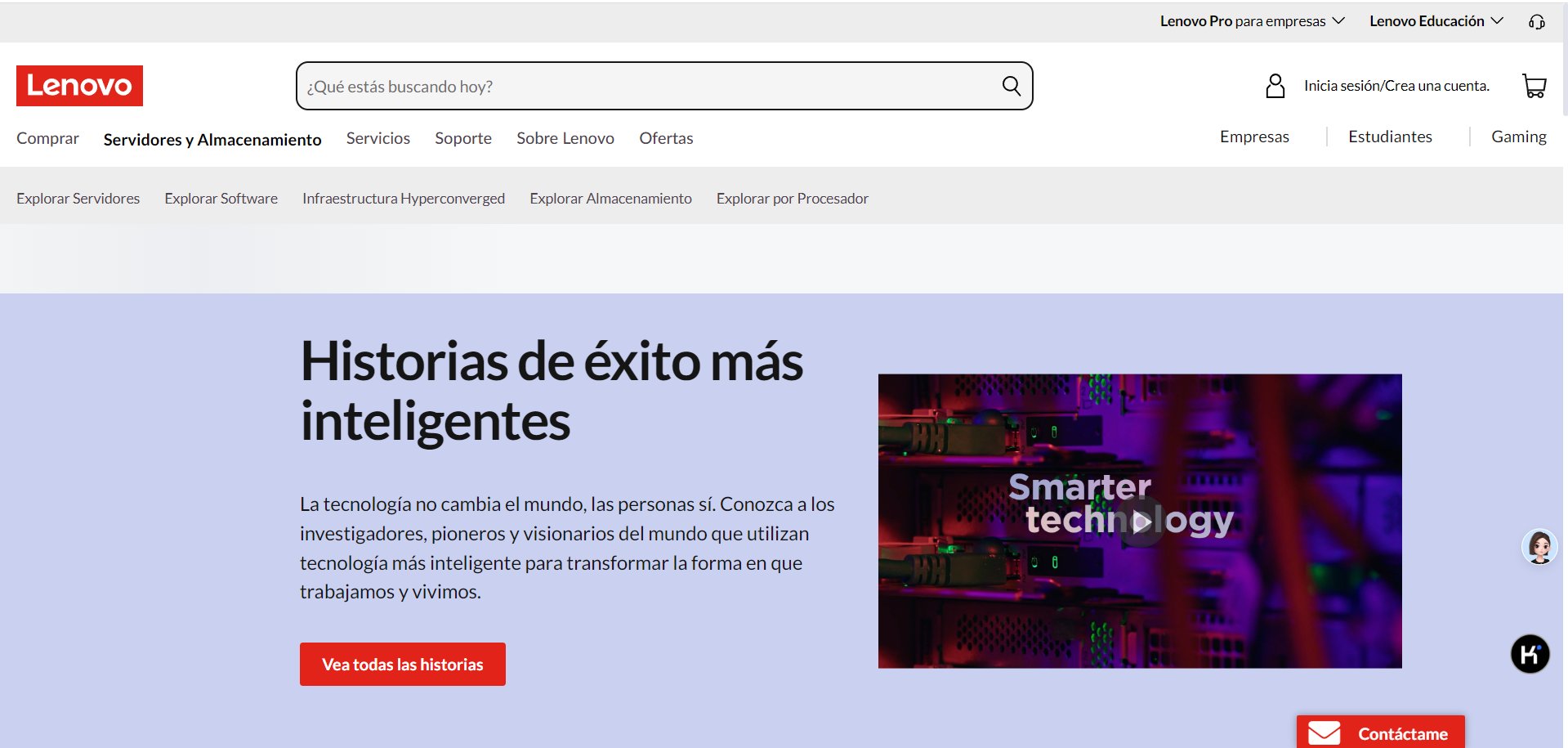
https://www.lenovo.com/es/es/case-studies-customer-success-stories
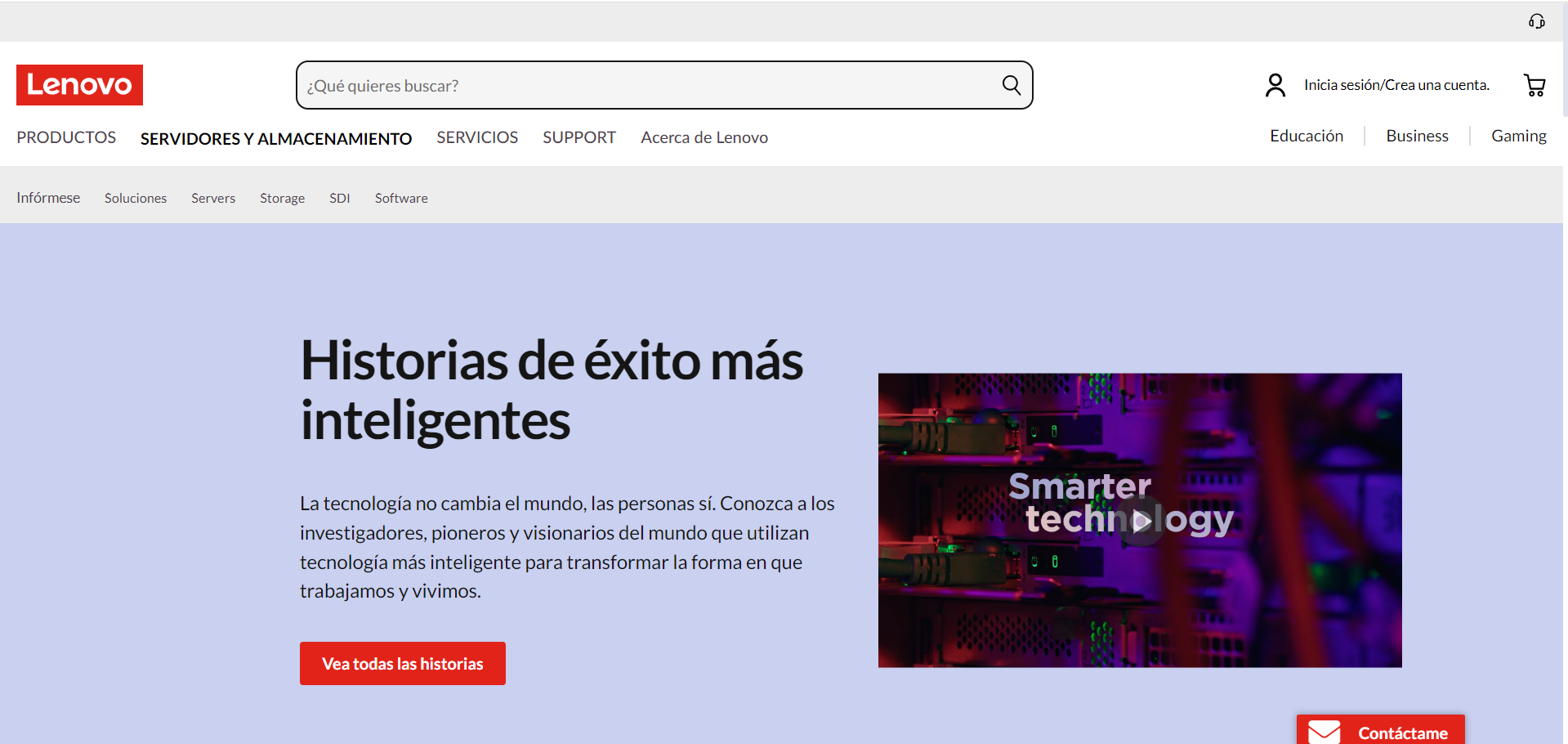
https://www.lenovo.com/gb/en/case-studies-customer-success-stories
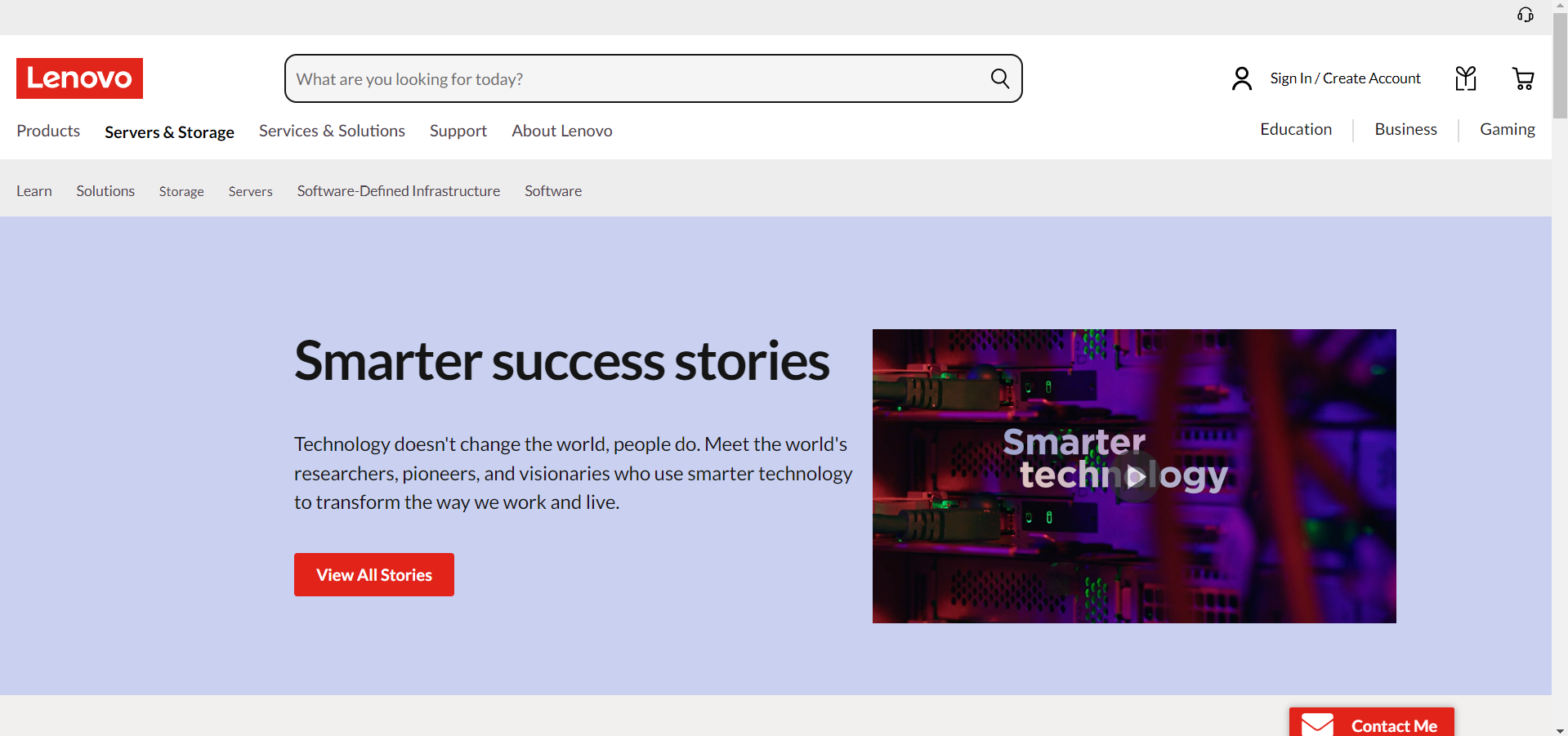
https://www.lenovo.com/au/en/case-studies-customer-success-stories
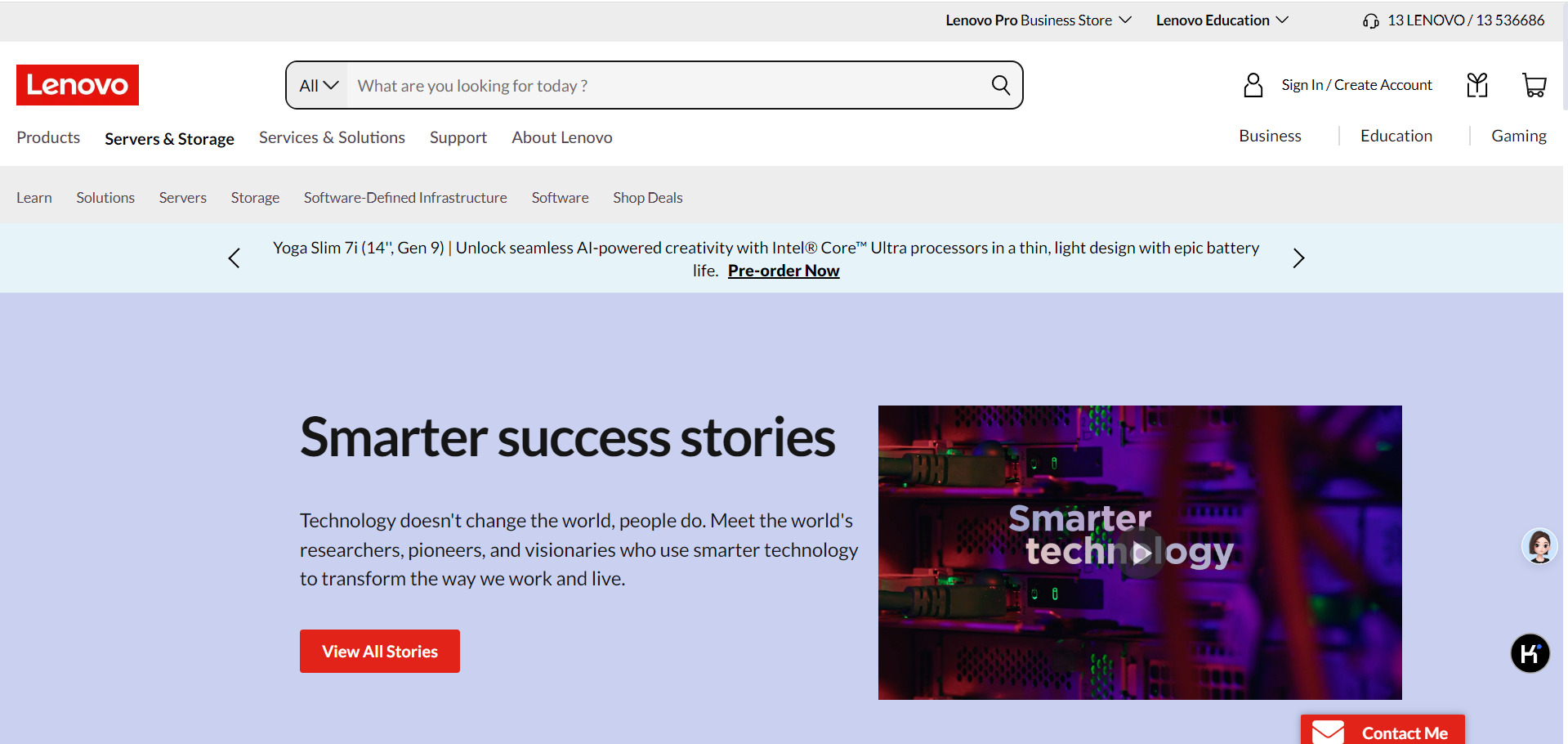
https://www.lenovo.com/sg/en/case-studies-customer-success-stories
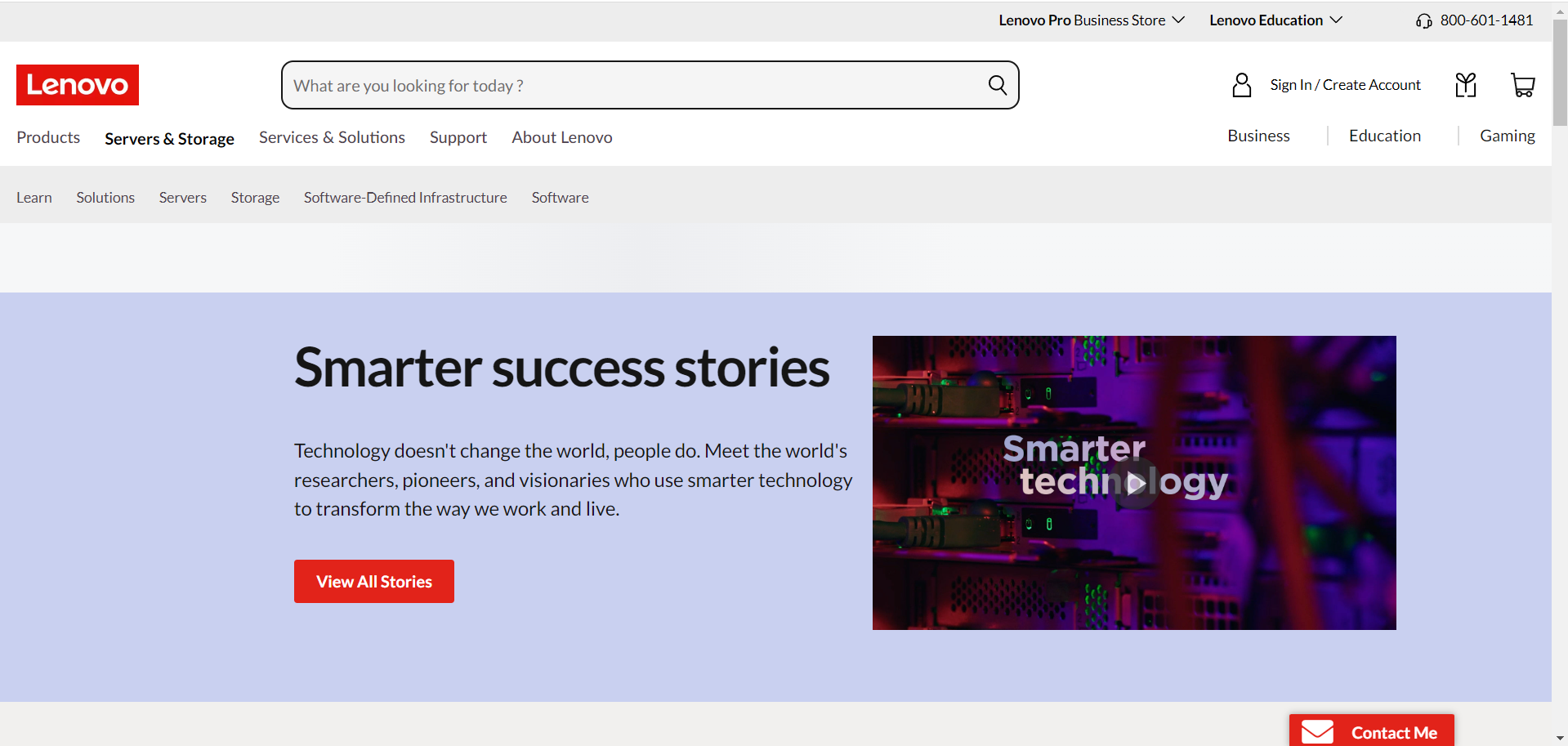
https://www.lenovo.com/ca/en/case-studies-customer-success-stories
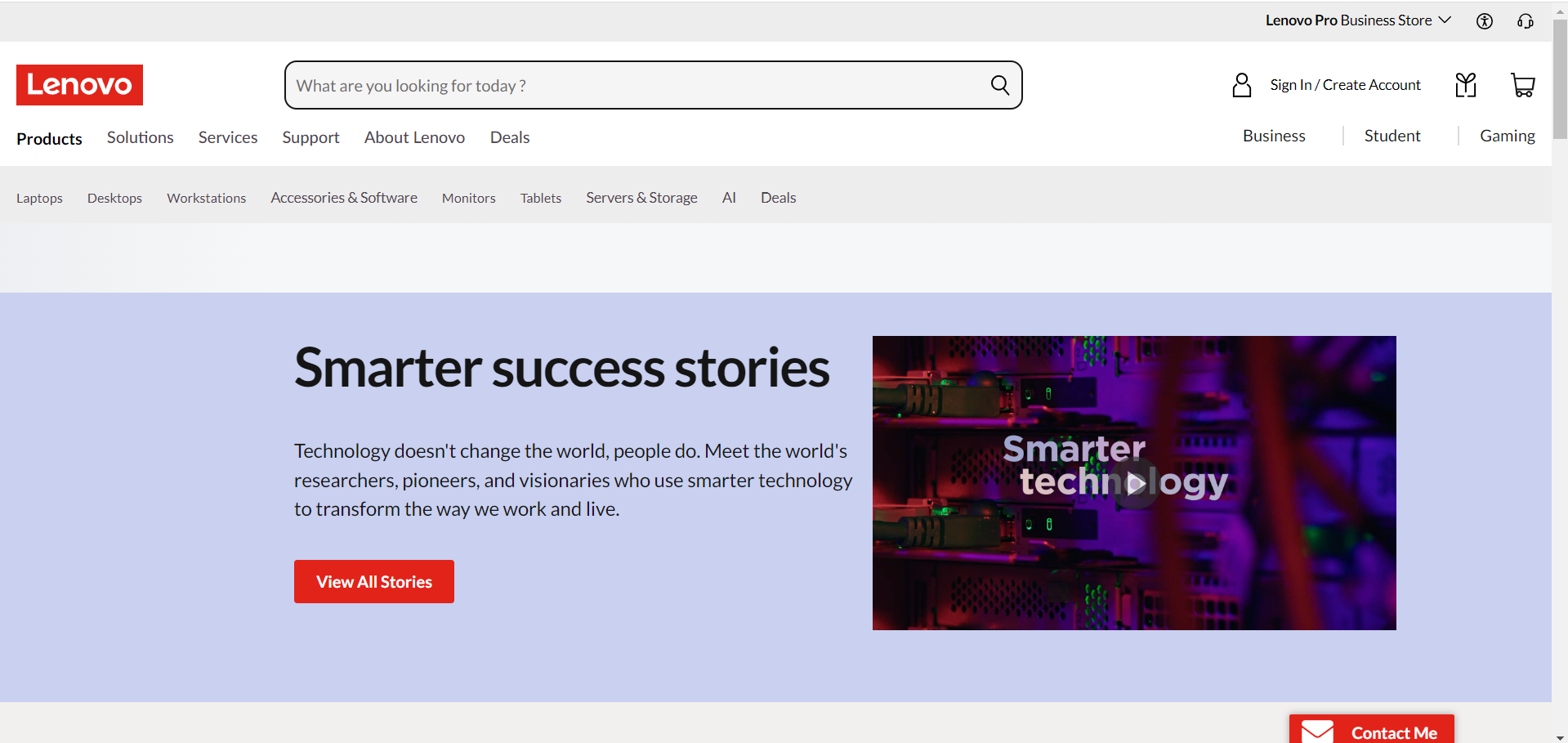
https://www.lenovo.com/nl/nl/case-studies-customer-success-stories
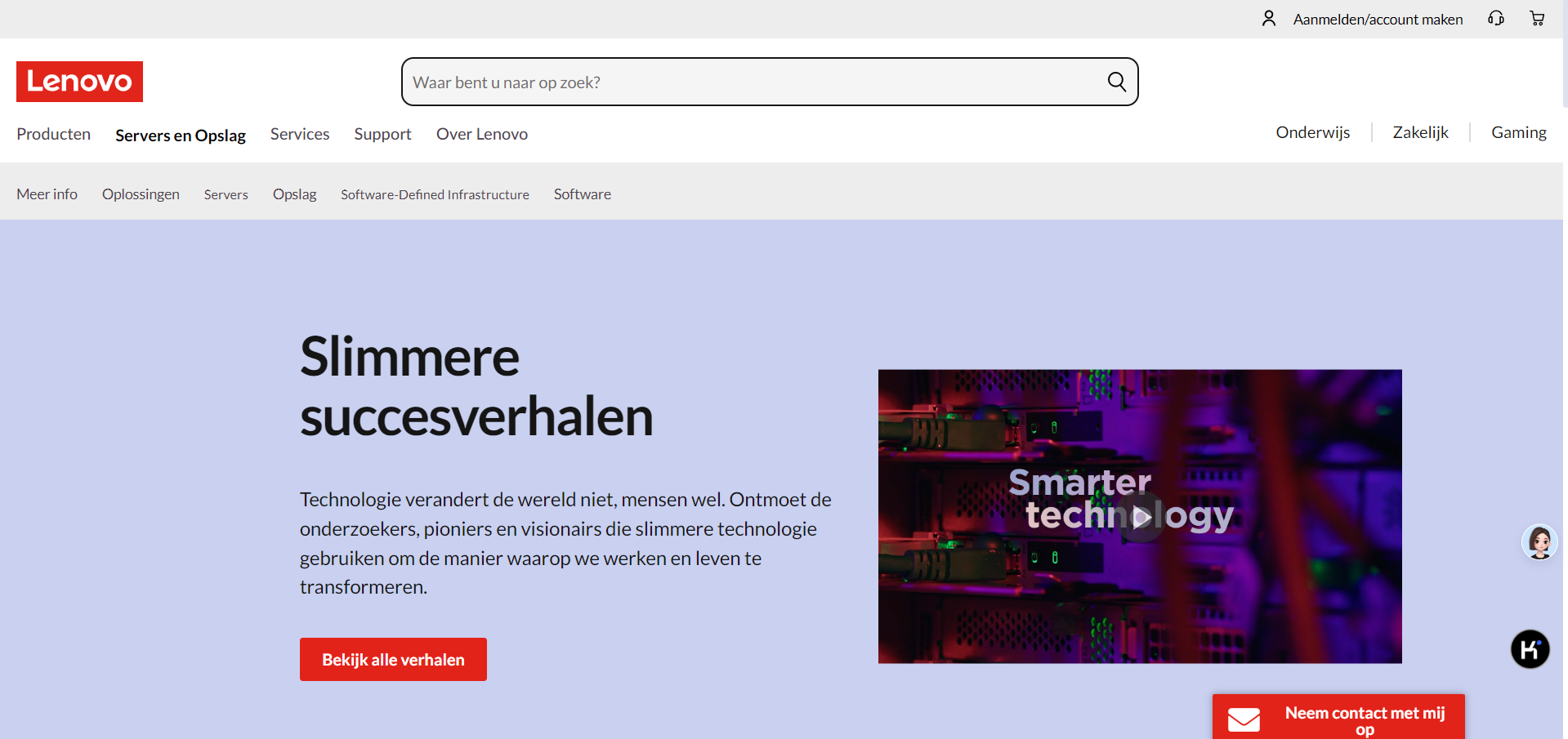
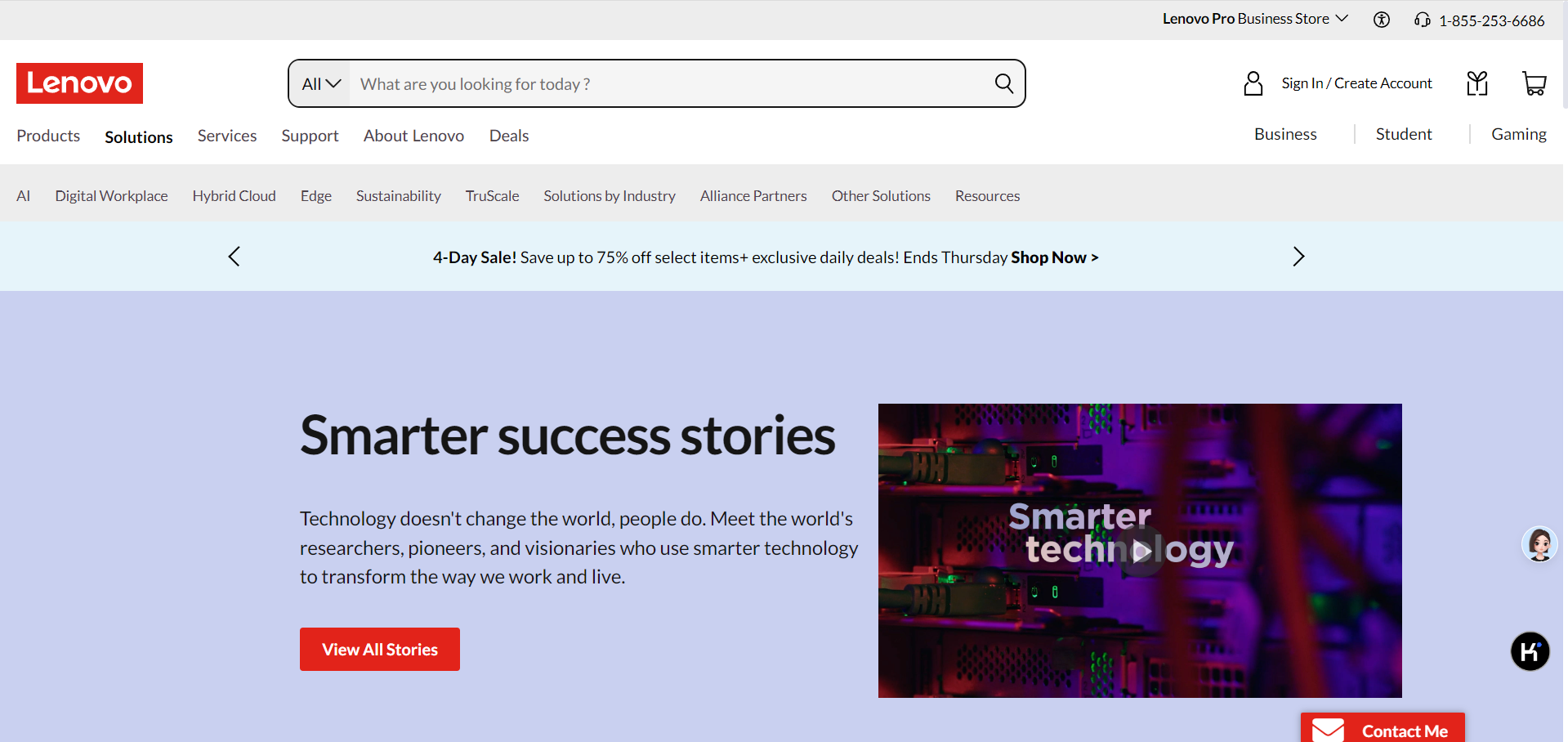
Verify the landing page hero Banner
expect:Hero Image should be displayed
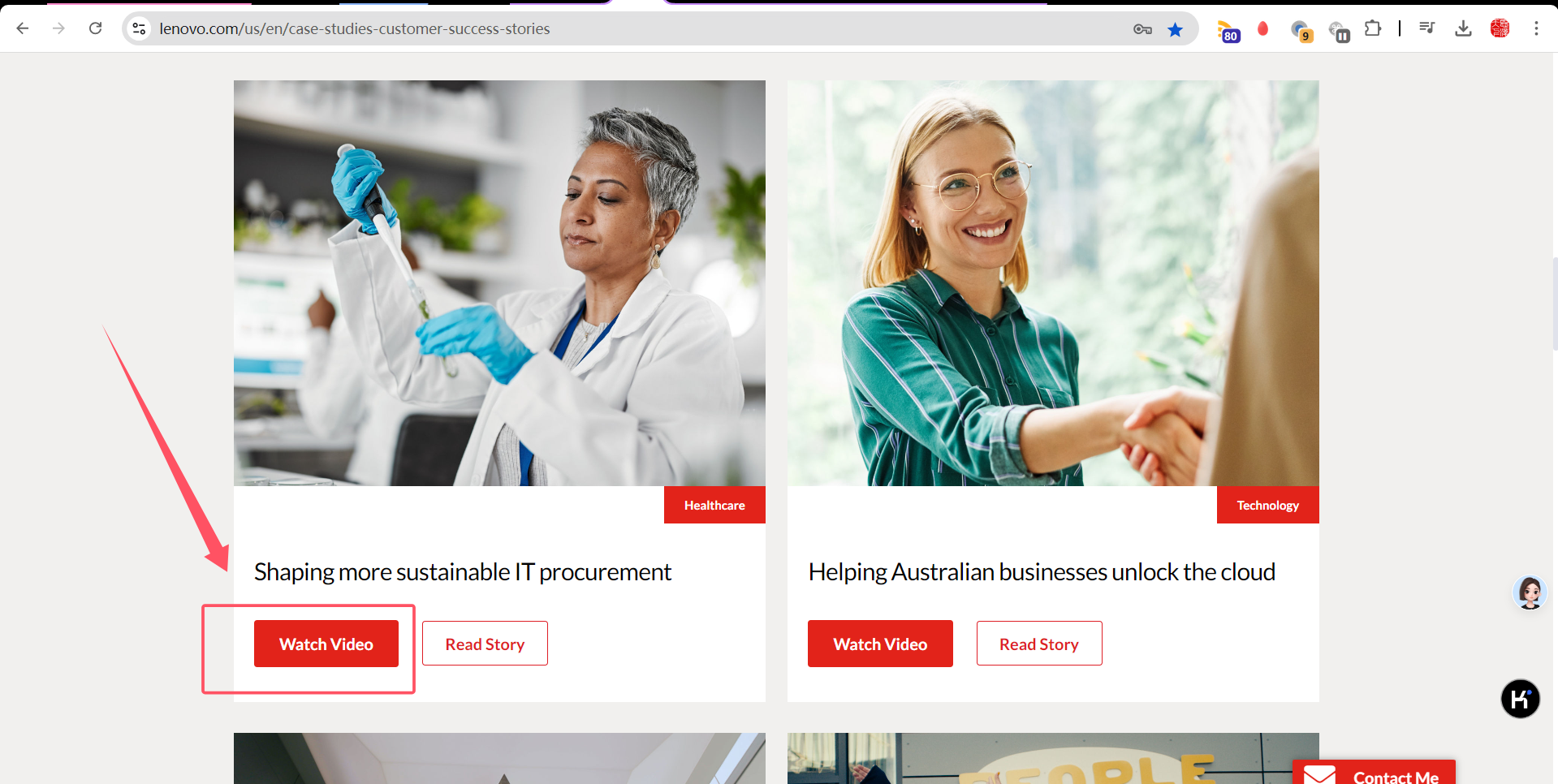
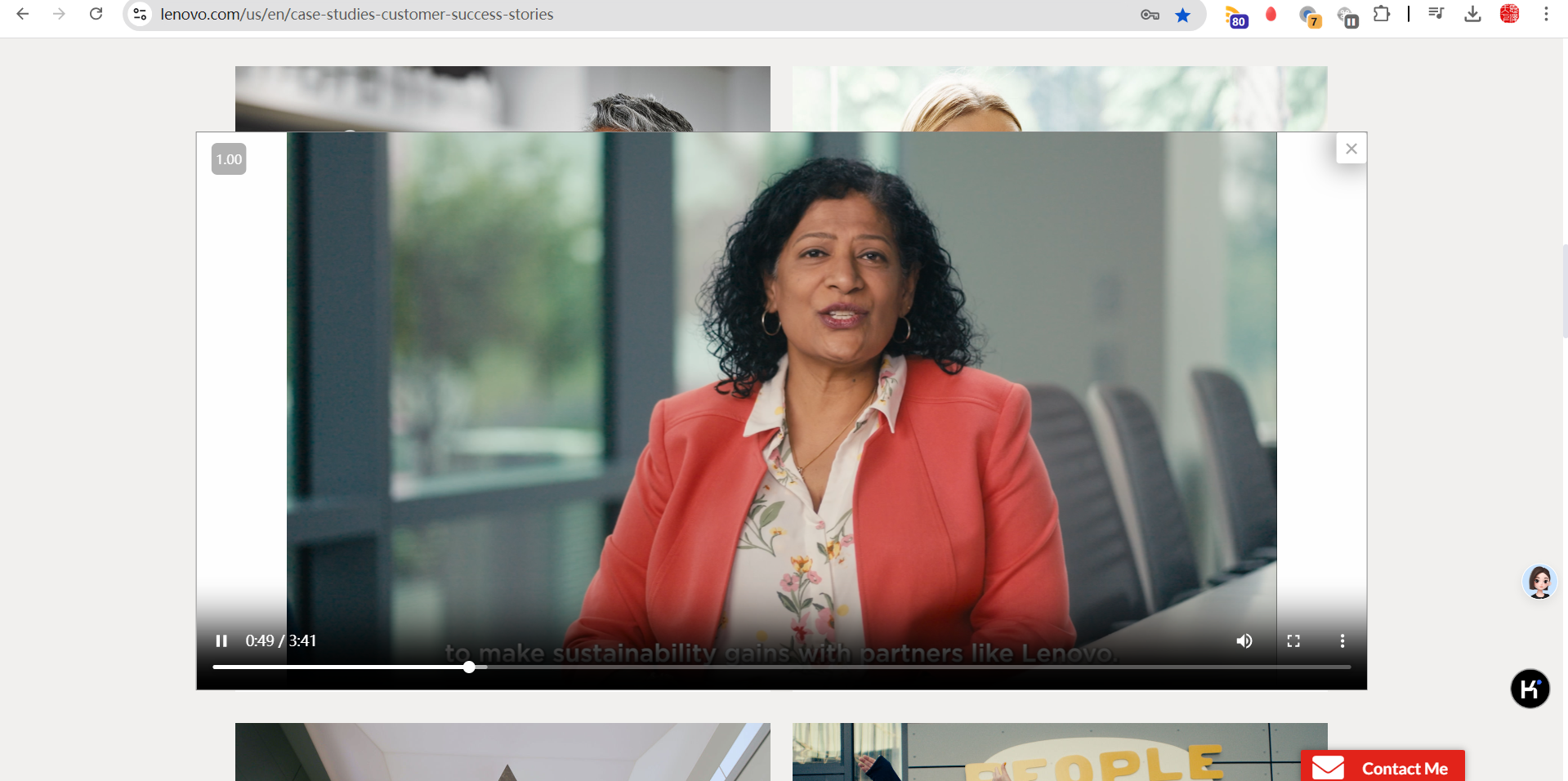
Verify the Watch Video CTA
expect:Video should be played
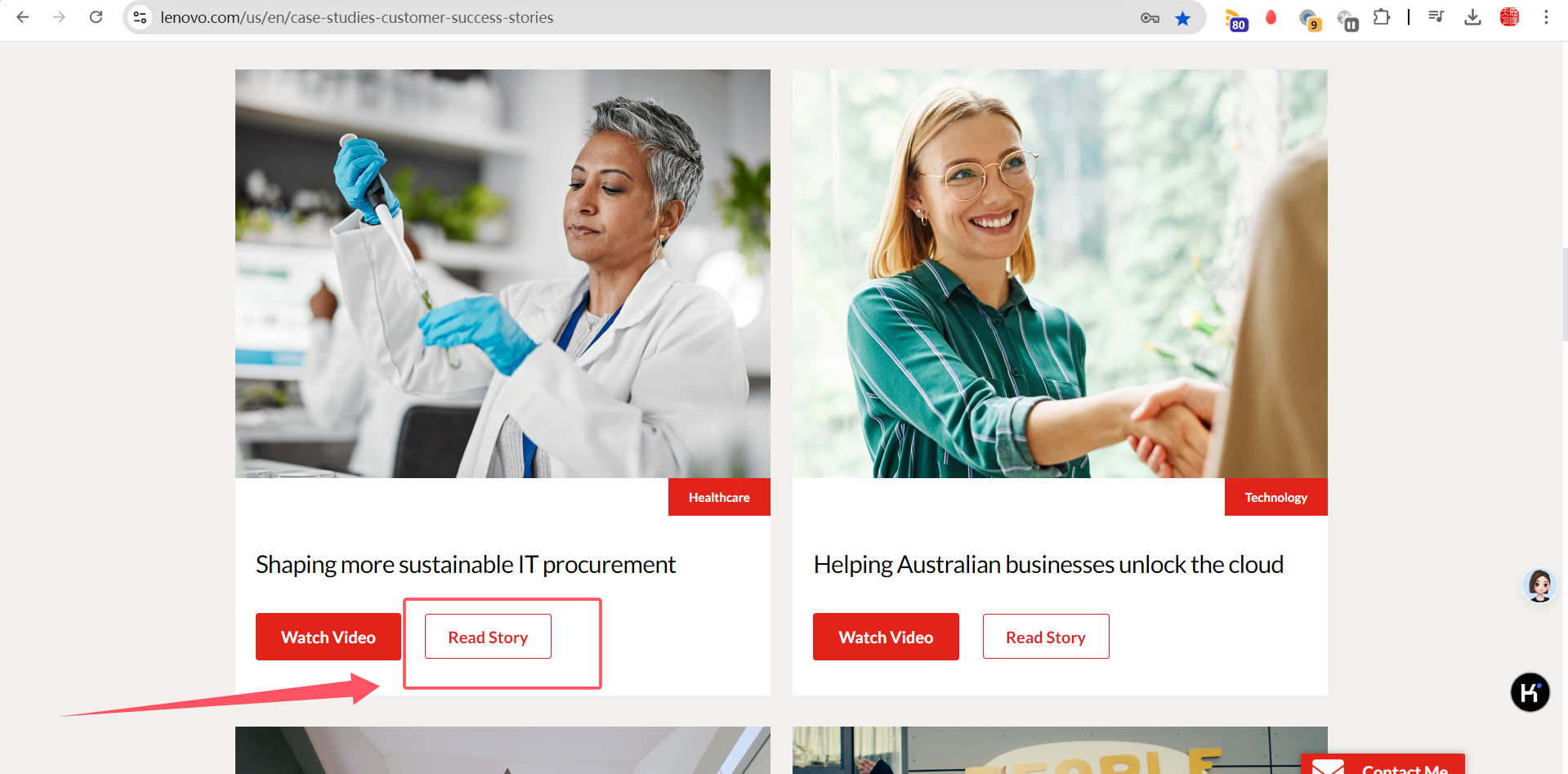
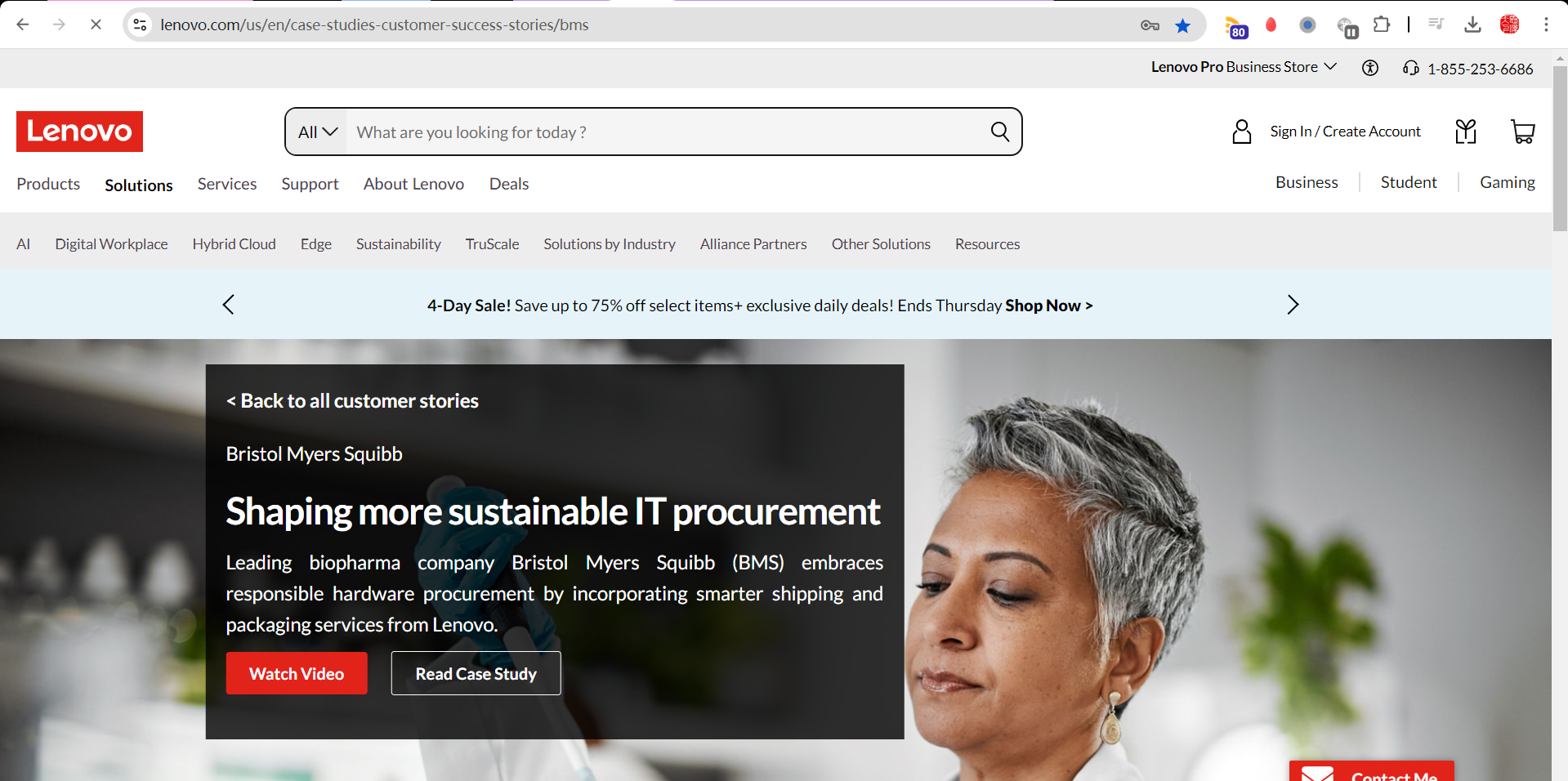
Verify the Read Story CTA
expect:detailed page should be redirected
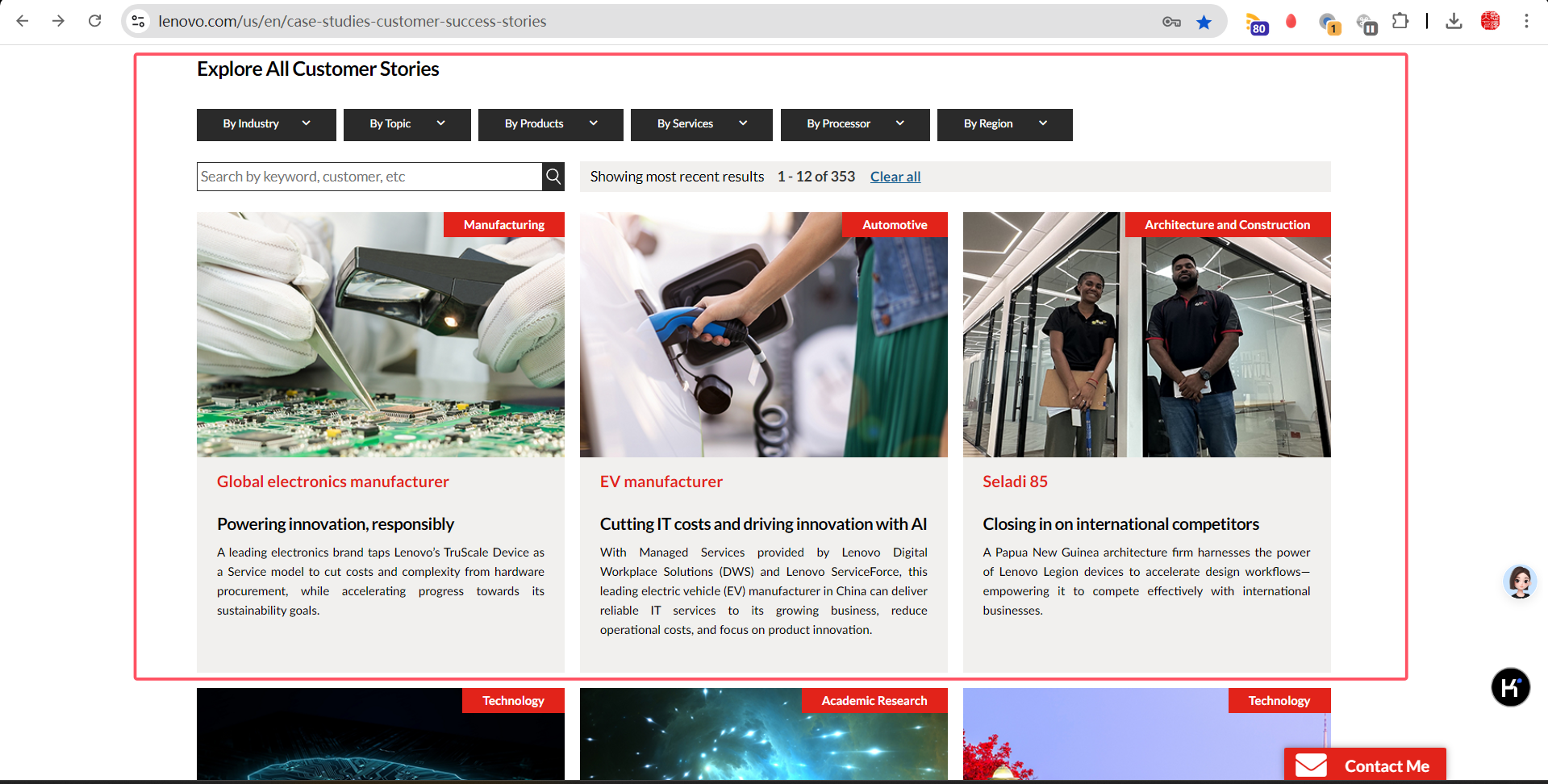
Verify the Filter component - Filter options
expect:All filter component should be displayed
Verify the Filter component - Search options
expect:Shall be able to search the filter tags
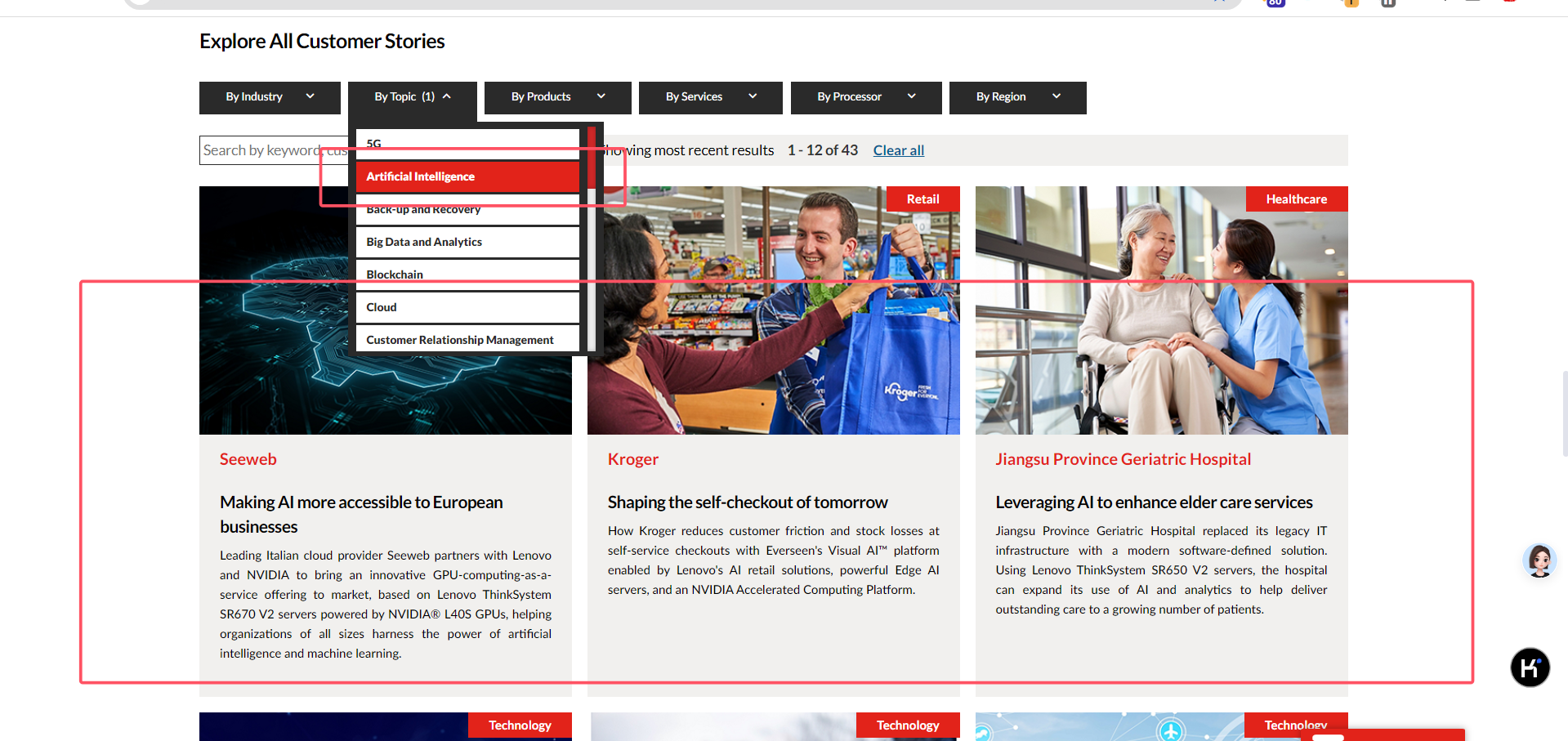
Verify the Filter component - Story cards
expect:shall be able to see the story cards
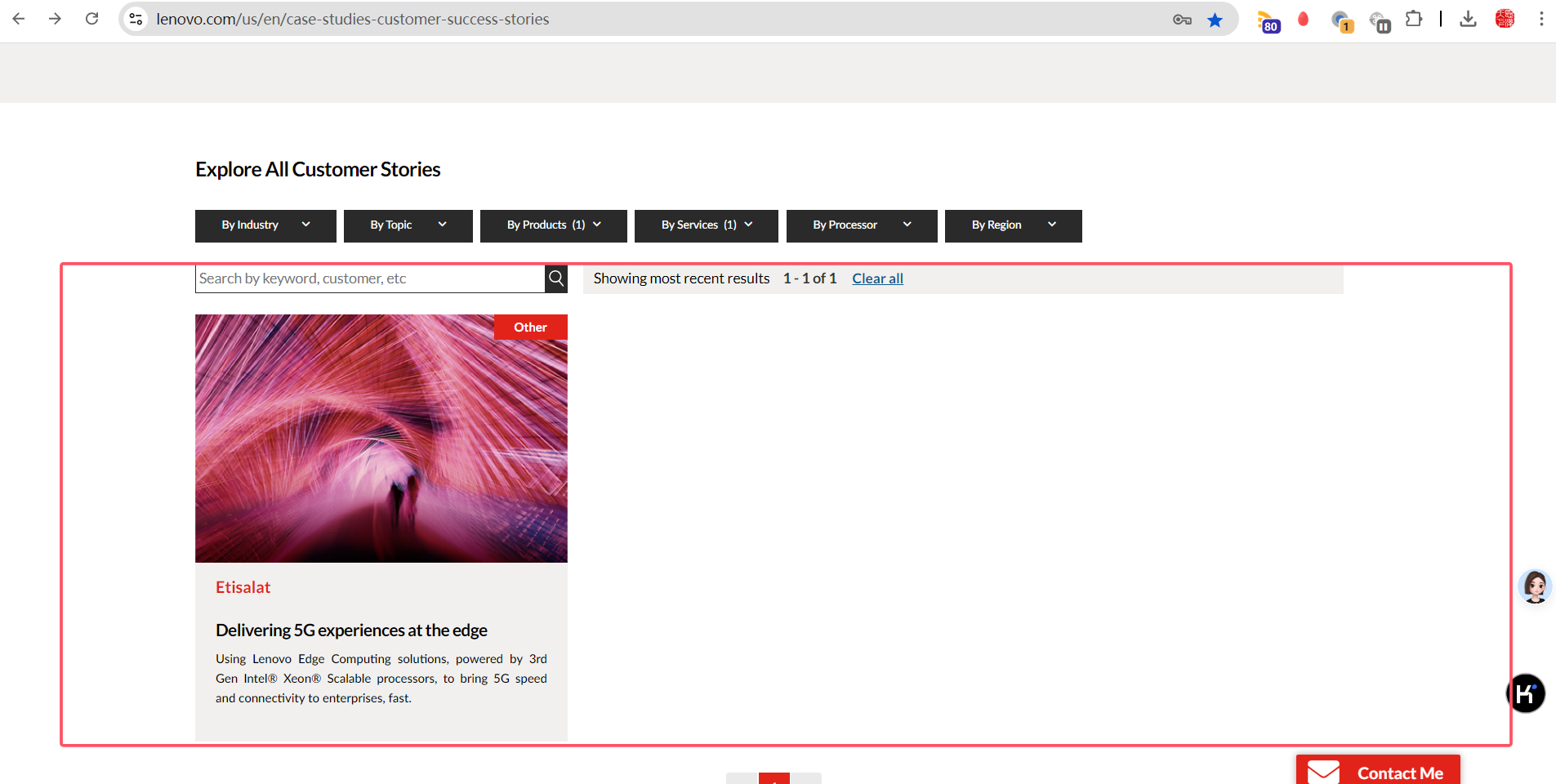
Verify the 'Back to all customer stories’ link
expect:Link should redirect to the landing page
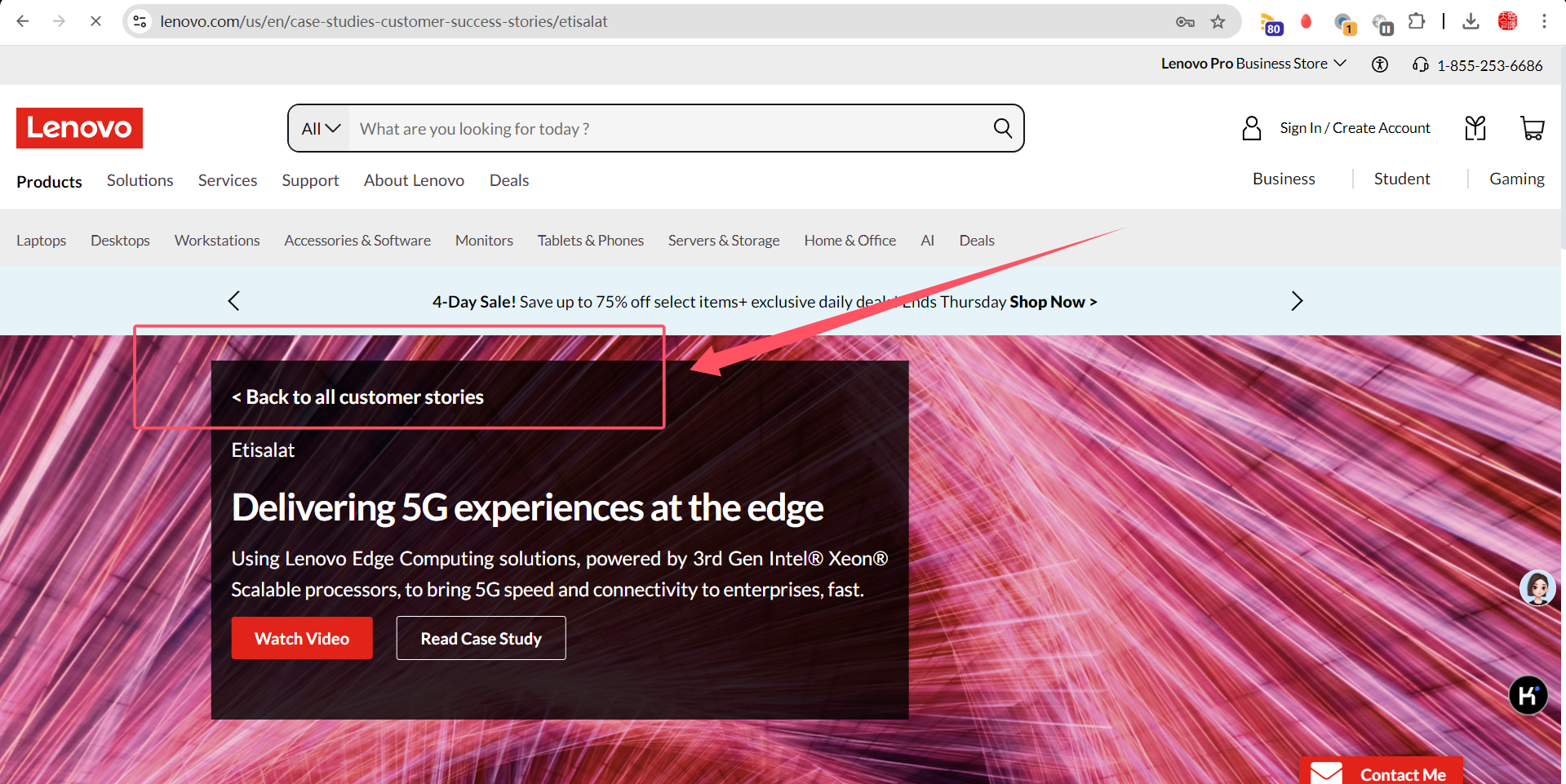
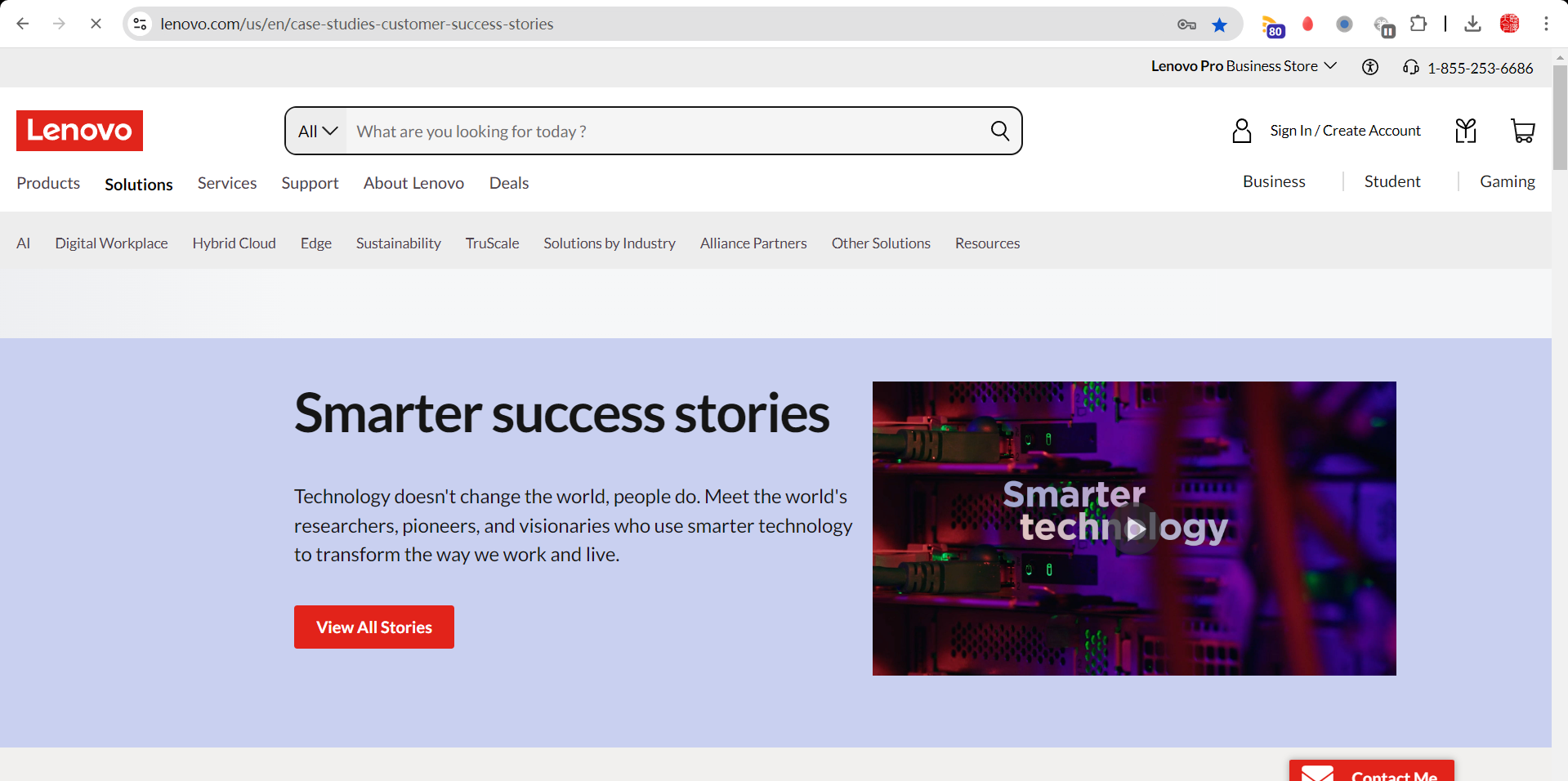
Verify the filter functionality of how the previously filtered options remain as it is with the 'Back to all customer stories’
expect:all filters should be retained
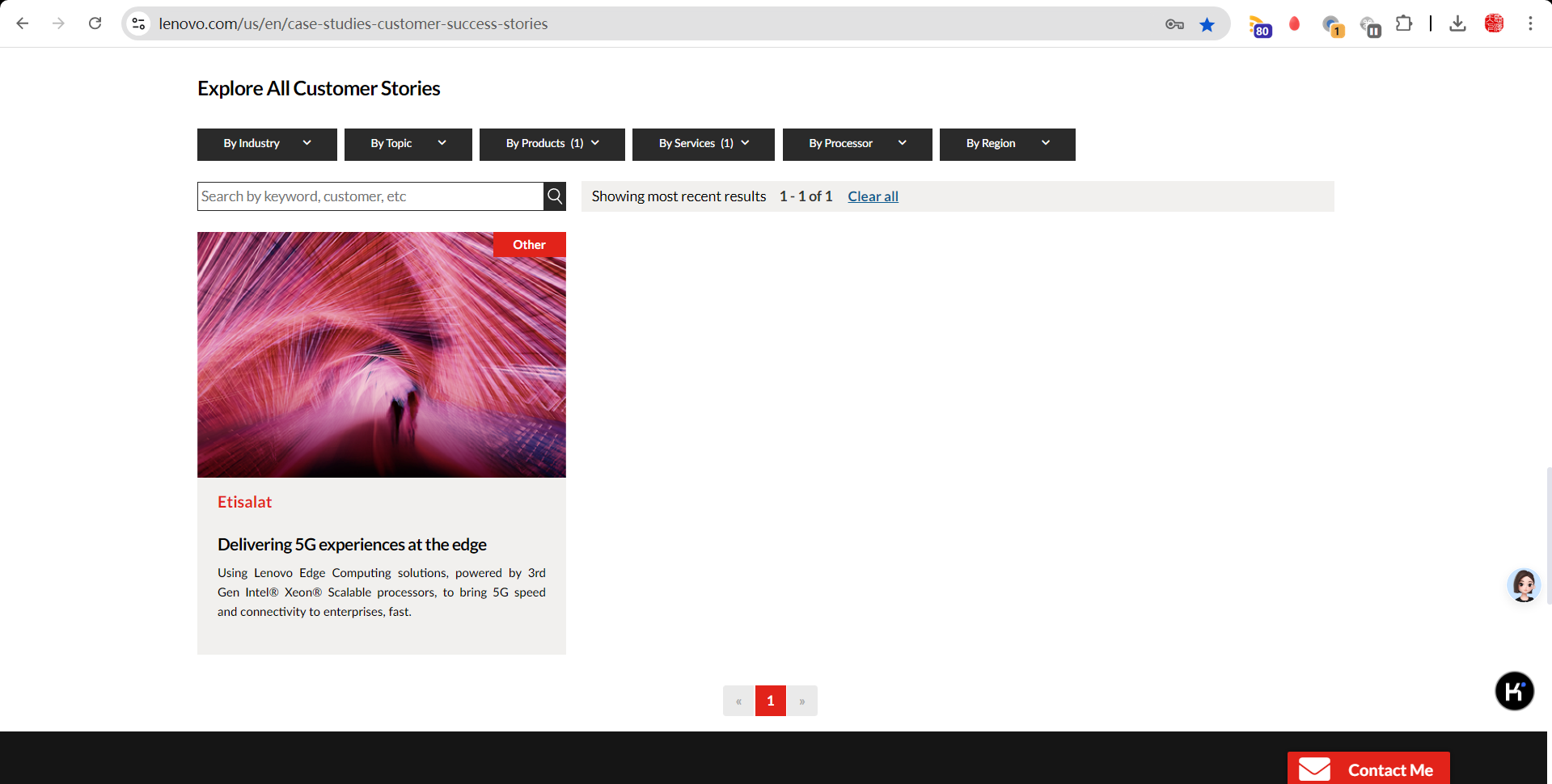
Verify the "At A Glance" section
expect:all filter tags should be displayed
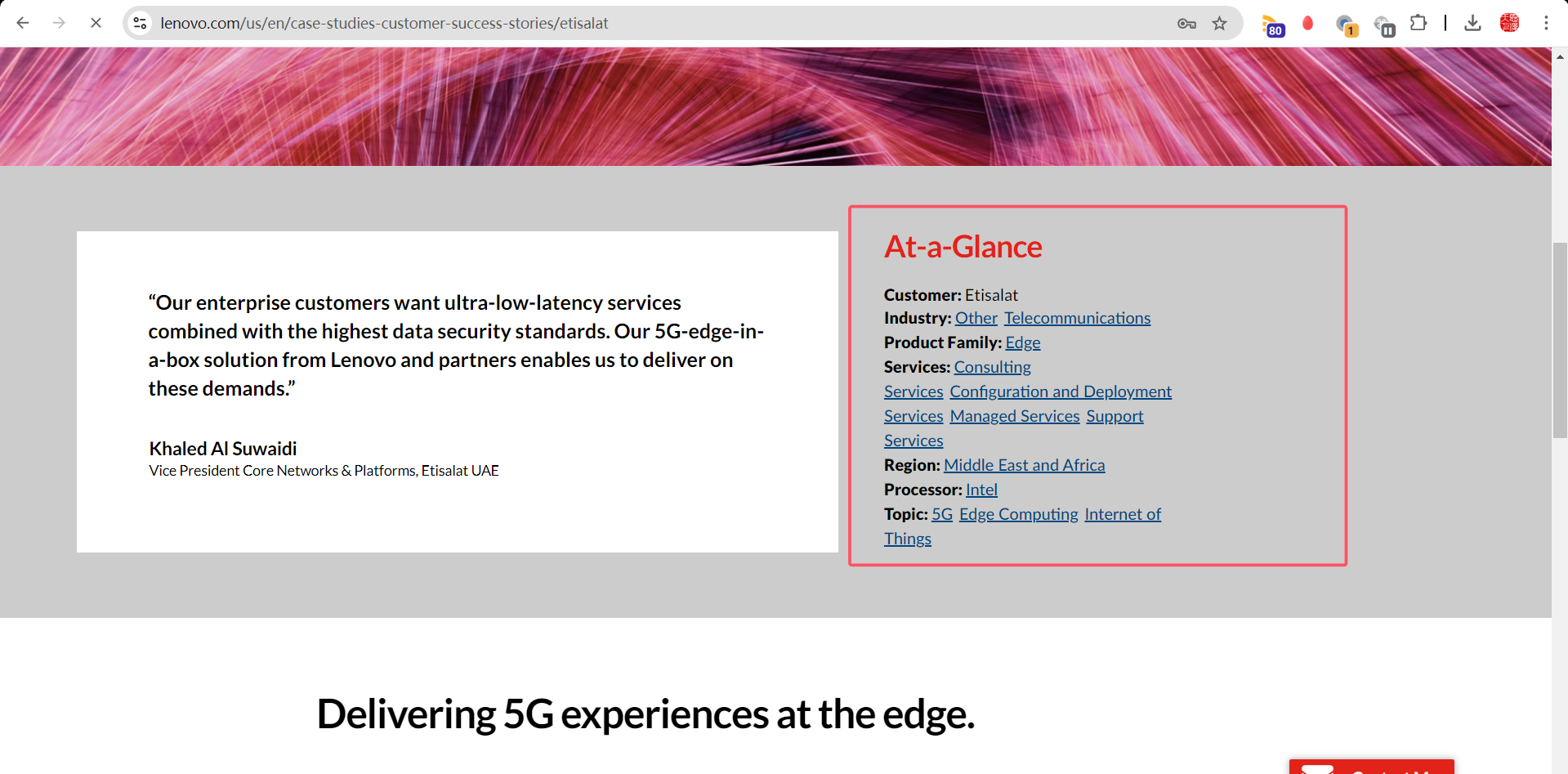
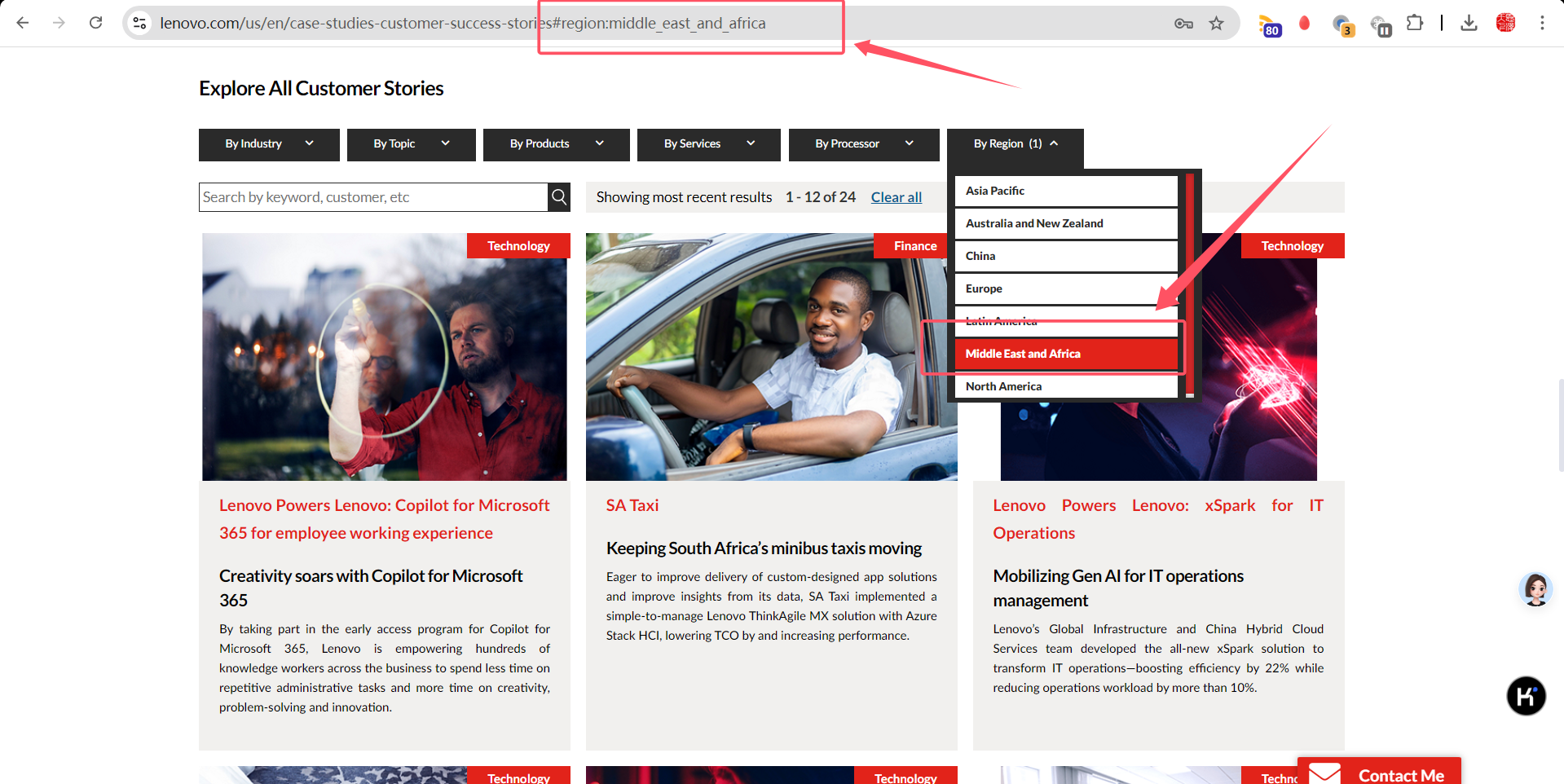
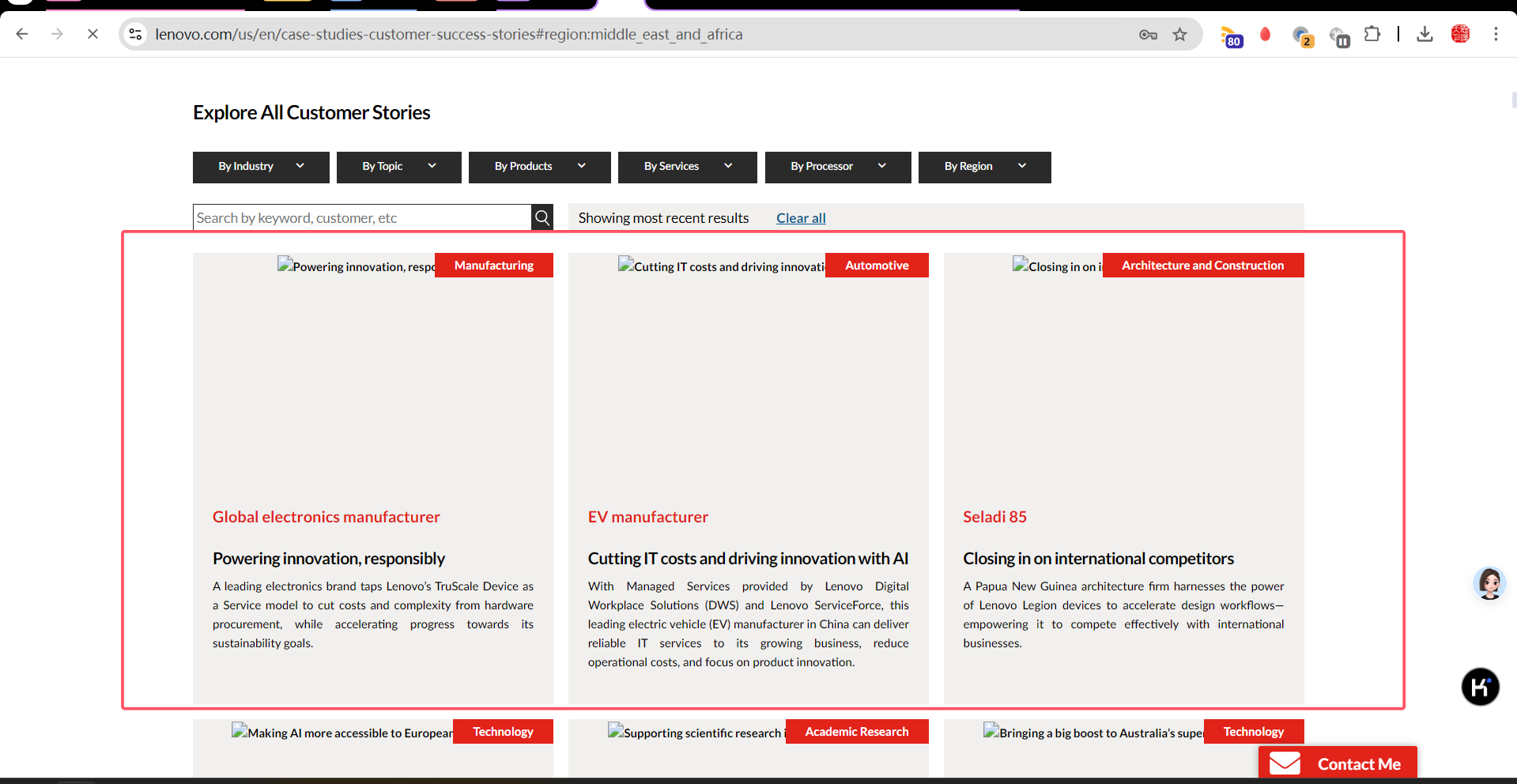
Verify the Skeleton Loading for the images until the page loads in success landing page
expect:Should be displayed with the skeleton loading for image until the complete page loads
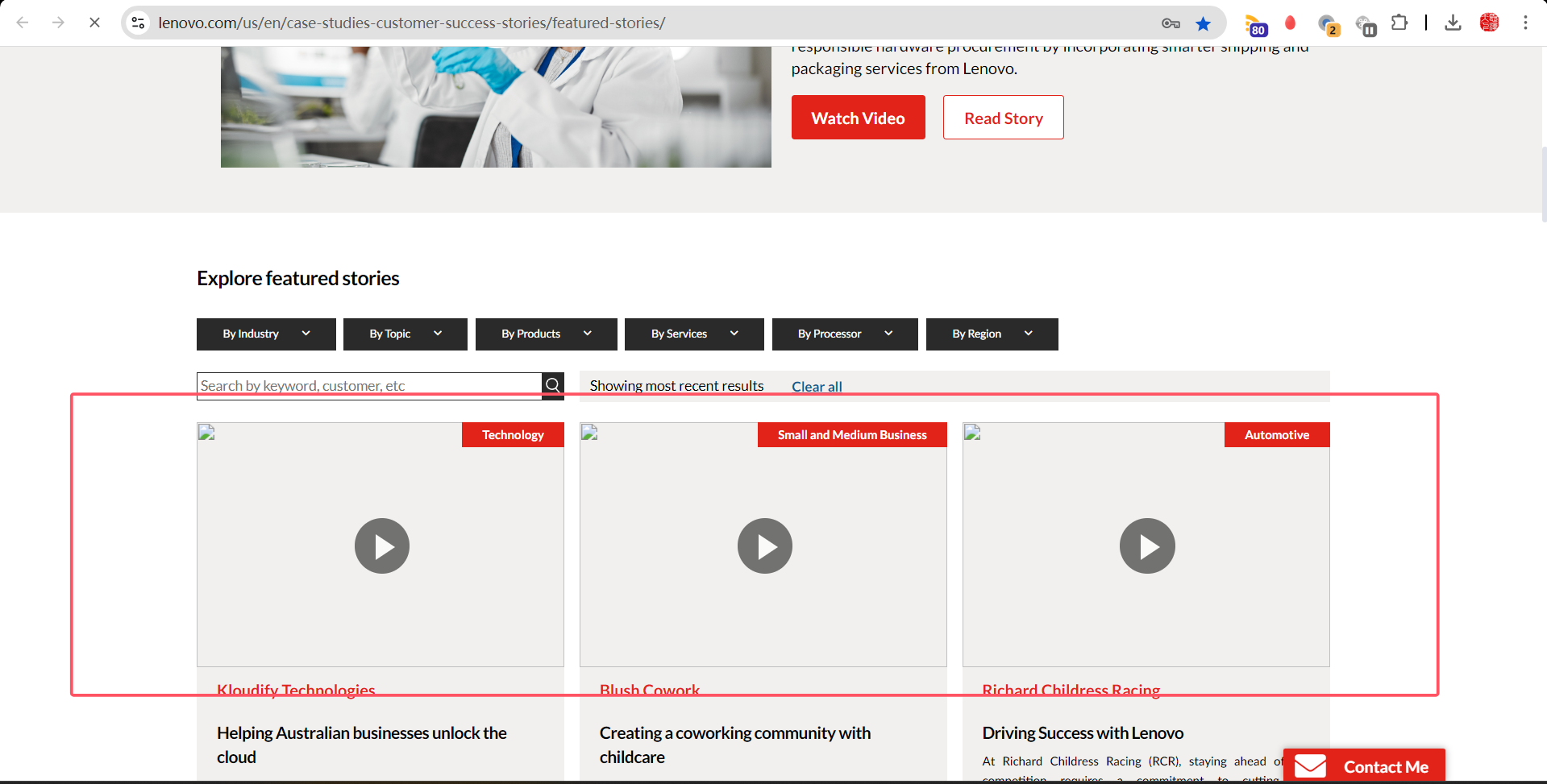
Verify the Skeleton Loading for the images until the page loads in success feature page
expect:Should be displayed with the skeleton loading for image until the complete page loads
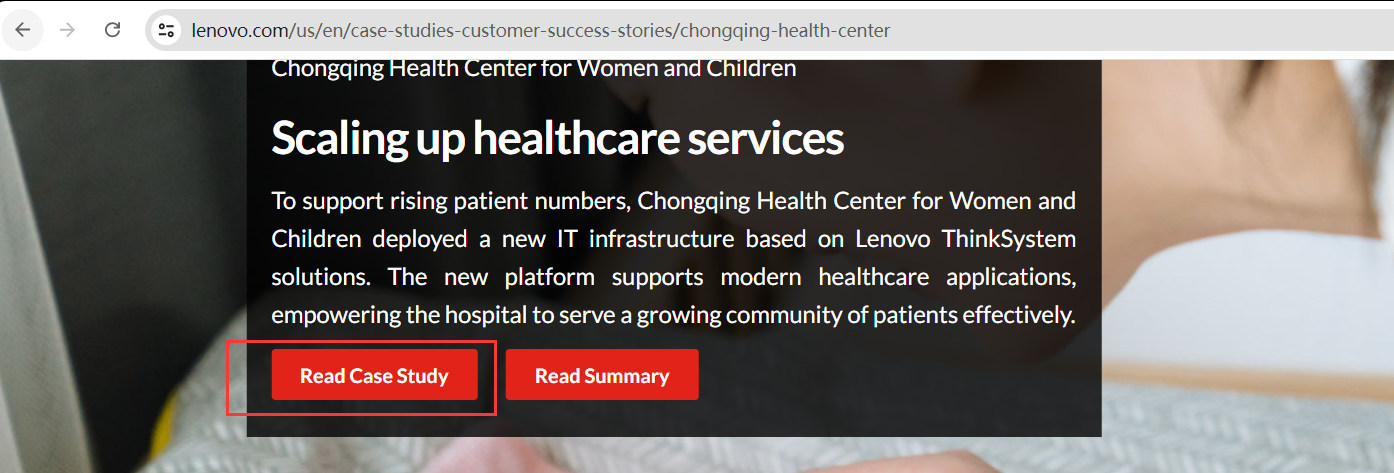
Verify the Read Case Study CTA
expect:Case study page should open
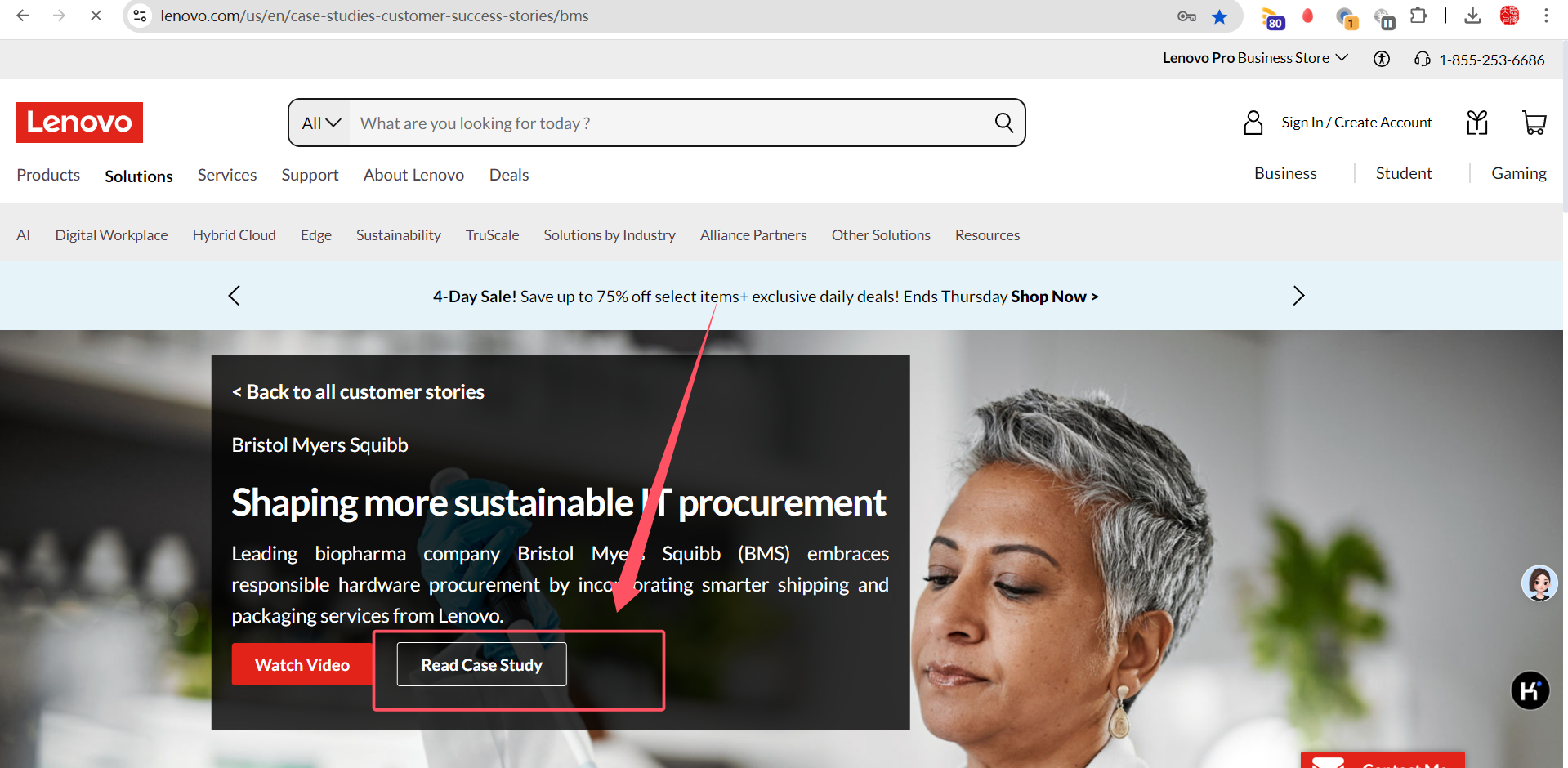
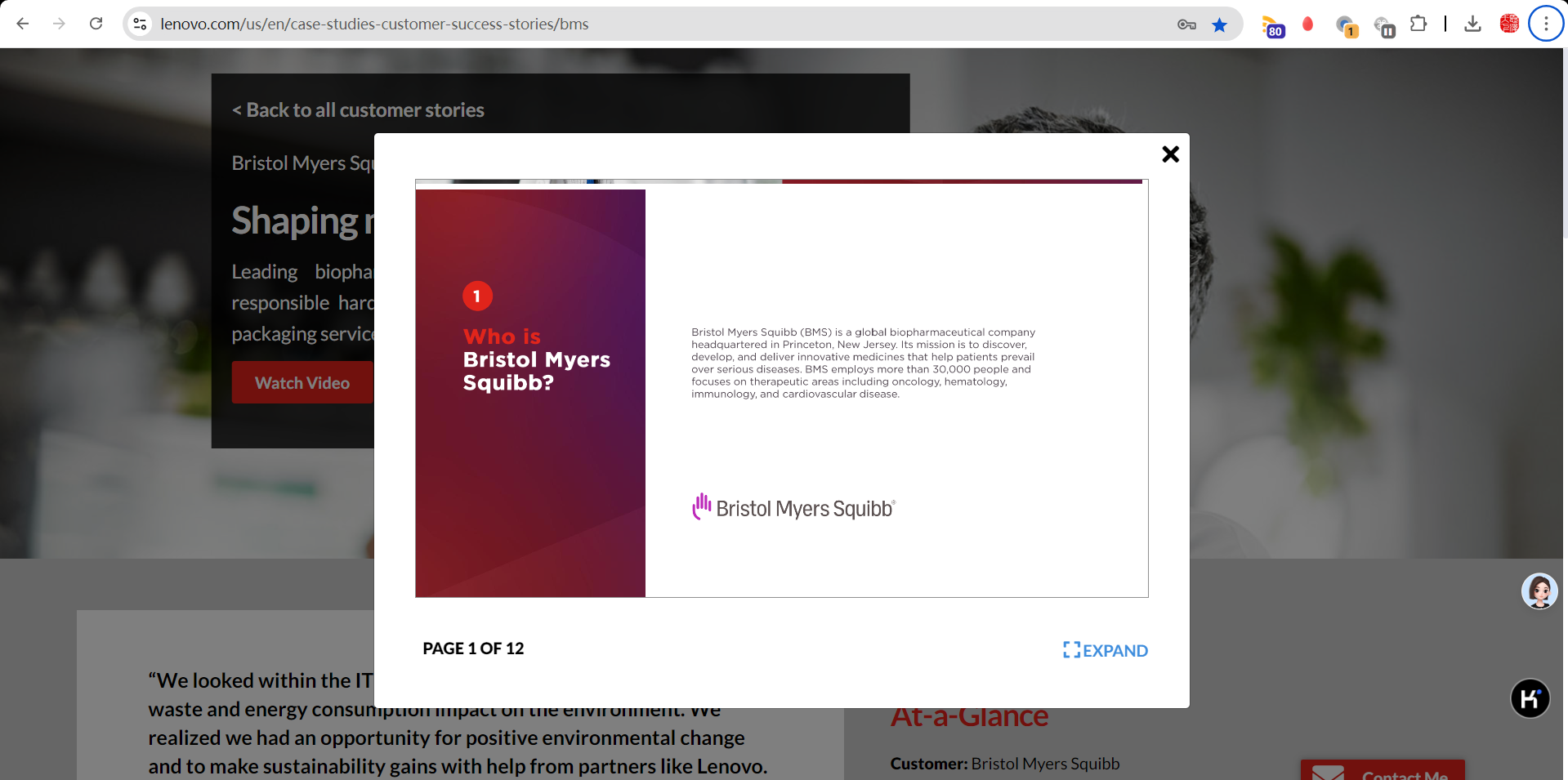
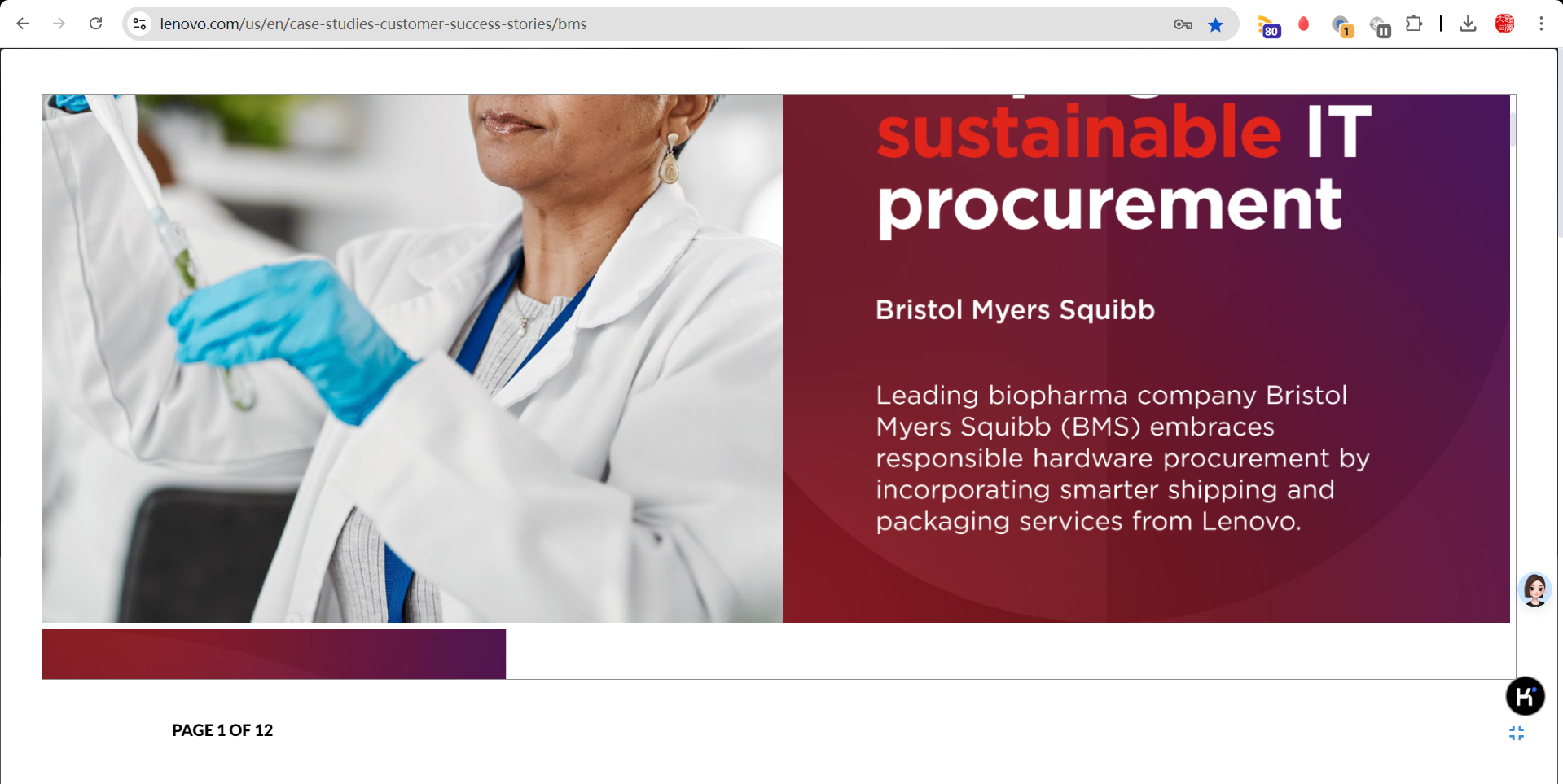
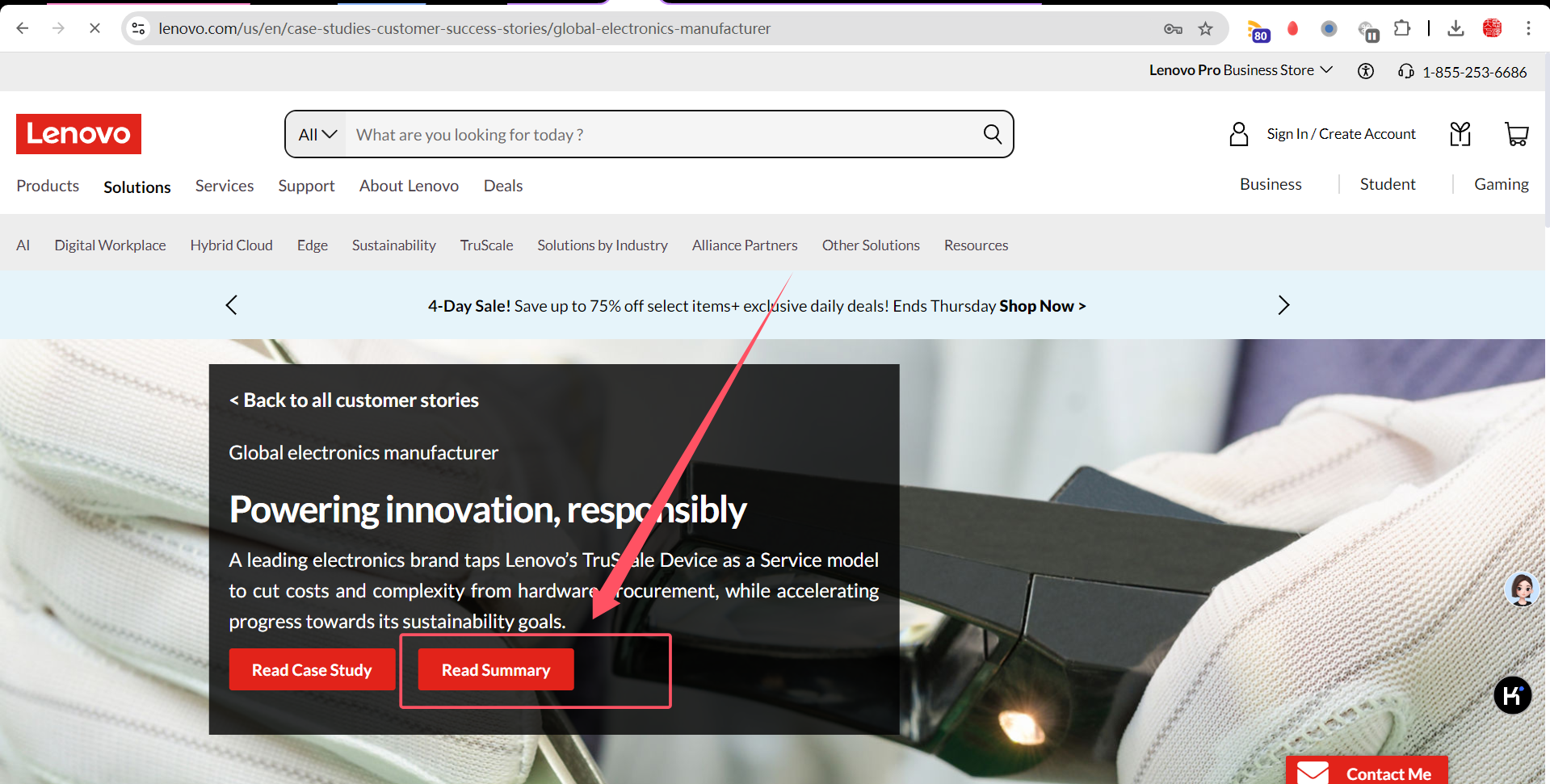
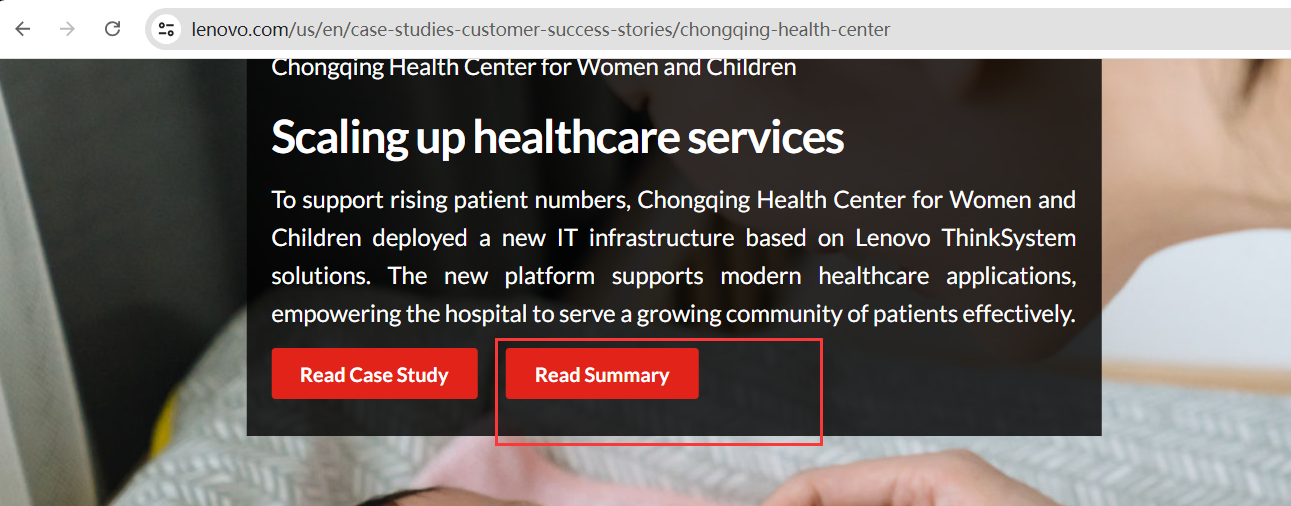
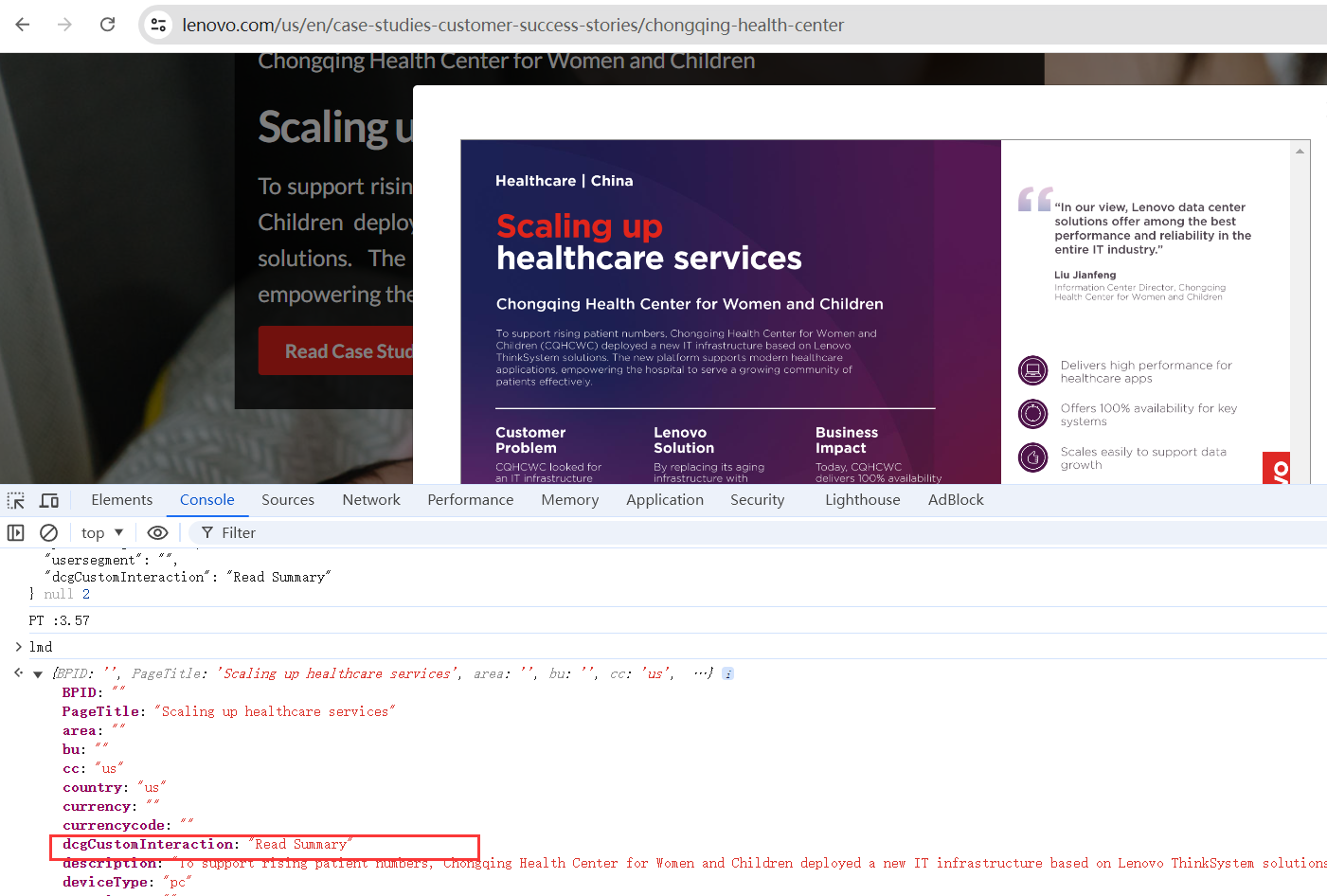
Verify the Read Summary CTA
expect:Summary details should open
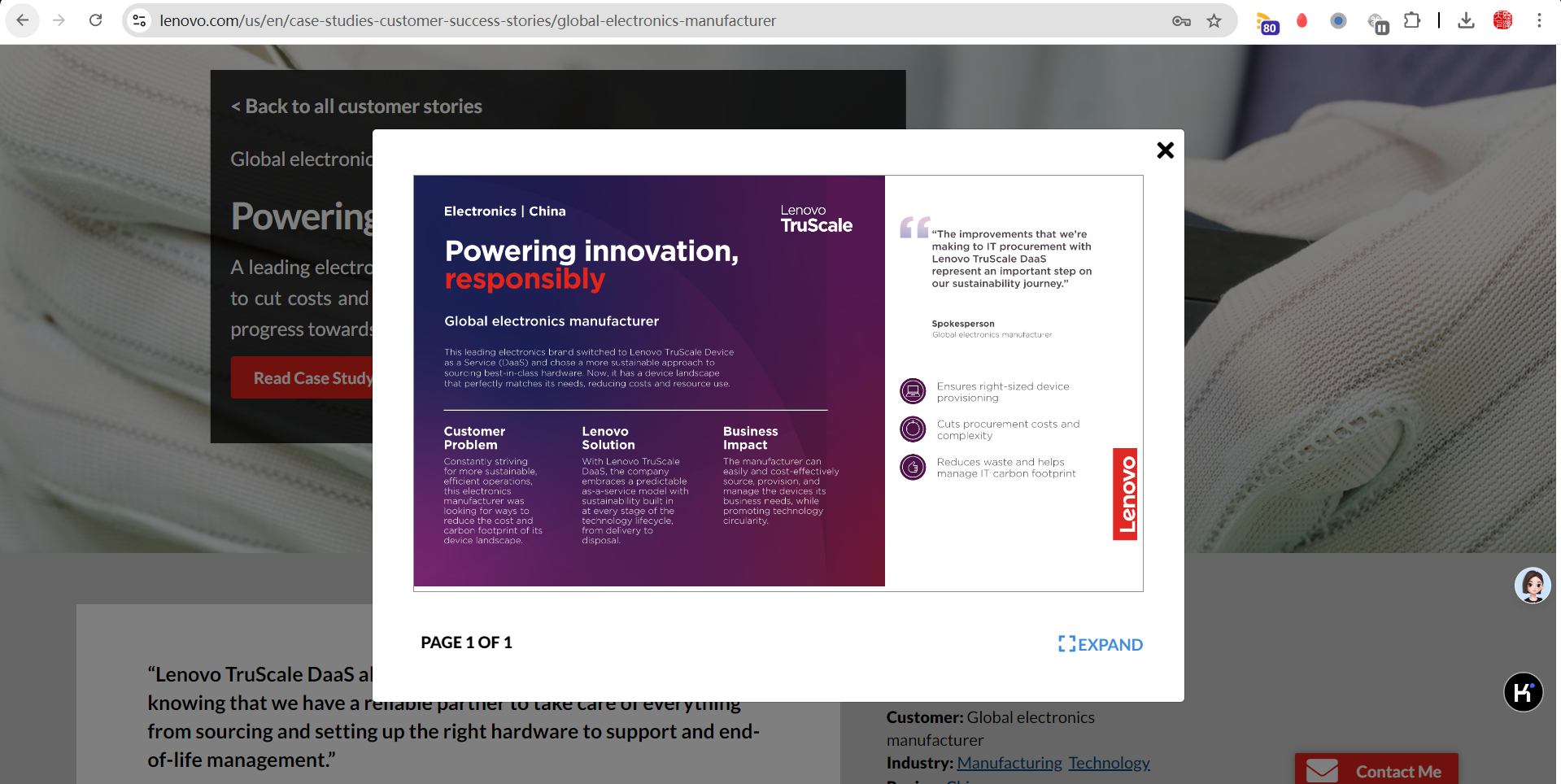
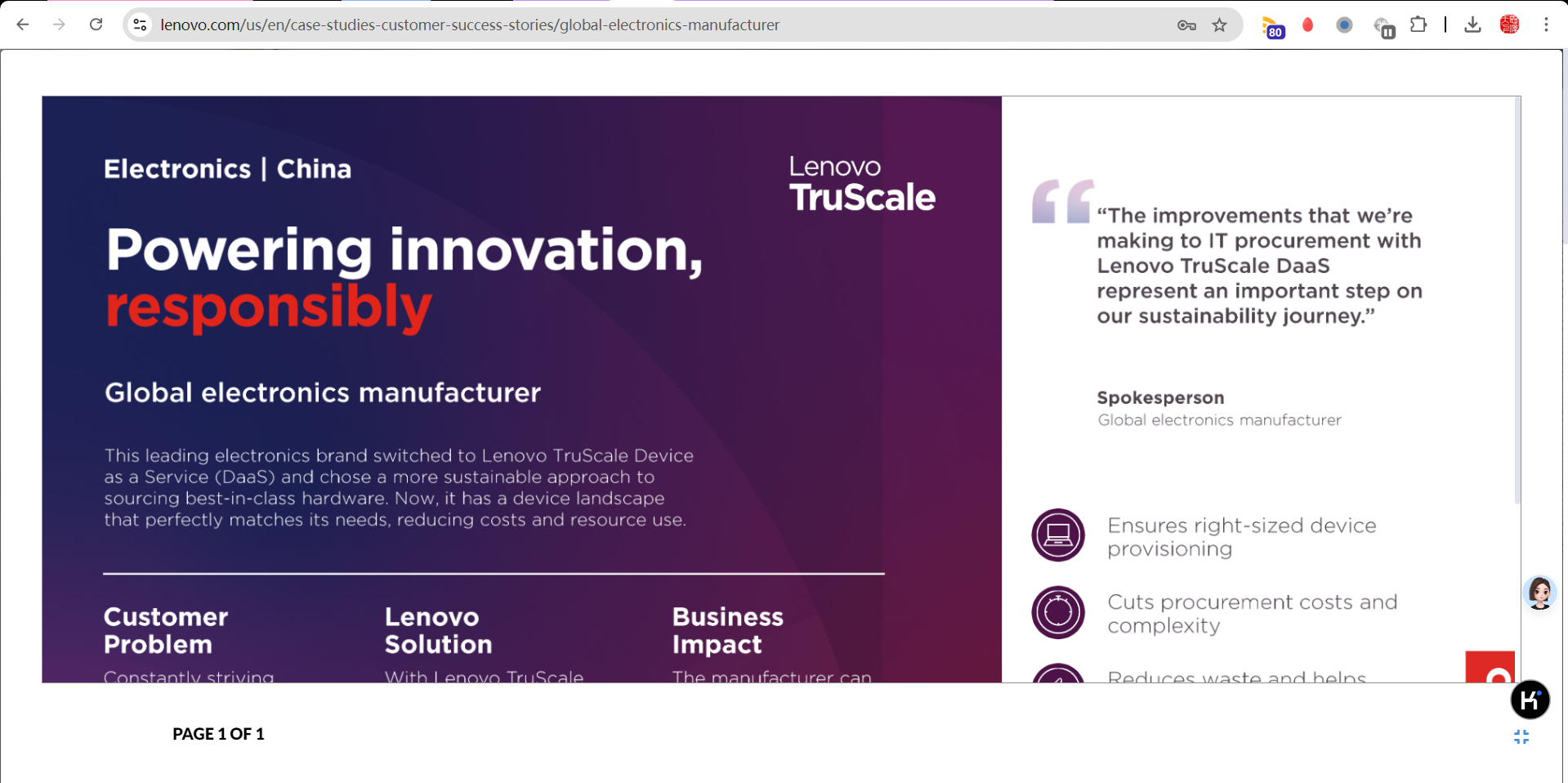
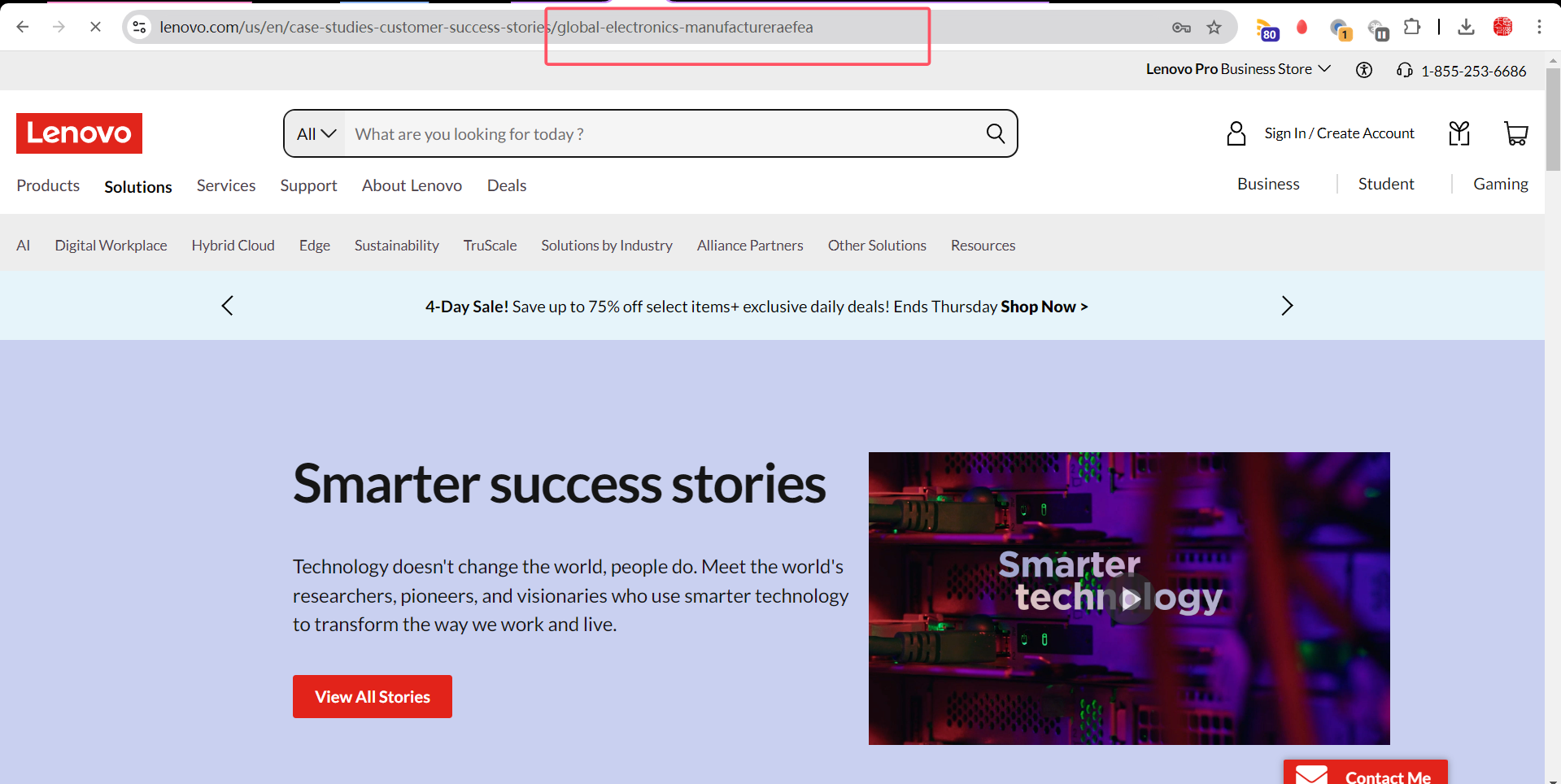
[Lenovo Success] - Lenovo resoureces case study - 404 redirect to Customer stories Landing page
expect:Should redirect to customer success landing page
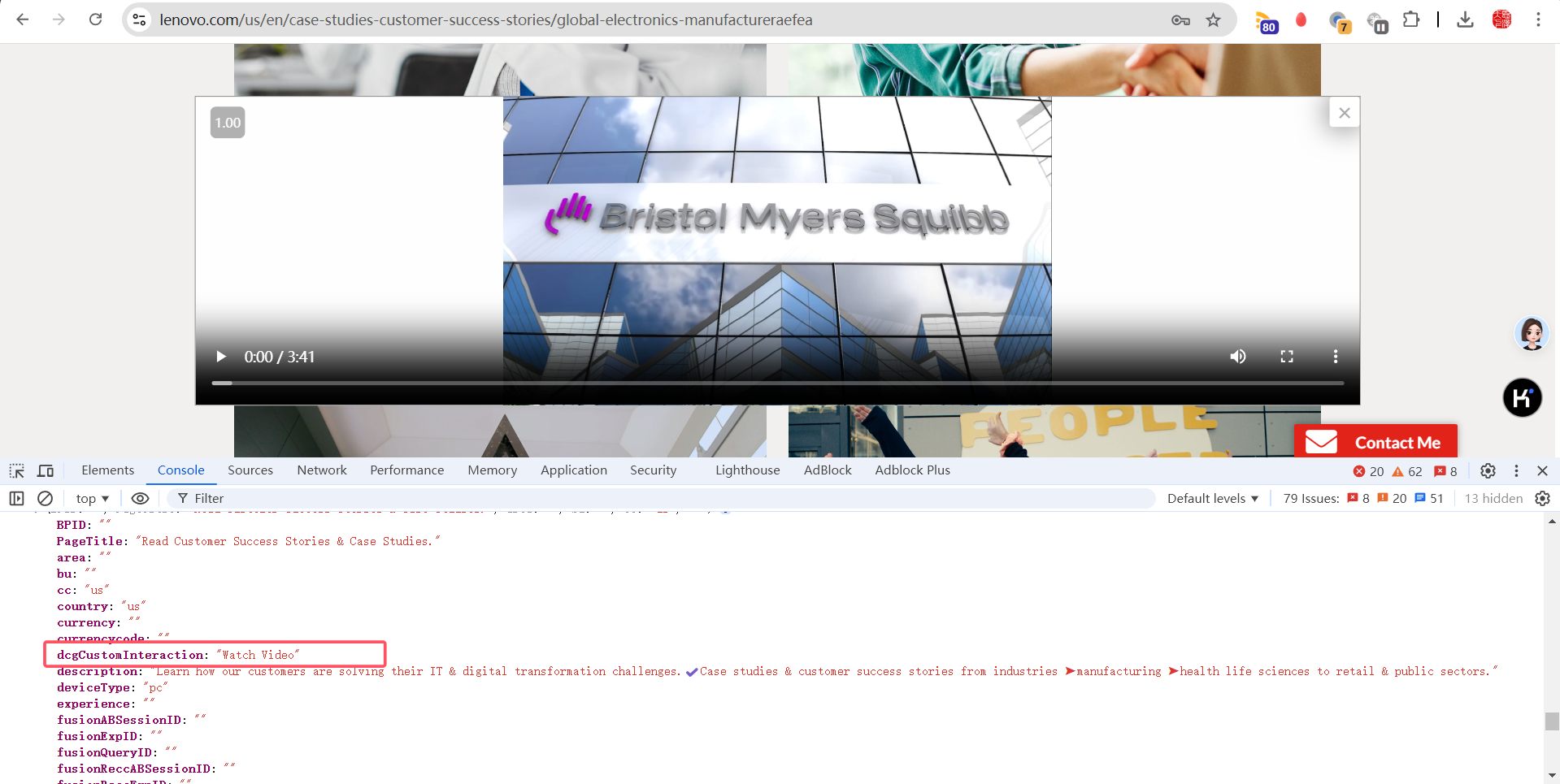
Verify the analytics call for "Watch Vedio" CTA
expect:Watch Vedio should be displayed
Verify the analytics call for "Read Story" CTA
expect:Read Story should be displayed
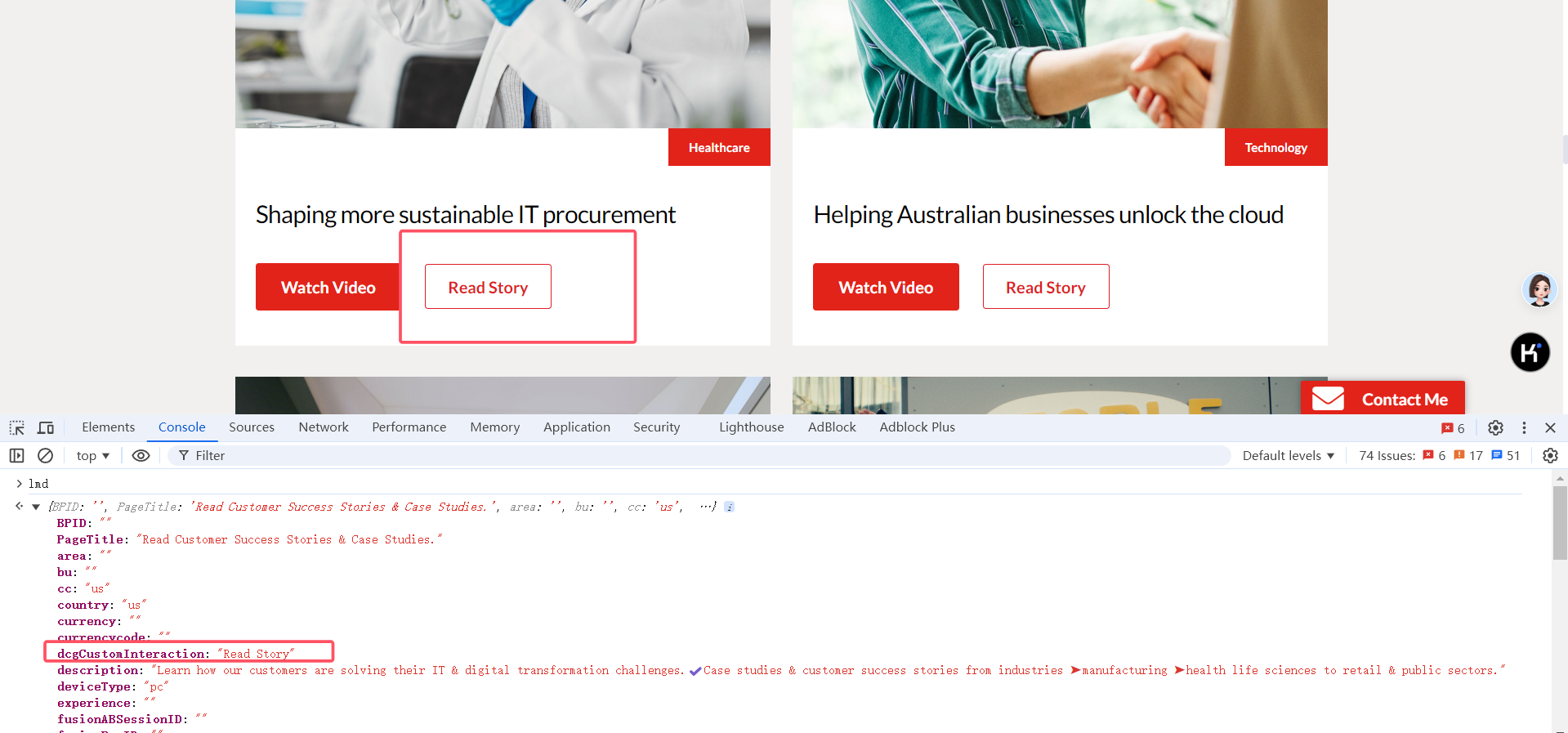
same to :
Verify the analytics call for "Read Summary" CTA
Verify the analytics call for "Read Case Study" CTA
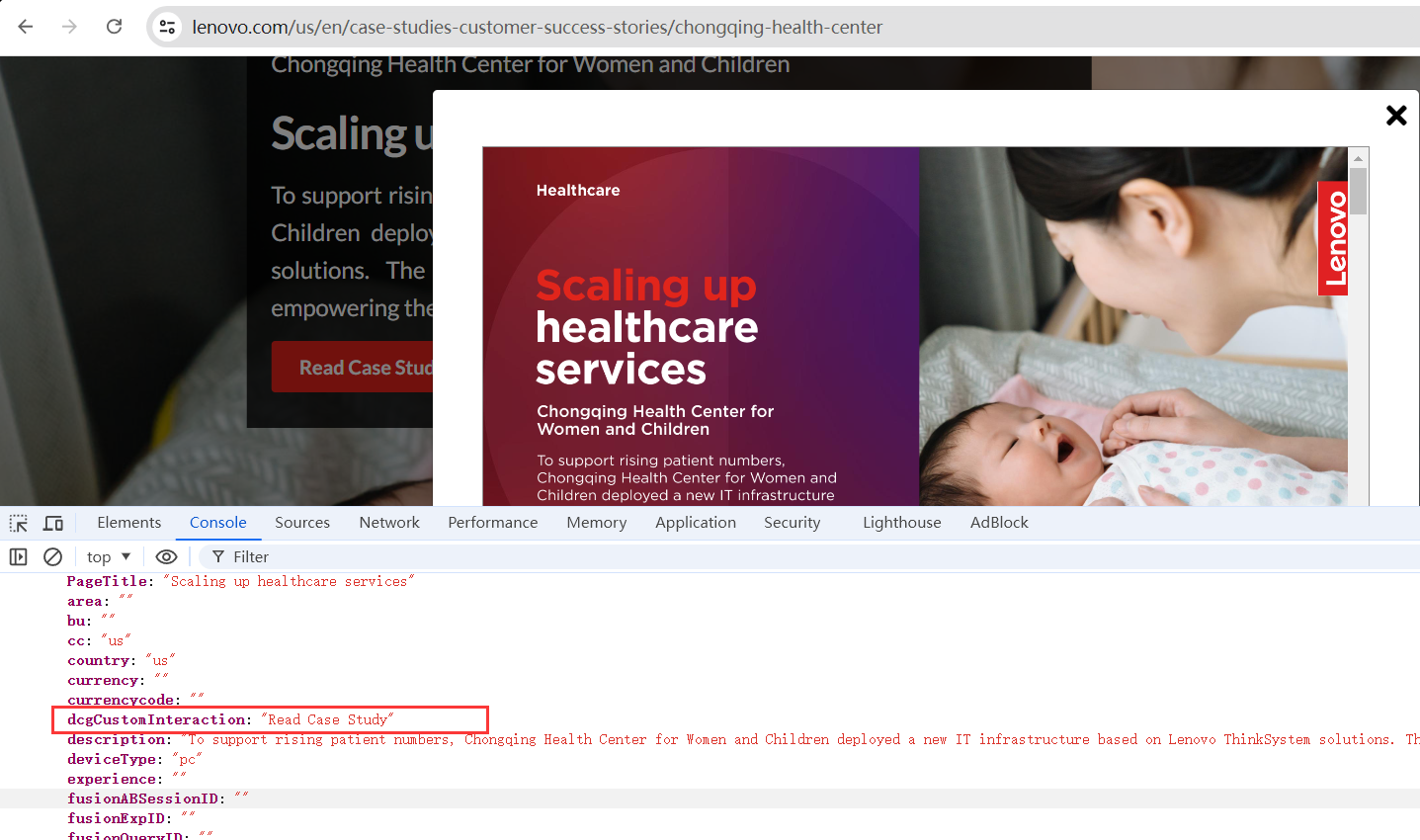
Verify the analytics call for "Read More PDF" CTA
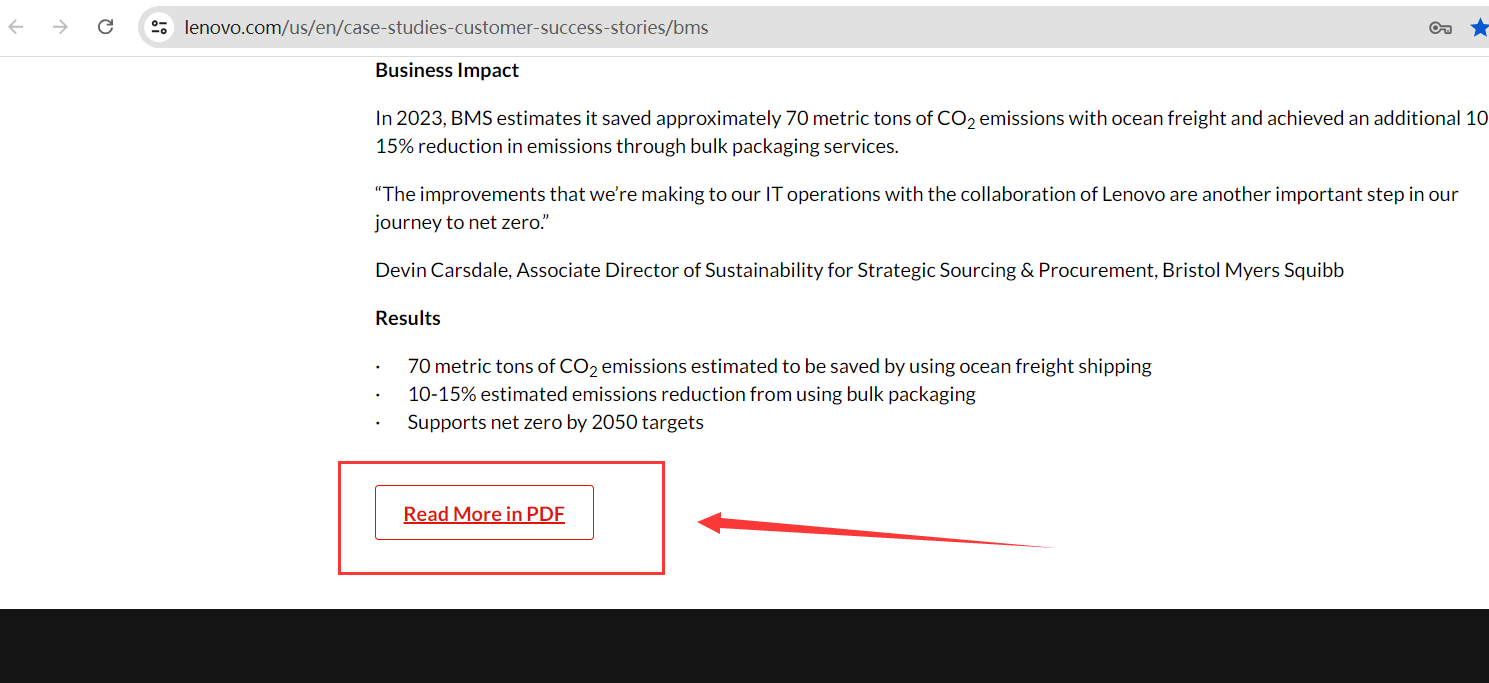
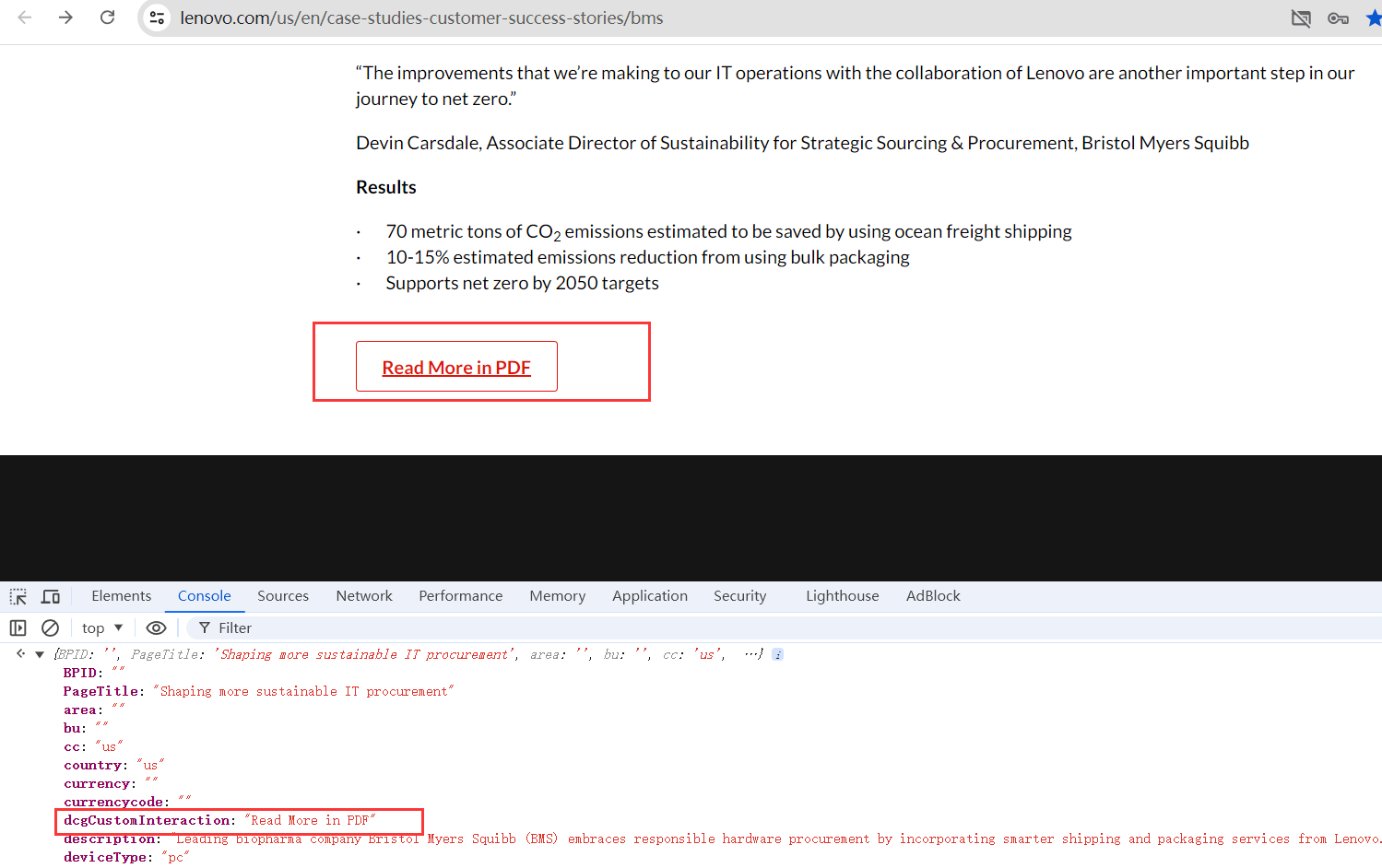
Verify the multi filter functionality in success landing page & Verify the filtering and navigation via at-a-glance is working as expected
expect:all the appended filter tags should be displayed, filters should be displayed.
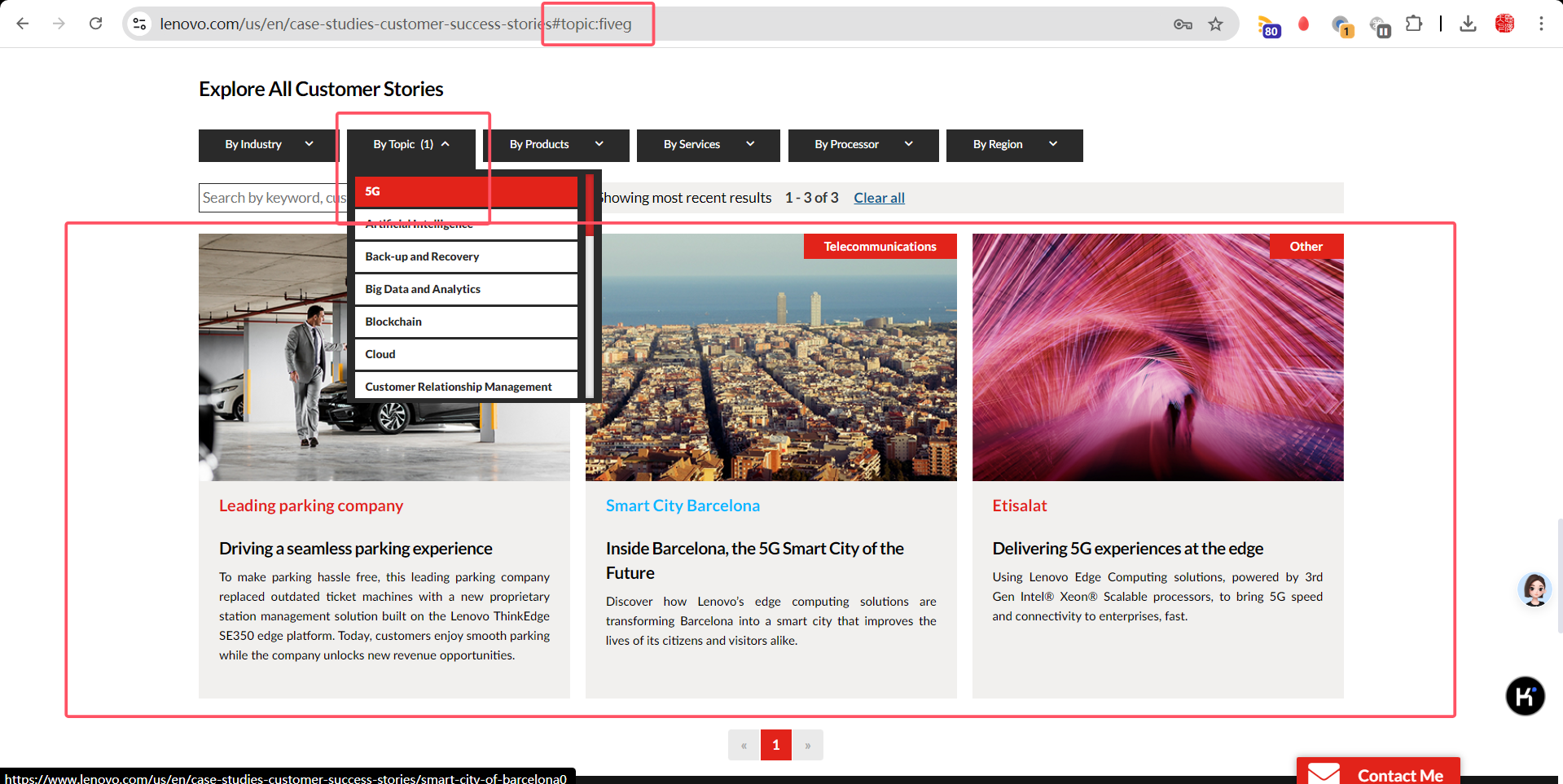
https://www.lenovo.com/us/en/case-studies-customer-success-stories#topic:fiveg